How to Know if Apple Headphones Are Real in 5 Easy Ways

Check the packaging, build quality, pairing behavior, sound, and serial number together to spot fake Apple headphones. If several details look off, it is safer to walk away than to trust one good-looking clue.
If you want to know how to know if apple headphones are real, the fastest answer is to check the packaging, serial number, pairing behavior, and overall build quality together. Counterfeit Apple headphones can look convincing at first glance, but a few simple checks usually reveal the difference.
- Packaging: Look for clean printing, spelling, and matching labels.
- Build: Real units usually feel more precise and consistent.
- Pairing: Apple-style pop-ups and stable connections matter.
- Audio: Test sound, mic, and controls at moderate volume.
How to Know if Apple Headphones Are Real: What Buyers Need to Check First
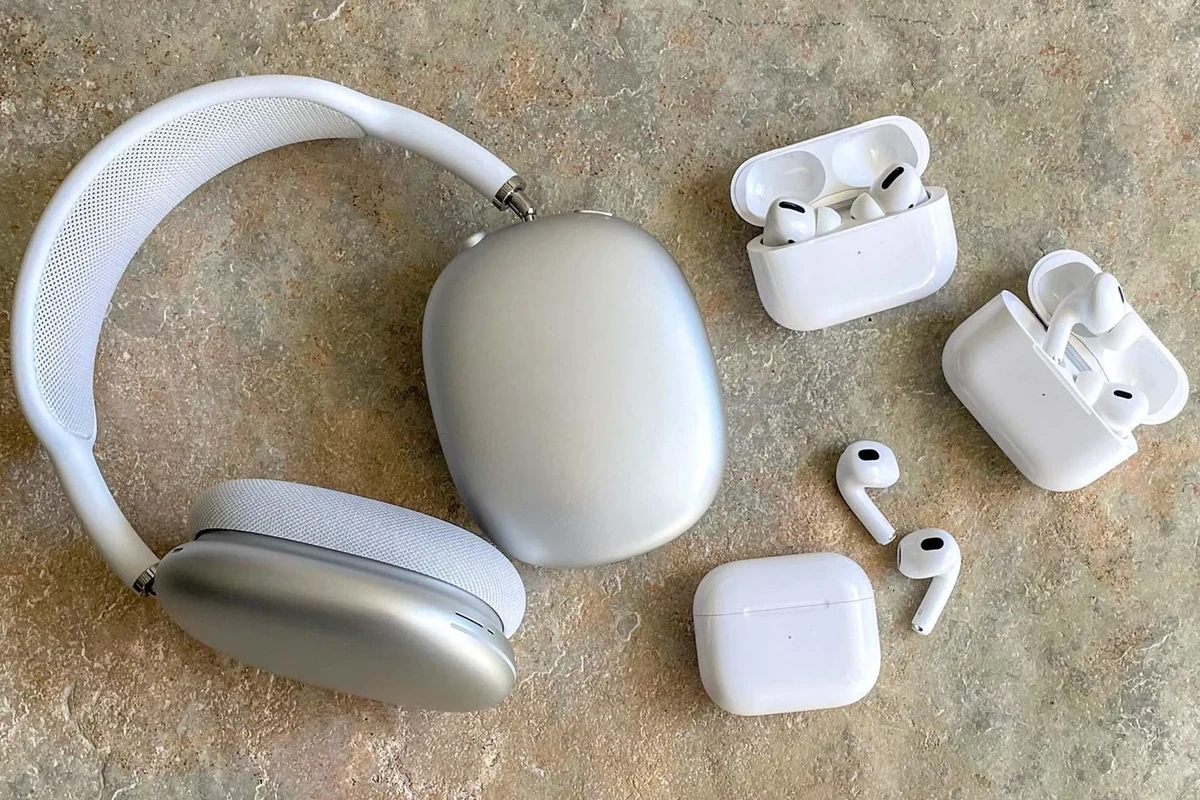
Before you focus on one detail, look at the whole buying situation. Real Apple headphones usually come from trusted sellers, have clean packaging, and behave exactly as Apple devices are supposed to.
That said, no single clue proves authenticity by itself. A fake can copy a serial number sticker or mimic the look of the product, so the safest approach is to check several things at once.
If you are buying used Apple headphones, ask the seller for clear photos of the box, charging case, cable, and serial number before you meet or pay.
- Packaging quality and spelling
- Serial number consistency
- Pairing pop-up behavior
- Sound, mic, and controls
- Warranty lookup on Apple’s site
Why Fake Apple Headphones Are So Common in 2026
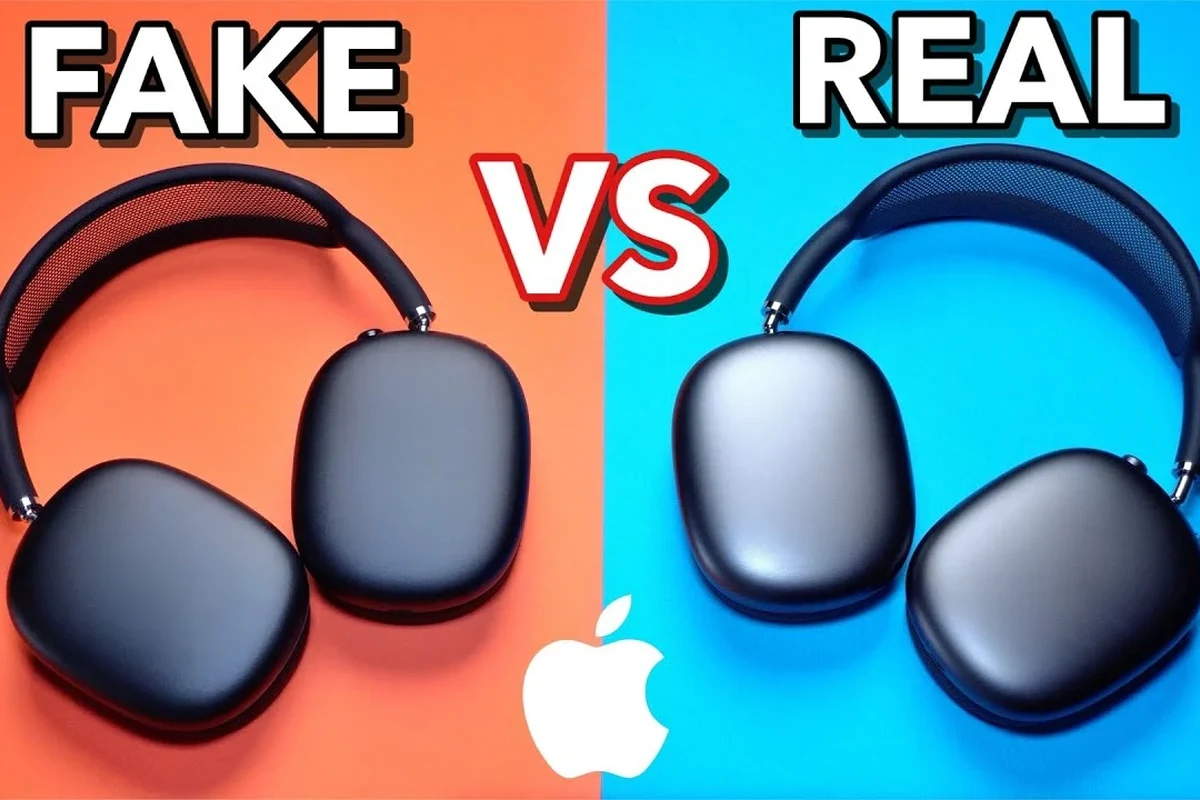
Apple headphones stay popular, which makes them a favorite target for counterfeiters. The more recognizable the product, the easier it is for fake versions to sell to buyers who only glance at the outside.
Another reason is that many buyers shop online, where photos can hide small flaws. A listing may show a convincing box, but the item inside could still be a copy or a mixed-up replacement.
Counterfeit audio products often change from batch to batch, so a fake pair may not match every warning sign you see online.
This is why it helps to compare the product against Apple’s own support information and use common-sense buying habits. If a deal looks unusually cheap or the seller avoids questions, treat that as a warning sign.
5 Easy Ways to Verify Apple Headphones Are Real
The best way to verify Apple headphones is to combine physical inspection with a quick software and warranty check. The following five methods are practical for most buyers and do not require special tools.
Check the Packaging, Printing, and Serial Number Details
Start with the box. Real Apple packaging usually looks clean and consistent, with sharp printing, even spacing, and labels that do not feel rushed or blurry.
Look closely at the text on the box, barcode area, and any regulatory labels. Misspellings, uneven fonts, low-quality stickers, or sloppy alignment are common red flags.
The serial number matters too, but only as part of the bigger picture. A serial number printed on the box should match the product and any documentation that came with it.
Some counterfeit products reuse real-looking serial numbers, which is why a valid number alone does not prove authenticity.
Inspect the Build Quality, Materials, and Apple Branding
Real Apple headphones usually feel refined in the hand. The seams should be neat, the plastic or metal should feel consistent, and the finish should not look rough or uneven.
Check the branding carefully. Apple logos, model markings, and text placement should look precise, not exaggerated, faded, or oddly positioned.
Also inspect the cable, earbuds, charging case, and hinges if your model has them. Loose parts, weak magnets, cheap-feeling buttons, or crooked alignment can point to a fake.
If the product feels unusually light, flimsy, or poorly assembled, do not assume it is just a cosmetic issue. Build quality often reveals counterfeit products quickly.
Test the Pairing Experience and Device Pop-Up Behavior
Apple headphones often pair in a smooth, recognizable way with Apple devices. If your headphones are real, the connection process should feel stable and consistent with what Apple describes for that model.
Pay close attention to any pairing pop-up, battery display, or device animation. Fake headphones may connect in a more generic Bluetooth way, or the pop-up may look delayed, incomplete, or missing altogether.
Still, software behavior can vary by model and device version, so use this as one clue rather than a final verdict. It is most useful when combined with the physical checks above.
Can a fake pair still connect to an iPhone?
Yes. Many counterfeits can pair over Bluetooth, which is why connection alone does not prove a product is real.
Compare Sound Quality, Microphone Performance, and Controls
Sound can reveal a lot, but it is not always obvious from one song or one call. Real Apple headphones usually deliver balanced performance that matches the model’s intended tuning, while fakes may sound muddy, harsh, or oddly thin.
Test vocals, bass, and treble at moderate volume. If the sound distorts easily, the stereo image feels off, or one side sounds weaker than the other, that is worth investigating.
Also test the microphone and button or touch controls. Poor call quality, unreliable play/pause behavior, or inconsistent volume response can be signs of counterfeit hardware.
Listening at high volumes for long periods can cause hearing damage. Keep volume at 60% or below for extended sessions.
For readers comparing audio behavior more broadly, it can help to understand how noise cancelling headphones and Bluetooth audio features behave on legitimate products. That makes it easier to spot when a fake is missing expected functions.
Confirm Warranty Status and Serial Number on Apple’s Website
One of the most useful checks is to enter the serial number on Apple’s warranty coverage page. If the number is valid, the site may show coverage details or product information tied to that serial.
But be careful: a valid serial number does not automatically guarantee the item in your hands is authentic. Counterfeiters can copy real serial numbers from legitimate products.
That is why this step should be your final confirmation, not your only test. If the warranty lookup looks wrong, the box and build quality also look suspicious, and the seller seems evasive, walk away.
If your hearing feels unusual after using any headphones, or if you notice pain, ringing, or persistent discomfort, stop listening and consult an audiologist or hearing professional.
Common Mistakes People Make When Spotting Counterfeit Apple Headphones
Many buyers focus too much on one detail, like the serial number or the box seal. That approach can be risky because counterfeiters often copy one or two visible features well enough to pass a quick glance.
Another common mistake is assuming that a product is real because it connects to a phone. Bluetooth pairing is not a guarantee, and some fake products can still appear normal during the first few minutes of use.
People also overlook seller behavior. If the listing uses vague photos, avoids close-ups, or refuses to answer questions about return policy, that matters just as much as the headphones themselves.
Do not rely on a single online image, especially if the seller uses stock photos or filters that hide texture, labeling, or packaging flaws.
Real vs Fake Apple Headphones: Price Clues and Seller Red Flags
Price is one of the clearest clues, even though it is not a proof on its own. If Apple headphones are listed far below normal market expectations, the deal deserves extra scrutiny.
Be careful with sellers who say the item is “brand new” but cannot show receipt, box details, or matching serial information. That does not always mean the product is fake, but it does raise the risk.
Also watch for strange listing language, rushed shipping promises, or pressure to pay outside a protected checkout system. Trusted sellers are usually transparent about condition, return options, and what is included in the box.
If you are also trying to decide whether your Apple headphones should work with another device, our guides on Apple headphones on PC and Apple headphones on Android can help you understand normal compatibility behavior.
Expert Advice: When to Trust Your Checks and When to Walk Away
Trust your checks when the packaging, build, pairing, sound, and warranty details all line up. When several signs point in the same direction, your confidence should be much higher.
Walk away when the seller is defensive, the price is suspiciously low, or the product fails multiple tests. It is better to miss one deal than to spend money on a counterfeit item that may perform poorly or fail early.
If you are buying for commuting, gaming, or daily listening, it is also worth thinking about the broader headphone category. Understanding the difference between wired and wireless models, or between in-ear and over-ear styles, can help you choose a better replacement if the listing feels unsafe.
For readers comparing headphone types in general, our guide to types of headphones explained is a useful next step when you want to shop more confidently.
Final Recap: The Fastest Way to Tell If Apple Headphones Are Real
The fastest way to tell if Apple headphones are real is to check the box, serial number, build quality, pairing behavior, and warranty status together. If all five line up, the product is much more likely to be genuine.
If even two or three of those checks look off, treat the item as suspicious and consider returning it or avoiding the purchase. That simple approach is the safest way to buy Apple headphones without getting caught by a counterfeit listing.
- Check packaging, printing, and serial details first.
- Inspect build quality and Apple branding closely.
- Test pairing, sound, mic, and controls together.
- Confirm warranty status, but do not trust it alone.
Frequently Asked Questions
Check for clean printing, correct spelling, matching labels, and a consistent serial number. A good box helps, but it should always be paired with build and pairing checks.
Yes, many counterfeit headphones can still pair over Bluetooth. Connection alone does not prove authenticity.
Watch for harsh treble, muddy bass, weak vocals, distortion, or uneven left and right balance. Real products usually sound more consistent across tracks and calls.
It is a useful step, but not a guarantee. Some fake products reuse real serial numbers, so you should verify the box, build, and seller too.
Look at fit, comfort, microphone quality, latency, and battery life if the model is wireless. Different use cases need different features, so check the specs that matter most to you.
Any popular headphone style can be counterfeited, including in-ear and over-ear models. Focus on build quality, controls, and seller trust rather than the form factor alone.