Can You Connect Sony Headphones to PS5 Easily and Fast

Yes, you can connect many Sony headphones to a PS5, but the easiest method depends on the model. Wired headphones and USB-dongle wireless headsets are usually the most reliable choices, while direct Bluetooth pairing is often limited.
Yes, you can connect many Sony headphones to a PS5, but the easiest method depends on the exact model. Some Sony headphones work best with a cable, some need a USB dongle, and many consumer Bluetooth models do not pair directly the way people expect.
If you want the shortest path to working audio, start by checking whether your Sony headphones are wired, wireless with a USB receiver, or Bluetooth-only. That one detail usually decides whether setup is simple or frustrating.
- Wired is simplest: Plug Sony headphones into the DualSense controller for the most reliable setup.
- USB dongles help: Wireless gaming headsets usually work best with their included receiver.
- Bluetooth is limited: Direct pairing is often not the right expectation on PS5.
- Mic support varies: Sound may work even when chat or voice input does not.
Can You Connect Sony Headphones to PS5? Quick Answer and What “Sony” Actually Means
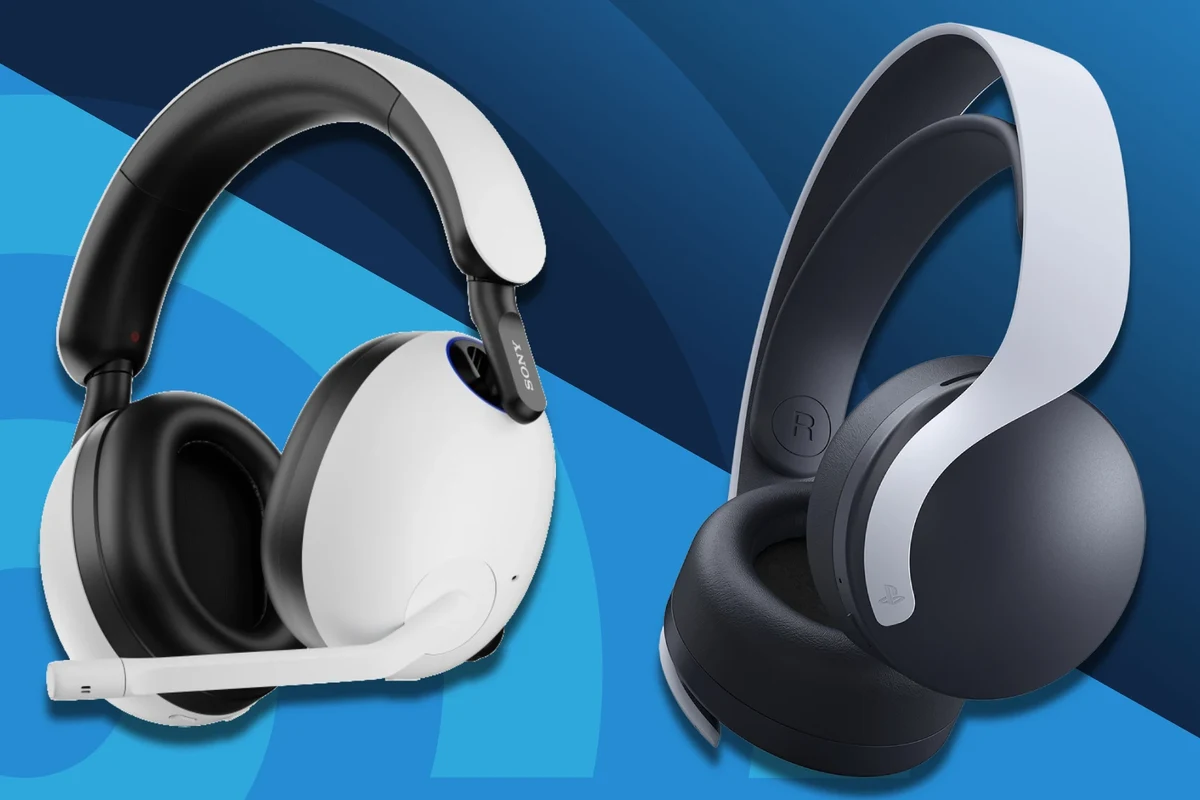
“Sony headphones” covers a lot of different products, from basic wired over-ear headphones to premium noise-canceling models and gaming headsets. The PS5 can work with many of them, but not all connection methods are equally smooth.
For readers who want a broader headphone-compatibility guide, it helps to understand the difference between wired, wireless, and Bluetooth audio first. If you are still learning the basics, our guide on Bluetooth headphones explained simply can make the connection process easier to follow.
Why the answer depends on the headphone model: wired, Bluetooth, or wireless dongle
A wired Sony headphone usually connects through the DualSense controller’s 3.5mm jack. That is the most reliable option for game audio, and it avoids pairing issues and latency problems.
Wireless Sony gaming headsets often use a USB dongle or receiver. These usually offer better stability than standard Bluetooth, especially for voice chat and fast-paced gaming.
Bluetooth-only Sony headphones are where expectations often break down. The PS5 does not generally support direct Bluetooth headphone pairing in the same easy way a phone or laptop does, so many consumer Bluetooth models need another connection method.
What PS5 officially supports in 2026 and where Sony headphones fit in
As a practical matter, PS5 support is strongest for wired headsets, USB audio devices, and officially compatible wireless gaming headsets. Sony headphones fit into that system well when they use one of those supported paths.
That means the model matters more than the brand name. A Sony headset made for gaming can be easier to use on PS5 than a premium music-focused model with no dongle support.
Compatibility can vary by exact Sony model, firmware version, and whether the headset supports microphone input, USB audio, or a dedicated wireless transmitter.
Best Ways to Connect Sony Headphones to PS5 Without Guesswork
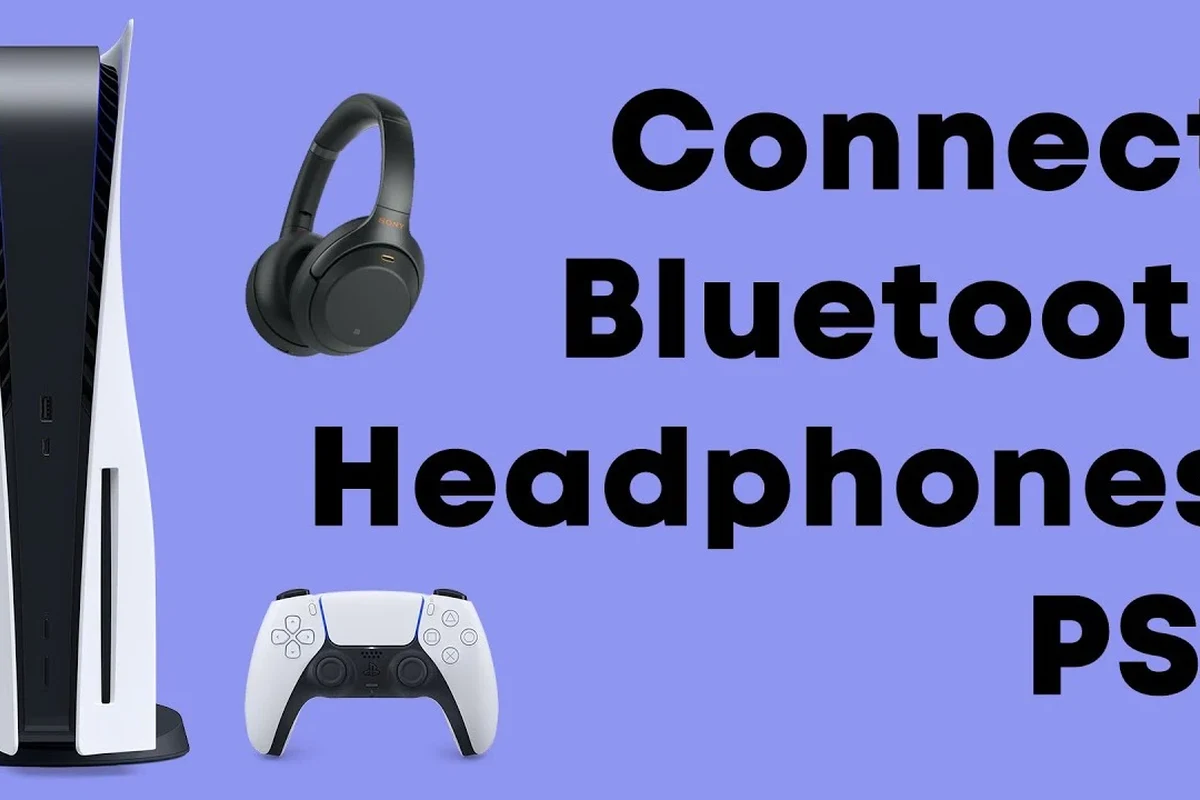
If you want the least confusing setup, use the connection method your headset was designed for. In most cases, the PS5 works best with either a 3.5mm cable, a USB wireless adapter, or a USB audio connection.
Using a 3.5mm cable through the DualSense controller
This is the easiest and most dependable method for many Sony over-ear headphones. Plug the cable into the controller, then make sure the PS5 audio output is set to the controller/headphones path.
Wired use is especially good if you do not want to worry about charging, pairing, or signal dropouts. It is also a sensible fallback if wireless features are not working properly.
Connecting via USB wireless adapter or receiver
If your Sony headphones come with a USB dongle, plug that receiver into the PS5 and let the console detect it. This is common with gaming headsets and can provide low-latency audio with simpler setup than Bluetooth.
USB receivers are often the best choice for players who want both game sound and chat support. They can be more stable than Bluetooth and are usually the safer bet for competitive play.
Using a USB-C or USB-A headset connection on PS5
Some Sony headphones can connect through USB directly, either with a USB-C cable or a USB-A adapter, depending on the headset and the console’s available ports. When supported, this can carry digital audio cleanly and may also support the microphone.
Always check the headset manual for USB audio support, because not every USB cable is meant for sound. Some cables only charge the headset and will not transmit audio at all.
If your Sony headset has both a cable and a wireless dongle, try the dongle first for gaming and keep the cable as a backup for troubleshooting.
Why direct Bluetooth pairing is usually the wrong expectation
This is the most common mistake PS5 owners make. A Sony headphone may work perfectly with a phone over Bluetooth, yet still fail or behave inconsistently on PS5 because the console is not designed to treat every Bluetooth headset the same way.
If your goal is easy PS5 audio, do not buy assuming “Bluetooth” automatically means “compatible.” For many players, that assumption leads to extra adapters, lag, or no sound at all.
Step-by-Step Setup for the Most Common Sony Headphone Types
The setup process is usually simple once you know what type of Sony headphone you have. The key is to match the connection method to the headset design instead of forcing a connection that the model was never meant to use.
Sony over-ear wired headphones: plug in, change output, test audio
Start by plugging the 3.5mm cable into the DualSense controller. Then go to the PS5 sound settings and confirm that output is routed to the controller or wired headset option.
Insert the headphone plug fully into the DualSense controller and make sure the cable is not loose.
Open PS5 sound settings and select the controller or headset output so the console sends sound to the headphones.
Launch a game or app and raise the controller and headset volume until the sound is clear but comfortable.
Sony wireless gaming headsets: pairing the dongle and setting chat/game audio
For Sony gaming headsets with a wireless transmitter, insert the dongle into the PS5 and turn on the headset. The headset and receiver should pair automatically in many cases.
After that, check whether the PS5 is sending both game audio and chat audio correctly. Some headsets allow separate balancing, which can be helpful if voice chat is too loud or too quiet.
Sony WH-1000XM series and similar consumer headphones: what works and what doesn’t
Premium Sony noise-canceling headphones can sound excellent for PS5 game audio, but the experience is not always ideal for chat. Many of these models are designed primarily for music and travel, not console voice communication.
They may work well through a cable, and some users may also use them with a compatible transmitter or adapter. However, direct Bluetooth-style convenience is usually the weak point.
If noise isolation matters to you, it may help to read about how noise cancelling headphones work before deciding whether a premium ANC model is the right gaming choice.
How to confirm microphone support on PS5
Not every Sony headphone with sound output has microphone support on PS5. If you plan to use party chat, game chat, or streaming voice, check whether the headset has an inline mic, boom mic, or built-in mic that the console can actually detect.
After connecting, open PS5 microphone settings and test input. If the mic is missing, the headset may still be fine for listening, but not for talking.
Listening at high volumes for long periods can cause hearing damage. Keep volume at 60% or below for extended sessions.
Common Problems When Connecting Sony Headphones to PS5
Most connection issues come from one of four things: the wrong output setting, an unsupported Bluetooth expectation, a weak wireless link, or missing microphone support. The good news is that most of these are fixable.
No sound after plugging in: controller output and volume settings
If you plug in wired Sony headphones and hear nothing, check the controller volume and the PS5 output device setting first. It is very common for the headset to be physically connected but not selected as the active output.
Also check the headphone’s own inline volume control, if it has one. A low headset volume and a low controller volume can make it seem like the connection failed when it really did not.
Audio delay, cutouts, or unstable wireless connection
Wireless problems usually happen when the headset is trying to connect in a less stable way, or when the dongle has interference. Moving the receiver to a different USB port can sometimes help.
If the connection still stutters, a wired setup may be the better choice for gaming. For readers who want a deeper look at wireless issues, our guide on Bluetooth headphone lag fix covers the basics of reducing delay.
Mic not detected in party chat or game chat
A headphone can play sound perfectly and still fail as a communication device. This usually means the mic is unsupported, muted, disabled in settings, or not available through the chosen connection method.
Check for physical mute switches, inline controls, and PS5 input device settings. If the headset was designed mainly for music, microphone support may be limited or absent.
Why some Sony headphones connect to the console but still miss key features
This is where many buyers get disappointed. A Sony headphone can work for listening but still lack chat support, low latency, or full control integration.
That is why “connects successfully” is not the same as “works fully as a gaming headset.” The best PS5 experience usually comes from a model built with console use in mind.
Practical Examples: Which Sony Headphones Work Best for PS5 Gaming
Not every Sony headphone is equally good for PS5, so the best choice depends on how you play. Casual single-player gaming, competitive multiplayer, and all-day streaming use different priorities.
Headphones that are easy to use for casual play and streaming
For casual players, a simple wired Sony over-ear headphone can be the most hassle-free option. It is easy to connect, easy to replace if needed, and usually good enough for story games, streaming, and general entertainment.
If comfort matters more than competitive latency, a well-fitting over-ear model can be a strong pick. For broader fit and style comparisons, our article on types of headphones explained is a useful starting point.
Models better suited for competitive gaming and low-latency audio
Competitive players usually benefit from a Sony headset that uses a USB dongle or a wired connection. Those setups are more likely to keep sound responsive and voice chat stable during fast gameplay.
Low latency matters when footsteps, gunfire, or rhythm timing are important. In those cases, a gaming-focused headset is often a smarter buy than a music-first headphone.
When premium noise-canceling Sony headphones make sense for PS5
Premium ANC models make sense if you want comfort, strong isolation, and one headset for multiple devices. They can be especially appealing if you also use the headphones for travel, work, and movies.
Still, they are not always the best value for PS5 alone. If your main goal is gaming chat and low delay, a dedicated gaming headset may be more practical.
Many gaming headsets sound “good enough” for music too, but premium music headphones do not always translate into better gaming chat or lower latency.
Cost, Value, and Comparison: Wired vs Wireless Sony Headphones for PS5
Value is not just about the headphone itself. You should also think about adapters, dongles, charging needs, and whether you want a headset that works across more than one device.
Budget-friendly wired setup versus higher-cost wireless convenience
Wired Sony headphones are usually the cheapest path to PS5 audio. They are simple, dependable, and do not require batteries or extra receivers.
Wireless convenience is attractive, but it often costs more. You may pay extra for a model with a USB transmitter, better mic support, or lower-latency performance.
Extra adapter costs, dongles, and accessories to consider
Some setups need a USB dongle, a USB adapter, or a replacement cable to work properly. Those extras can change the real cost of ownership, especially if the headset was not designed for PS5 first.
When buying a dedicated gaming headset is smarter than using everyday Sony headphones
If you mainly play multiplayer games, use voice chat often, or want the easiest setup, a dedicated gaming headset can be the better choice. It usually reduces guesswork and gives you more predictable PS5 compatibility.
Everyday Sony headphones still make sense if you already own them and mainly want good sound for solo play. In that case, using what you already have can be the most cost-effective option.
Expert Advice: Mistakes to Avoid Before You Buy or Connect
The most expensive mistake is buying the wrong type of headphone for your actual use case. A little checking before purchase can save you from compatibility frustration later.
Do not assume Bluetooth compatibility means PS5 compatibility
This is the biggest trap. A headphone that pairs easily with a phone may still be a poor fit for PS5 because the console handles Bluetooth audio differently.
If a product page does not clearly mention PS5 or USB receiver support, be cautious. Brand recognition alone is not enough.
Check for mic support, latency, and firmware updates before judging performance
Mic support and latency matter just as much as sound quality for gaming. A headset can sound rich and detailed, but still be awkward if the voice chat does not work or audio arrives too late.
Firmware updates can also improve compatibility on some wireless headsets. Before returning a product, check whether the manufacturer offers updates or setup instructions for console use.
Warning signs that a Sony headphone model is better for music than gaming
Be careful if the product description focuses heavily on ANC, travel, battery life, and music playback but says very little about microphones or gaming. That often suggests a music-first design.
Music-first headphones can still be enjoyable on PS5, but they are not always the smoothest choice for chat-heavy games or low-latency play.
If you have hearing pain, persistent ringing, or trouble understanding game audio even at moderate volume, consult an audiologist or hearing professional.
Final Recap: The Fastest Way to Connect Sony Headphones to PS5 in 2026
The fastest method depends on the headset type, but the short answer is simple: wired Sony headphones are easiest through the DualSense controller, wireless gaming headsets are best through their USB dongle, and Bluetooth-only expectations are often the least reliable.
Best connection method by headphone type
For wired Sony headphones, use the 3.5mm controller jack. For Sony gaming headsets, use the included USB receiver. For premium consumer headphones, expect best results through cable rather than direct Bluetooth pairing.
If you are comparing headphone styles for gaming, comfort, and everyday use, our guide on headphones vs earphones complete guide can help you decide what fits your setup best.
Bottom line on ease, sound quality, and value for PS5 players
Yes, you can connect many Sony headphones to PS5 easily, but the simplest path is not always the same for every model. The best balance of ease, sound quality, and value usually comes from choosing the connection method the headset was designed to use.
If you want the least stress, go wired or use a Sony headset with a PS5-friendly USB dongle. If you want the best all-around convenience, choose a model with clear console support instead of assuming every Sony headphone will behave the same way.
Frequently Asked Questions
Usually yes, if they use a USB dongle or receiver. Dedicated wireless connections are often more stable and lower-latency than standard Bluetooth on PS5.
Wired is usually simpler and more reliable, while wireless is more convenient. If you play competitive games, wired or USB-dongle wireless is often the safer choice.
They can be good for listening and isolation, especially for solo play. But they may not be the best option if you need low latency or reliable microphone support.
Check PS5 compatibility, microphone support, connection type, and whether the headset uses a USB receiver or cable. Also confirm that the model is meant for gaming or console use.
Over-ear models are usually the most comfortable for long sessions and often provide better passive isolation. In-ear models can work too, but comfort and mic quality depend on the exact design.
Start by using the correct output setting, then adjust volume and EQ if your headset supports it. For competitive games, prioritize clarity and low latency over heavy bass.