Can You Use Bose Headphones for Gaming and Win More

Yes, you can use Bose headphones for gaming, and they can sound excellent for casual and story-driven play. For competitive games, wired connection and mic limitations are the main things to watch.
If you’re asking can you use Bose headphones for gaming, the short answer is yes — and in many cases, they can sound excellent. The real question is whether the model, connection method, and game type match what you need for comfort, latency, and voice chat.
Bose is known more for premium listening and noise cancellation than for gaming-first features, so the experience can be a little different from a dedicated headset. In this guide from the Top Headphone Reviews Editorial Team, we’ll break down where Bose headphones shine, where they fall short, and how to set them up for better gaming results.
- Best for immersion: Bose shines in single-player and cinematic games.
- Watch latency: Bluetooth can be a problem in fast-paced titles.
- Mic tradeoff: Built-in voice chat is usually weaker than a gaming headset mic.
- Comfort advantage: Bose is often a strong pick for long sessions.
Can You Use Bose Headphones for Gaming? What Gamers Need to Know in 2026
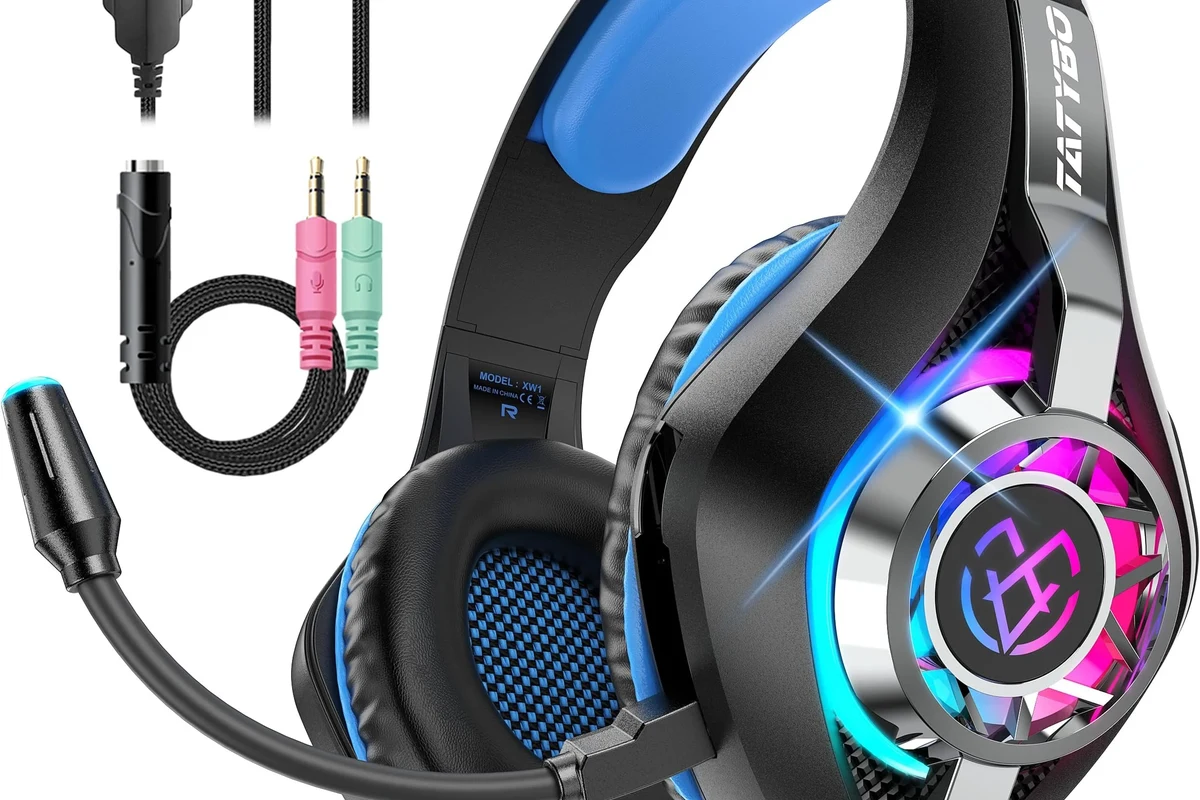
Bose headphones can work well for gaming, especially if you care about strong sound quality, comfort, and noise cancellation. They are often a good fit for casual players, single-player fans, and anyone who also uses the same headphones for music, movies, and travel.
That said, gaming is not just about sound quality. Fast-paced shooters, live voice chat, and console compatibility can expose the limits of a general-purpose headphone, especially if you rely on Bluetooth or need a strong built-in mic.
How Bose Headphones Perform in Real Gaming Scenarios
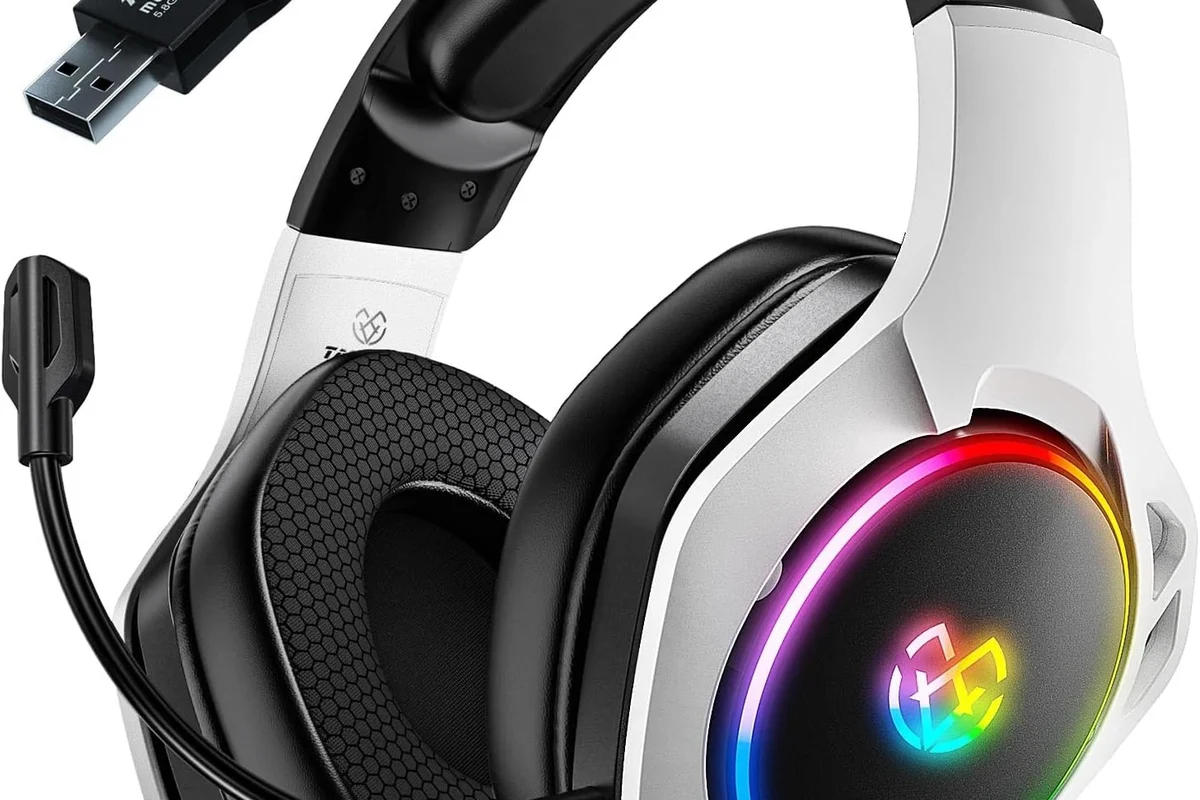
The best way to judge Bose for gaming is by looking at real use cases. A headset that sounds rich in a story game may still feel less ideal in a competitive lobby if there’s lag, weak chat audio, or poor mic pickup.
Sound quality for single-player, story-driven games
This is where Bose often makes a strong impression. Story games, RPGs, open-world adventures, and cinematic titles benefit from clean dialogue, smooth music, and a more polished sound profile.
If you like atmospheric games, Bose headphones can make ambient effects, soundtrack details, and voice acting feel more immersive. This is one reason many players prefer premium headphones over basic gaming headsets for solo play.
Many gamers choose premium headphones for single-player titles because they value balanced sound and comfort more than gamer-style extras.
Positional audio and competitive play in shooters
For shooters and battle royale games, positional audio matters a lot. Bose headphones can still perform well here, but the result depends on the model, tuning, and whether the game’s sound mix is easy to read.
Some Bose headphones emphasize a smoother, more consumer-friendly sound rather than a sharply analytical one. That can make footsteps and distant cues slightly less obvious than on a headset designed specifically for competitive gaming.
Competitive players often prefer a more “revealing” sound signature, while Bose usually aims for comfort, balance, and polish.
Mic monitoring, voice chat, and team communication
Voice chat is where many Bose headphones start to feel less gaming-focused. Some models offer decent call quality, but they usually do not behave like a dedicated boom-mic headset built for squad communication.
If you play with friends often, check how your Bose model handles sidetone, mic pickup, and background noise. For some players, an external mic or gaming controller mic is the better solution.
Best Bose Headphone Features for Gaming Setups
Even with their limitations, Bose headphones bring several features that gamers appreciate. The strongest advantages are usually comfort, noise cancellation, and the flexibility to use one pair of headphones for many different tasks.
Noise cancellation for immersive play
Bose is widely associated with active noise cancellation, and that can be a real benefit during gaming. It helps reduce household noise, fan noise, and distractions so you can stay focused on the game.
For players in shared spaces, noise cancellation can improve immersion more than a louder sound profile ever could. It is especially helpful for single-player gaming, late-night sessions, and apartment setups.
If your room is noisy, try ANC first before turning the volume up. Better isolation often gives you clearer game audio at safer listening levels.
Comfort for long sessions and marathon weekends
Comfort is one of the biggest reasons Bose headphones remain popular. If you game for hours at a time, a lightweight, well-padded design can matter more than flashy gamer branding.
Over-ear Bose models are often a better fit for long sessions than on-ear styles, because they reduce pressure on the ears. That can make a big difference during weekend marathons or long co-op nights.
Listening at high volumes for long periods can cause hearing damage. Keep volume at 60% or below for extended sessions.
Wireless stability, latency, and battery life
Wireless Bose headphones can be convenient for couch gaming, casual PC play, and media-heavy setups. Battery life and connection stability vary by model, device, and interference in your environment.
For gaming, wireless only works well when latency stays low enough to feel natural. That is why the connection method matters so much, and why Bluetooth is not always the best choice for every game.
Where Bose Headphones Fall Short for Gaming
Bose headphones are not bad for gaming, but they are not perfect either. Their main weaknesses usually show up in latency, built-in microphone performance, and platform compatibility.
Why Bluetooth latency can hurt fast-paced games
Bluetooth can introduce audio delay, and that delay is more noticeable in fast games. If sound arrives slightly late, gunfire, dialogue, and on-screen action may feel less tightly synced.
This may not bother you in slower games, but it can be distracting in competitive shooters, rhythm games, or anything that depends on instant feedback. If you want the most responsive experience, wired connections are usually safer.
Bluetooth performance depends on the headphone model, the device, and the game. If you notice lag, switch to wired mode before assuming the headphones are the problem.
Built-in microphone limitations for streamers and squad chat
Most Bose headphones are not designed like gaming headsets with a large boom mic. Their built-in microphones are often fine for calls, but they may not deliver the same voice clarity in noisy gaming environments.
If you stream, record content, or play in loud party chats, a dedicated microphone usually gives better results. Bose can still be part of the setup, but the headphone mic may not be enough on its own.
If you have persistent voice-chat issues, audio delay, or unusual hearing discomfort, consult an audiologist or a professional audio specialist. Fit, volume, and hearing health can all affect your experience.
Platform compatibility issues on PC, PlayStation, and Xbox
Compatibility can vary a lot depending on the Bose model and the console or PC you use. Some setups work smoothly over Bluetooth or cable, while others need adapters, controller connections, or specific settings.
PC is often the easiest platform to work with because you usually have more connection options. Consoles can be more restrictive, especially if you want both game audio and chat to work properly at the same time.
How to Use Bose Headphones for Better Gaming Results
If you already own Bose headphones, you can often improve the gaming experience with the right connection and a few simple settings. Small changes can make a bigger difference than many people expect.
Recommended wired and wireless connection methods
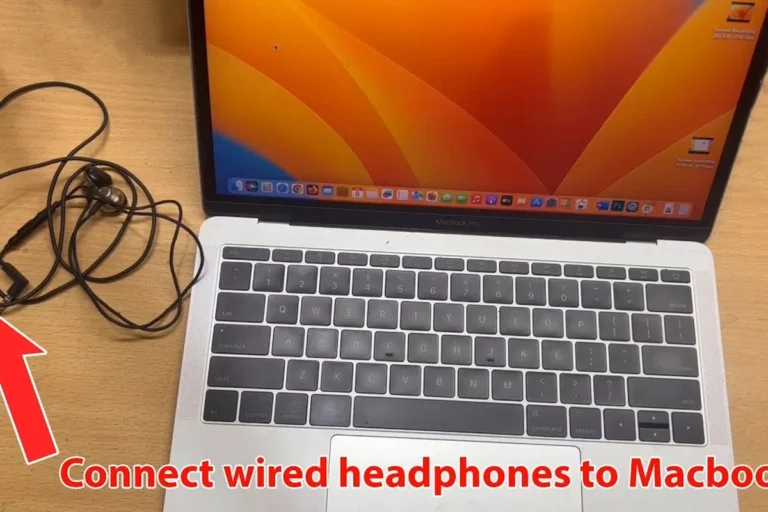
For the lowest latency, wired is usually the best choice. If your Bose model supports analog audio or a stable wired connection through the right cable, that is often the simplest path for gaming.
Wireless can still work well for slower games, single-player titles, and lounge-style setups. If you use Bluetooth, test the delay before committing to it for competitive play.
- Does your Bose model support wired audio for gaming?
- Is Bluetooth delay noticeable in your favorite games?
- Do you need voice chat, or is solo play your main use?
Using adapters, DACs, and gaming controllers the right way
Sometimes the easiest fix is not a new headphone, but a better connection path. A controller, adapter, or DAC can help depending on the device you’re using and the input options available.
If you game on PC, a simple wired connection is often enough. If you’re on console, check whether your controller, USB adapter, or audio port supports the setup you want before buying extra gear.
Try wired audio before adding adapters so you can hear the baseline performance.
Make sure both voice chat and game sound work the way you expect on your platform.
EQ tweaks and settings that improve footsteps and dialogue
EQ can help Bose headphones feel more gaming-friendly. A small reduction in bass and a little extra clarity in the midrange can make footsteps, speech, and environmental cues easier to hear.
Keep the changes modest. Over-EQing can make the sound thin or tiring, especially during long sessions. If your device or app has a game mode, try that too, but always compare it with the standard setting.
For shooters, try slightly lowering bass and boosting clarity before raising volume. That often helps footsteps stand out more naturally.
Common Mistakes Gamers Make with Bose Headphones
Many complaints about Bose in gaming come from setup mistakes rather than the headphones themselves. The wrong expectations or connection mode can make even a good pair feel disappointing.
Assuming all Bose models work equally well for gaming
Not every Bose headphone behaves the same way. Some are better for travel and music, while others are more comfortable for all-day listening or more flexible with cables and device pairing.
Before buying, check the exact model, not just the brand name. Features like ANC, wired support, and microphone behavior can vary by product line and generation.
Ignoring latency and using the wrong connection mode
One of the biggest mistakes is using Bluetooth by default and then blaming the headphones for lag. In gaming, the connection mode can matter as much as the headphone itself.
If the game feels slightly off, test a wired option or a different device profile. That quick check can save you a lot of frustration.
Expecting a headset-style mic experience from headphones
Bose headphones are headphones first, not gaming headsets with a built-in boom mic. If you expect headset-level chat quality, you may be disappointed.
For better team communication, pair the headphones with an external mic or choose a headset designed around gaming chat from the start. The right tool depends on whether your priority is sound quality or voice performance.
Bose Headphones vs Gaming Headsets: Is the Extra Cost Worth It?
Whether Bose is worth the money depends on how you use headphones outside gaming. If you want one premium pair for music, movies, commuting, and casual gaming, Bose can make sense.
If gaming is your main use, a dedicated headset may offer better value because it usually includes a game-ready mic, lower-latency options, and easier console support.
Price comparison against mid-range gaming headsets in 2026
Prices change often, so it is better to think in categories than exact numbers. In general, Bose sits in a premium consumer headphone tier, while many gaming headsets aim for a lower or mid-range price band.
That means you may pay more for Bose, but you are also paying for brand comfort, ANC, and broader everyday use. A gaming headset may cost less while giving you more of the features gamers actually need.
When Bose is the smarter buy for mixed music and gaming use
Bose is often the smarter choice if you split your time between gaming and media. The comfort, sound quality, and noise cancellation can make it a better all-purpose purchase than a headset built only for games.
It is also a good choice if you play mostly single-player games and want headphones that sound refined for everything else you do. For many people, that flexibility is worth the extra cost.
When a dedicated gaming headset is the better value
If you play competitive multiplayer often, a gaming headset may be the better buy. You will usually get simpler voice chat, lower-latency gaming support, and a mic designed for squad communication.
That is especially true if you mainly game on console and want plug-and-play convenience. In that case, a headset can save time and reduce compatibility headaches.
Final Verdict: Should You Game With Bose Headphones?
Yes, you can absolutely game with Bose headphones, and in the right setup they can sound excellent. They are especially good for single-player games, immersive story titles, and players who want one premium pair for entertainment and everyday use.
But if your priority is competitive performance, low latency, and a strong built-in microphone, a dedicated gaming headset may still be the better choice. Bose is a smart pick when comfort, noise cancellation, and overall sound quality matter more than gamer-specific features.
Best use cases, expert advice warning, and winning recommendation
Our practical recommendation is simple: choose Bose for versatile, premium listening and casual gaming, but choose a gaming headset if chat clarity and competitive responsiveness are your top priorities. If you already own Bose headphones, try wired mode first, adjust EQ carefully, and test your platform before deciding it is not a fit.
Frequently Asked Questions
Wired is usually better for gaming because it reduces latency. Wireless can still work well for slower games and casual play, but Bluetooth delay may be noticeable in fast-paced titles.
Bose headphones often deliver smooth, balanced sound with good clarity for dialogue and music. Bass and overall tuning can vary by model, so EQ adjustments may help footsteps and speech stand out more.
Choose Bose if you want premium comfort, noise cancellation, and a headphone for music and gaming. Choose a gaming headset if you want easier chat support, lower-latency gaming features, and more plug-and-play compatibility.
Over-ear models are usually more comfortable for long gaming sessions because they spread pressure around the ear. Comfort still depends on fit, clamp force, ear cushion materials, and head shape.
Check wired support, Bluetooth behavior, microphone quality, battery life, and platform compatibility. If you play competitive games, also look for low latency and a connection mode that works well with your setup.
Yes, a small EQ adjustment can help reduce bass and improve clarity for footsteps and dialogue. Keep changes subtle so the sound stays natural and comfortable during long sessions.