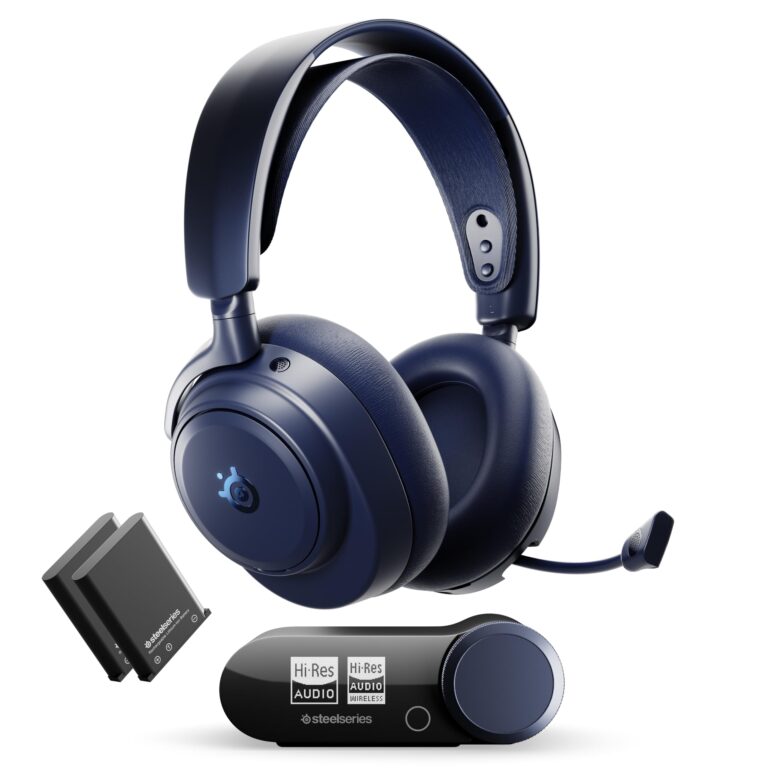
10 Best Affordable Gaming Headsets 2026: Budget Picks for Gamers

A Best Affordable Gaming Headsets 2026 should never cost more than a game or two, yet plenty of budget models still deliver clear voice chat, punchy bass, and hours of comfortable use. Gamers do not need to spend premium prices to hear footsteps in a shooter or chat clearly with a squad. The best affordable gaming headset for one player might be completely wrong for another, depending on which console or platform they use most.
Wired headsets tend to cost less and never need charging, while wireless models add freedom from cables at a higher price. Xbox owners need headsets with the right licensing or a 3.5mm jack, since Xbox controllers do not support USB audio the way PlayStation and PC do. Comfort matters just as much as sound quality for anyone gaming for hours, so cushion material, clamping pressure, and weight deserve close attention.
Buyers should focus on connection type, platform compatibility, and microphone quality before worrying about surround sound branding, since those three factors determine whether a headset actually works well for their specific setup. Driver size and frequency range matter, but a comfortable fit and a mic that cuts background noise make a bigger daily difference than spec-sheet numbers. The picks below cover wired and wireless options, Xbox-specific models, and headsets built for long sessions or tight budgets.
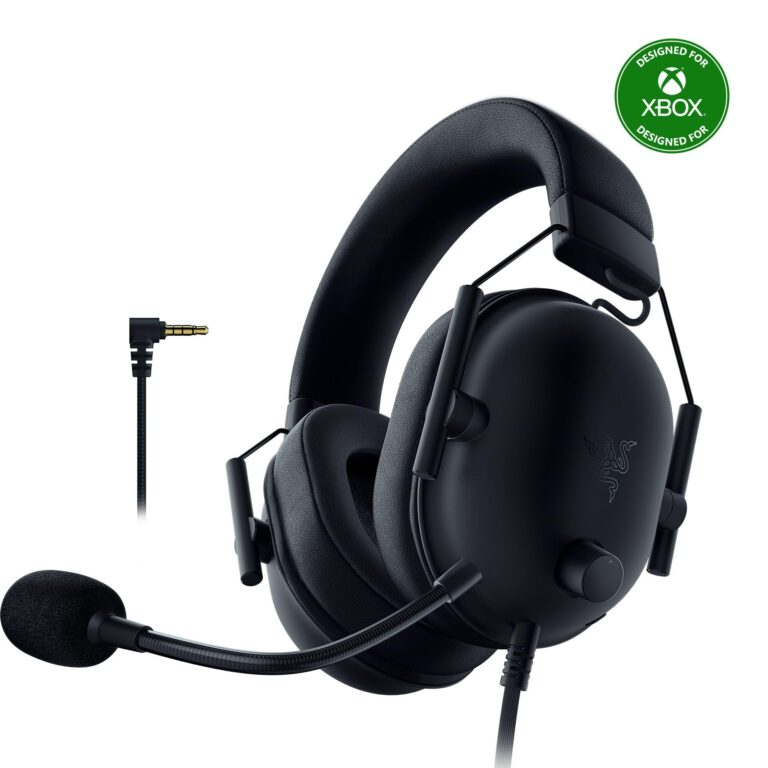
Best for competitive FPS play: Razer BlackShark V2 X
Best for multiplatform households: Turtle Beach Recon 70
Best for Xbox owners: HyperX CloudX
Best for cutting the cord: Ozeino Wireless Gaming Headset
Best for long gaming sessions: HyperX Cloud III
Best for PC surround sound on a budget: Logitech G432
Best for casual PlayStation gamers: HyperX Cloud Stinger 2 Core
Best lowest-cost dependable option: Turtle Beach Recon 50
Best for streamers on a budget: FIFINE H9
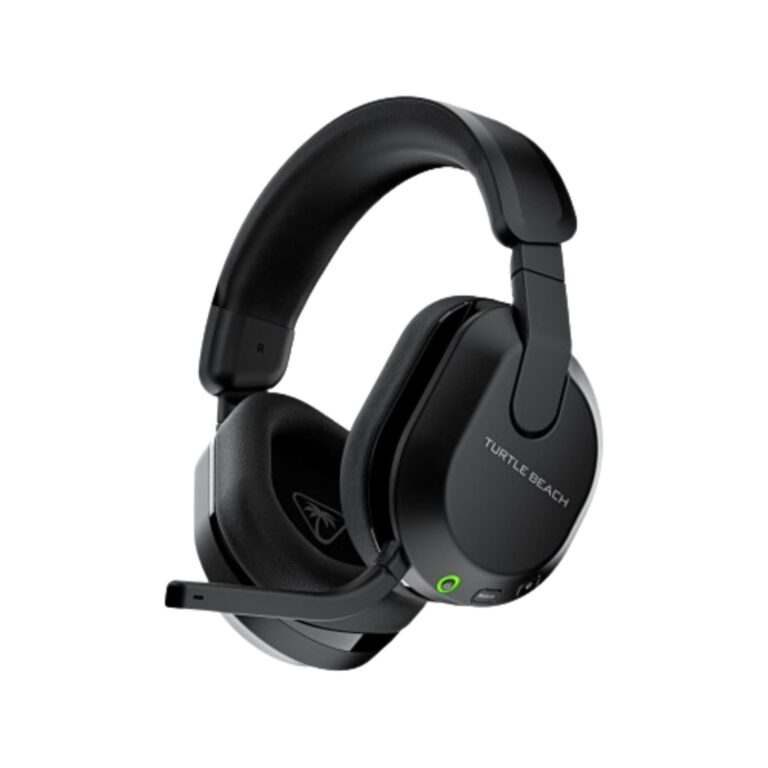
Best wireless battery life: Turtle Beach Stealth 600
Razer BlackShark V2 X Gaming Headset
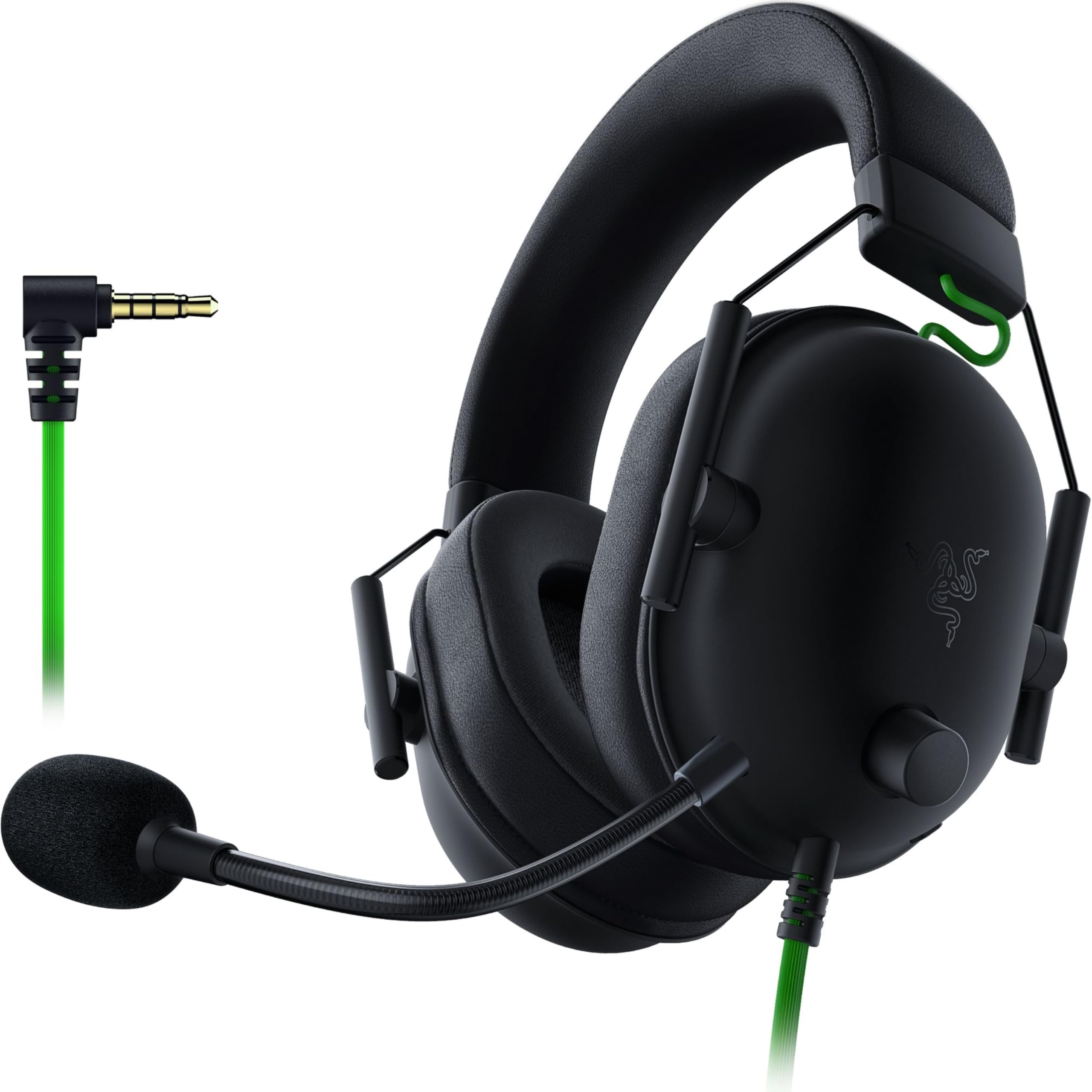
Competitive gamers who need to pinpoint enemy footsteps should put this headset near the top of their list.
Pros
- Titanium-coated drivers split into three tuned bands for sharper detail
- Lightweight design at just 240 grams reduces fatigue
- Cardioid mic pattern filters background noise well
Cons
- 7.1 surround only works on Windows 10 64-bit
- No in-line volume control on the cable
- Foam ear cushions run warm during long sessions
The BlackShark V2 X earns its reputation among esports players because it prioritizes clarity over bass-heavy gimmicks. Footsteps, reloads, and directional cues come through with precision, which matters more in ranked matches than movie-theater bass. The memory foam cushions seal out ambient noise effectively, though they trap heat after an hour or two.
Read more: Best Affordable Gaming Headsets 2026
Its 3.5mm connection works across PC, PlayStation, and Switch without extra adapters, making it a smart pick for anyone who splits time between platforms. Xbox owners will need a separate stereo adapter to use it.
Turtle Beach Recon 70
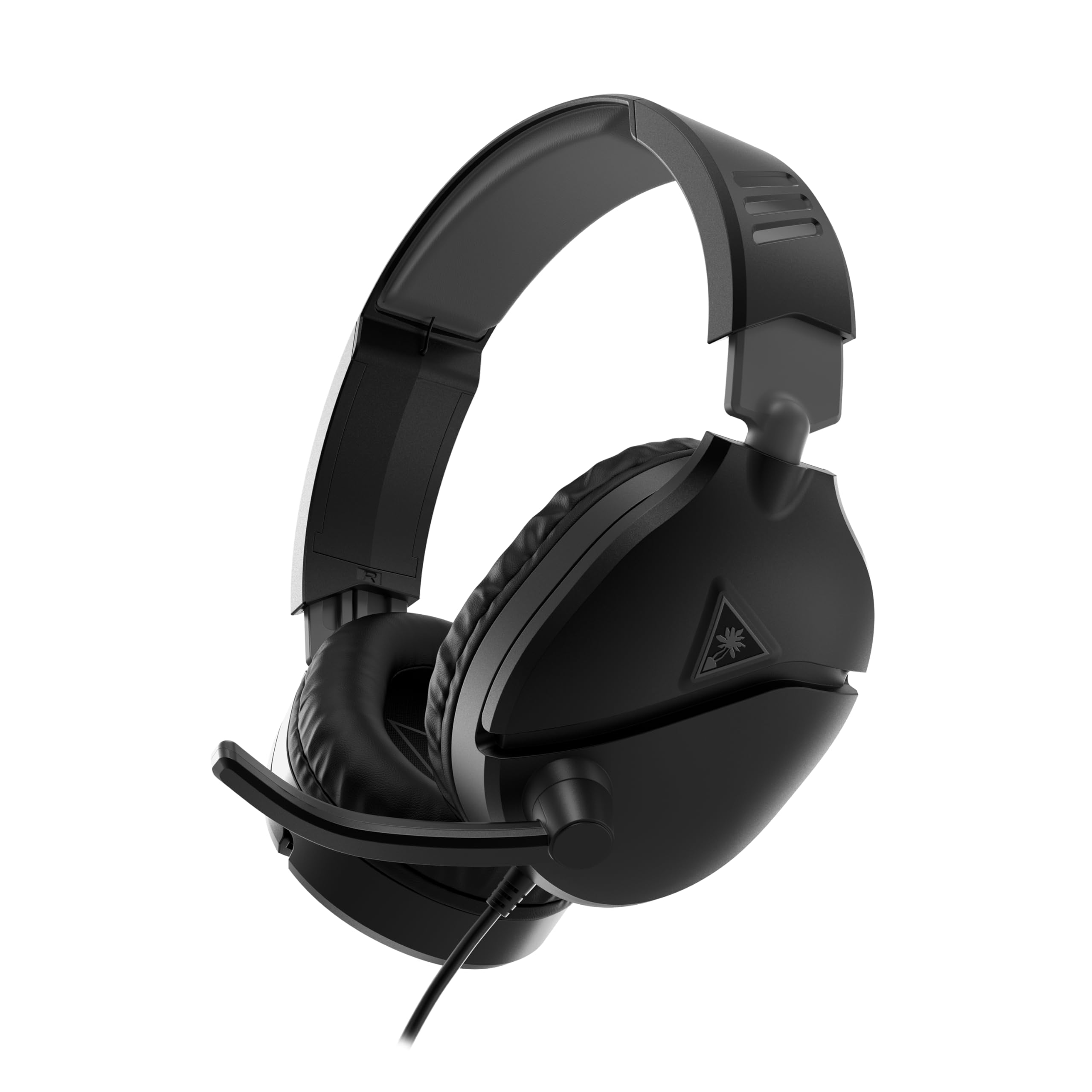
This headset makes the most sense for households juggling multiple consoles, since it plugs into nearly anything with a headphone jack.
Pros
- Works across PlayStation, Xbox, PC, and mobile devices
- Flip-to-mute mic is simple and reliable
- Supports spatial audio formats like Dolby Atmos and Windows Sonic
Cons
- 40mm drivers sound thinner than pricier 50mm options
- Onboard controls are limited to volume and mute
- Ear cushions compress quickly with daily use
The Recon 70 keeps things simple with a lightweight frame and synthetic leather cushions that block outside noise reasonably well. Sound quality is serviceable rather than impressive, but the mic picks up voice clearly enough for squad callouts. Spatial audio support depends on the connected platform enabling it.
Families sharing one headset across PS5, Xbox, and a gaming laptop get the most value here, since no adapters or software are required to switch between them.
HyperX CloudX

Xbox owners who want official compatibility without guesswork should choose this headset first.
Pros
- Microsoft-tested and licensed for Xbox One and Series X|S
- 53mm drivers deliver strong bass for the price
- Detachable mic can be removed for music listening
Cons
- No support for PlayStation consoles
- Aluminum frame adds a bit of weight
- In-line controls feel basic compared to onboard dials
HyperX built the CloudX specifically around Xbox’s audio requirements, so there is no compatibility guessing involved. The memory foam cushions and leatherette headband hold up well through long sessions, echoing the comfort HyperX headsets are known for. Bass response stands out among headsets in this price range.
The detachable noise-cancelling mic captures voice clearly and can be unplugged entirely when switching from gaming to music, a nice touch for dual-purpose use.
Ozeino Wireless Gaming Headset
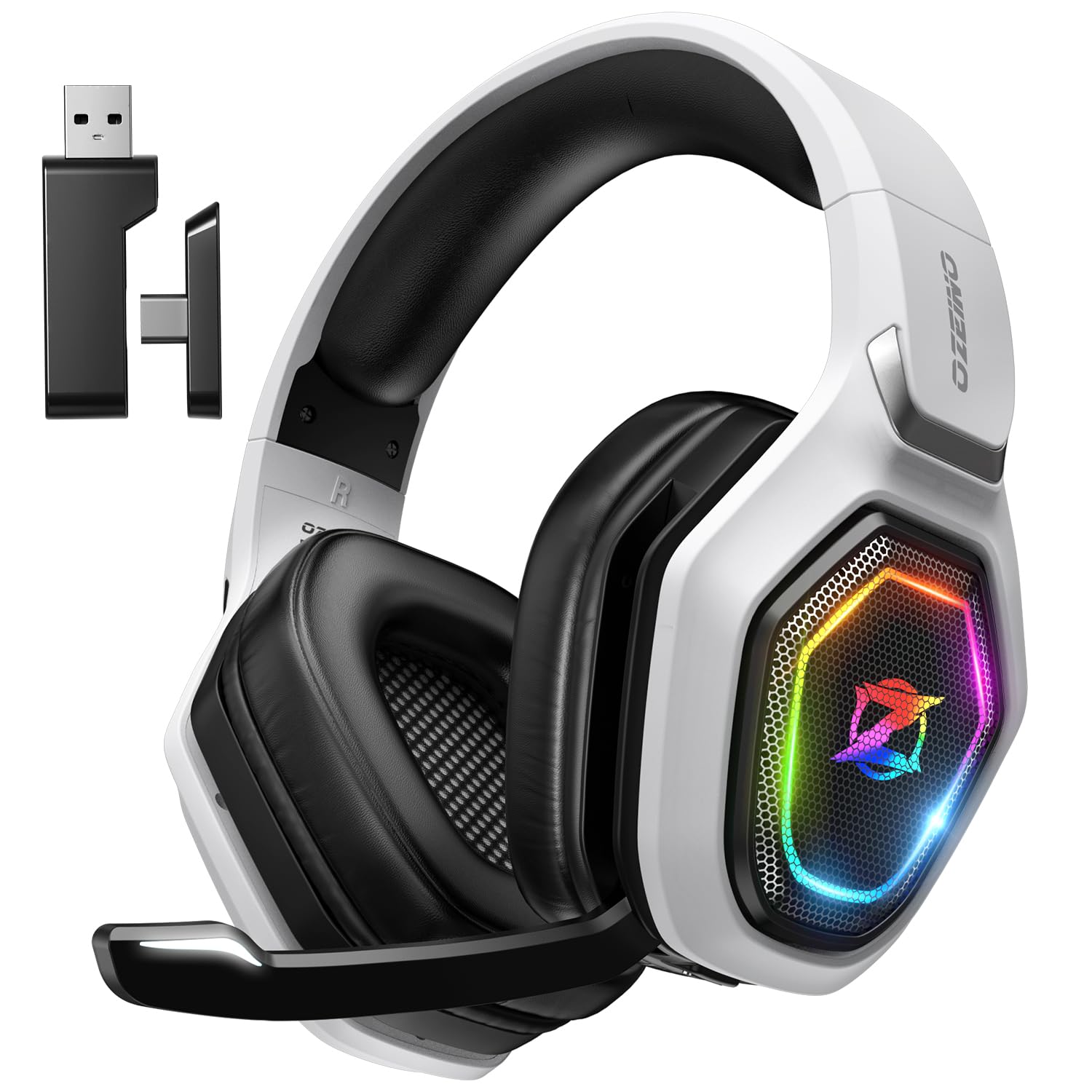
Shoppers who want to cut the cord without spending three figures will find real value in this wireless option.
Pros
- 2.4GHz connection keeps latency under 30 milliseconds
- Rated for up to 40 hours of battery life
- Works with PS5, PC, Switch, and Mac via USB dongle
Cons
- Not compatible with any Xbox console
- Bluetooth mode needs a separate adapter for PC or PlayStation
- Build materials feel less premium than wired competitors
The Ozeino headset packs 50mm drivers and a stable wireless connection into a design priced well below most wireless competitors. Battery life is a genuine strength, easily covering multiple gaming sessions between charges. The 2.4GHz dongle handles PC and console duty reliably, though Bluetooth support has real limits.
Anyone who owns an Xbox should skip this model entirely, since it lacks Xbox compatibility in any connection mode.
HyperX Cloud III

Gamers who spend hours at a time in one sitting will appreciate how little this headset weighs on the head and ears.
Pros
- Memory foam padding stays comfortable over extended sessions
- Angled 53mm drivers improve directional sound accuracy
- 10mm microphone captures clear, detailed voice chat
Cons
- No onboard surround sound switch, relies on platform support
- Detachable cable connectors can feel slightly loose
- Aluminum frame shows scuffs with heavy travel use
The Cloud III builds on the well-known comfort of HyperX’s Cloud line, and it shows in the plush headband and ear cushions. Angled drivers make positional audio noticeably clearer than flat driver designs found in cheaper models. Voice chat clarity from the 10mm mic ranks among the best in this price range.
Its broad compatibility across PC, PlayStation, Xbox, Switch, and mobile makes it one of the more flexible wired choices for a shared household setup.
Logitech G432
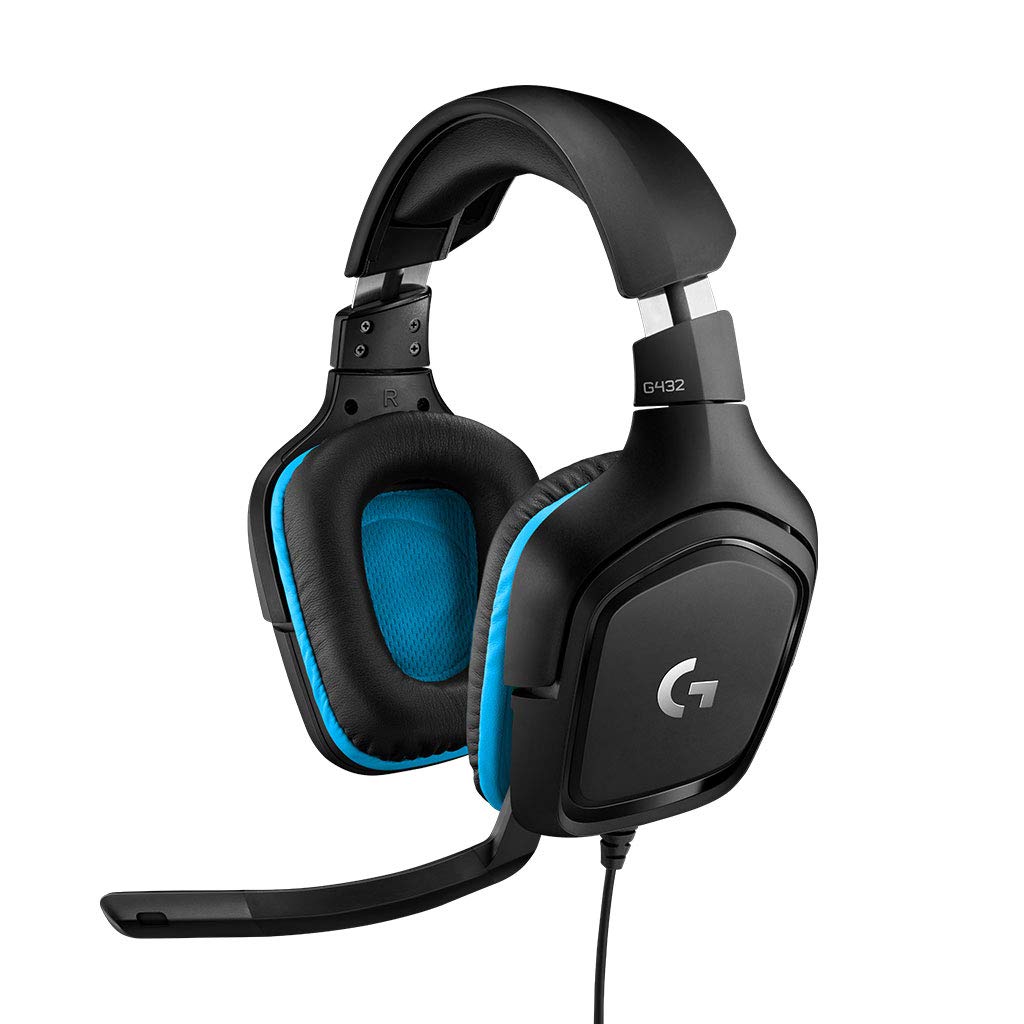
PC gamers who want DTS surround sound without paying for premium branding should consider this headset.
Pros
- DTS Headphone 2.0 surround sound through Logitech G HUB software
- Rotating ear cups add flexible fit
- 50mm drivers produce full, room-filling sound
Cons
- Surround feature requires installing Logitech’s software
- Console support is limited to stereo sound only
- Leatherette cushions can feel warm over time
The G432 leans into PC gaming, where its DTS surround feature can actually be enabled and tuned. On consoles, it defaults to stereo sound, which still sounds solid but skips the positional benefits. The flip-to-mute boom mic is generously sized and picks up voice with good clarity.
Comfort holds up well thanks to the rotating cups and padded headband, making this a dependable option for long PC sessions.
HyperX Cloud Stinger 2 Core

Casual PlayStation players who want a no-fuss headset at a low price point will find this one easy to recommend.
Pros
- Onboard audio controls skip menu navigation
- Swivel-to-mute mic is quick and intuitive
- Lightweight build stays comfortable for casual play
Cons
- Limited to PS4 and PS5 compatibility
- 40mm drivers lack the depth of pricier models
- No surround sound support
The Stinger 2 Core focuses on the basics: comfortable cushions, a flexible mic, and controls that sit right on the ear cup. It skips extras like surround sound and Xbox compatibility, keeping the price low for PlayStation-only households. Bass response is modest but clear enough for most game genres.
Anyone who splits time between console and PC should look elsewhere, since this model sticks strictly to PlayStation hardware.
Turtle Beach Recon 50
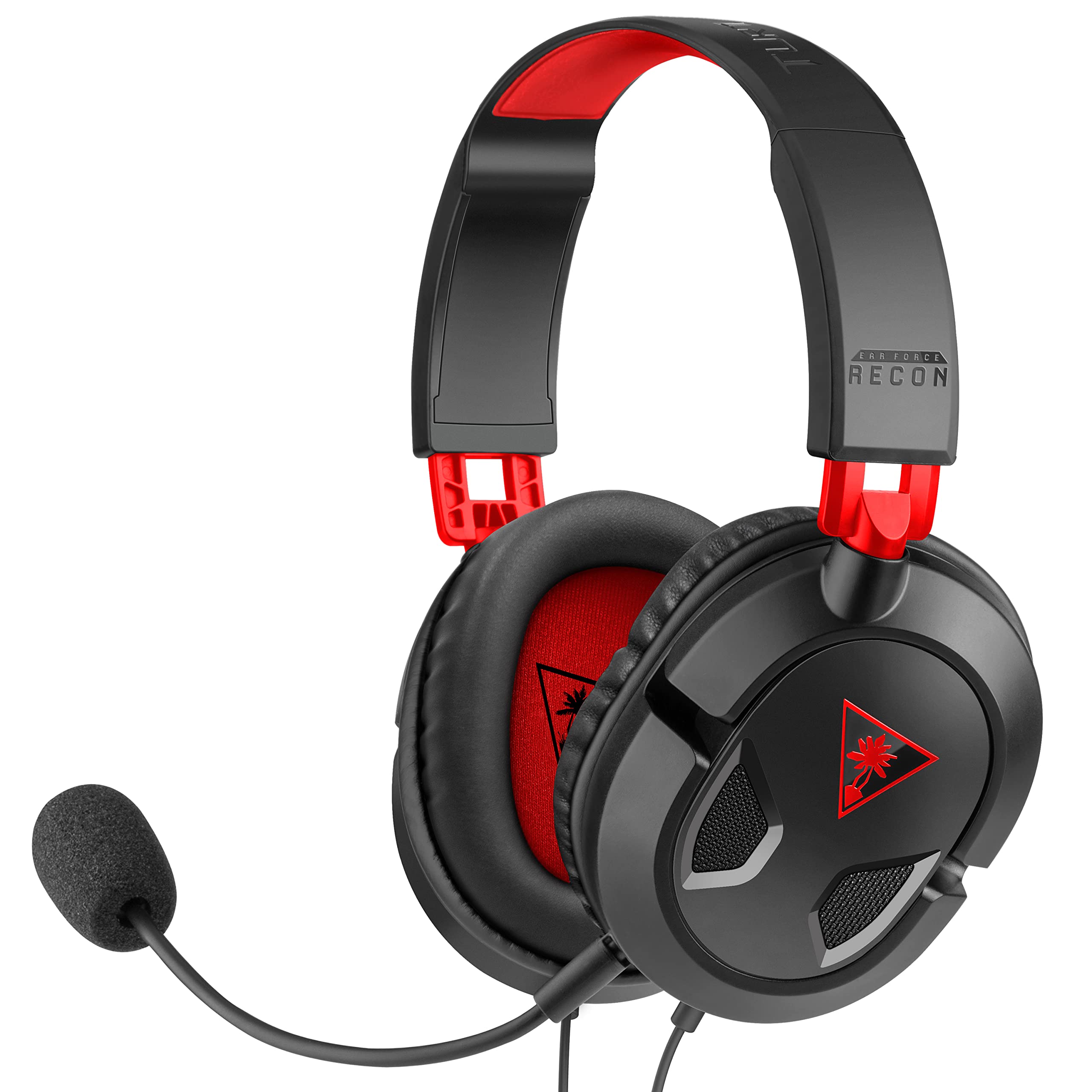
Shoppers who want the lowest-cost dependable headset on this list should start here.
Pros
- Included PC splitter cable adds versatility
- Removable mic doubles as a music headphone
- Works across PC, Mac, PlayStation, and Xbox
Cons
- No surround sound features
- Plastic build feels less durable than metal-framed models
- In-line controls are limited to volume and mute
The Recon 50 strips gaming audio down to essentials without cutting corners on compatibility. Its 40mm speakers handle mids and highs cleanly, though bass stays fairly restrained. The removable mic is a practical touch for anyone who wants to use the headset for music or movies too.
Given how many platforms it supports out of the box, it remains one of the more sensible entry points for a first gaming headset.
FIFINE H9

Streamers and content creators on a tight budget get more control here than most affordable headsets offer.
Pros
- USB control box adjusts mic and headphone volume separately
- Works via USB or 3.5mm depending on the device
- Detachable mic has strong sensitivity for voice capture
Cons
- Build materials feel budget-oriented
- Cable length may be excessive for some desk setups
- 7.1 surround sound requires USB connection specifically
The H9 stands out for its dedicated USB control box, which lets gamers dial in mic and headphone levels without hunting through software menus. That level of control is unusual at this price. The 50mm drivers deliver reasonably full sound, and the detachable mic performs well for voice chat and streaming alike.
Its dual connection options make it flexible across PC, PlayStation, Xbox, and Switch, provided the correct cable is used for each device.
Turtle Beach Stealth 600
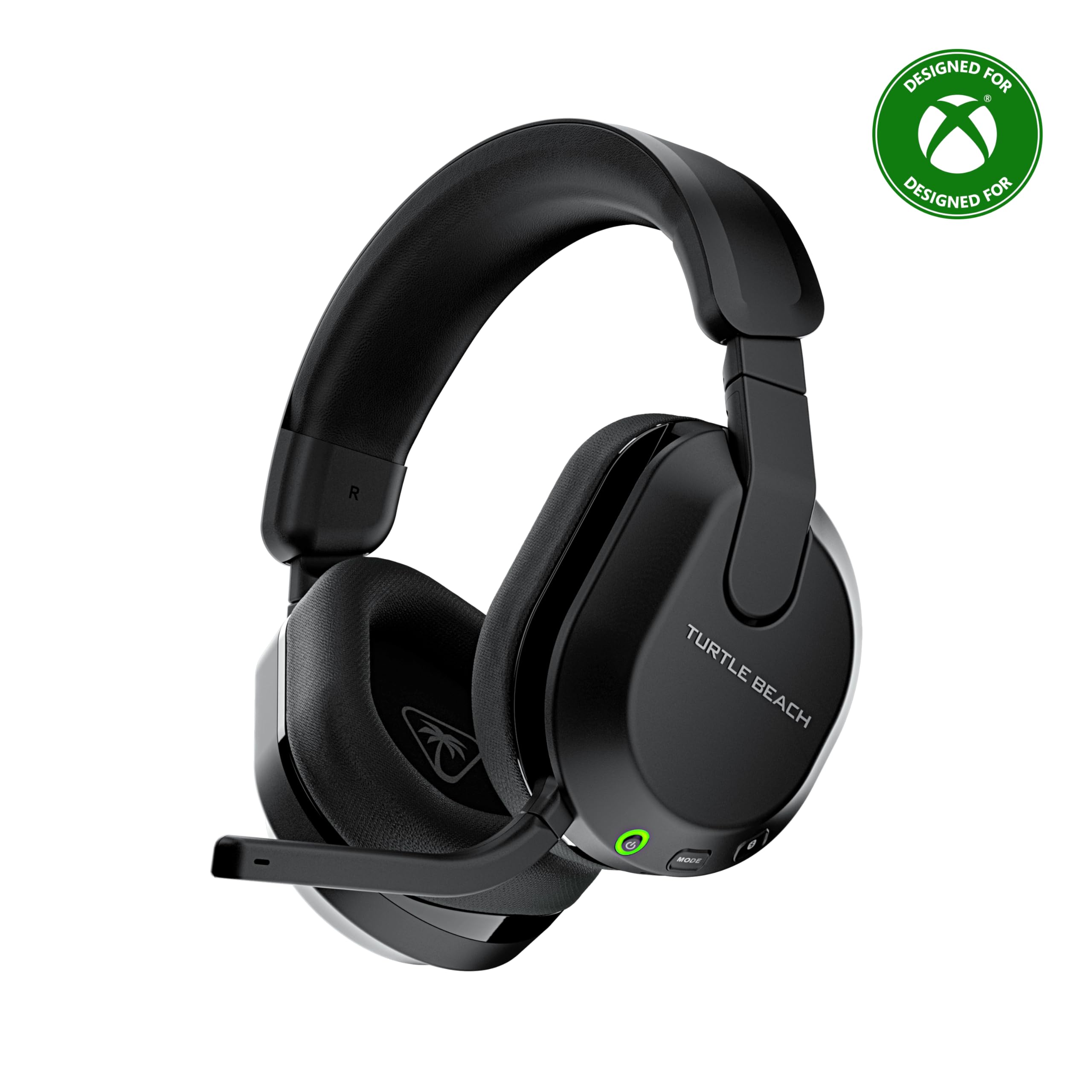
Gamers who hate charging accessories constantly will value the long battery life this wireless headset offers.
Pros
- Rated for up to 80 hours of battery life per charge
- QuickSwitch button toggles between 2.4GHz and Bluetooth instantly
- Swarm II app unlocks a 10-band EQ and mic tuning
Cons
- Higher price than most wired alternatives on this list
- Bluetooth mode limits some advanced audio features
- Setup requires app use to access full customization
The Stealth 600 justifies its higher price with genuinely long battery life and a wireless connection that stays stable during competitive play. Switching to Bluetooth for mobile calls or music takes one button press, which adds real convenience. The 50mm Nanoclear drivers produce detailed, spatial-ready sound tuned well for both PC and console.
Gamers who want wireless freedom and are willing to spend a bit more than the wired options here will get the most complete package in this lineup.
Buying Guide
Connection Type: Wired vs Wireless
Wired headsets cost less and never run out of battery, making them the simplest choice for most budget-focused shoppers. A 3.5mm or USB cable connects directly to a controller, console, or PC without pairing steps.
Wireless headsets add freedom of movement and typically use either Bluetooth, a 2.4GHz USB dongle, or both. That convenience comes with a higher price tag and the need to recharge every so often.
| Feature | Wired | Wireless |
|---|---|---|
| Cost | Lower | Higher |
| Setup | Plug and play | Pairing or dongle required |
| Battery | Never needed | Must be recharged |
| Latency | None | Very low with 2.4GHz, higher with Bluetooth |
Platform Compatibility
Xbox controllers only accept 3.5mm audio jacks or officially licensed USB headsets, so shoppers need to confirm Xbox support before buying. PlayStation and PC accept a wider range of USB and 3.5mm headsets without extra hardware.
Anyone gaming across multiple platforms should look for a 3.5mm connection, since it works with the most devices without adapters.
Driver Size and Sound Quality
Driver size, measured in millimeters, affects how much bass and detail a headset can produce. Larger drivers, in the 50mm range, generally produce fuller sound than smaller 40mm drivers, though tuning quality matters just as much as size.
Spatial or surround sound features add positional detail useful in competitive shooters, but many require specific software or platform support to actually work. Buyers should check whether a headset’s surround feature works on their console or PC before counting on it.
Microphone Quality
A clear microphone matters as much as good speakers for online gaming. Look for these features:
- Noise-cancelling or cardioid mics filter out keyboard clicks and room noise
- Flip-to-mute or swivel-to-mute designs let players mute instantly without touching software
- Detachable mics allow the headset to double as regular headphones
Comfort and Build Quality
Memory foam ear cushions and padded headbands reduce pressure during long sessions. Weight matters too: headsets under 300 grams feel noticeably lighter after a few hours of play.
Metal or aluminum frames hold up better over time than all-plastic builds, especially for gamers who travel with their headset or use it daily.
Battery Life for Wireless Models
Wireless headsets vary widely in battery life, from around 15 hours to over 80 hours per charge. Longer battery life reduces how often a headset needs to sit on a charger instead of a head, which matters for gamers who play in long stretches without breaks.