How To Look Good In Headphones: Style Tips

Introduction
Whether you are commuting on a New York subway, working from a coffee shop in Seattle, or taking a video call from a home office in Texas, headphones are now part of daily style in the United States. The right pair can frame your face, support your outfit, and make you look polished. The wrong fit can flatten your hair, slide down your head, or make an otherwise neat outfit feel untidy.
To look good in headphones, choose a size and shape that suit your face, match the headphone style to your outfit, control visible wires, and wear the headphones with purpose. Small details—such as clean ear cups, balanced hair, and proper placement—often matter more than the brand or price.
Choose a Headphone Shape That Fits Your Face
The best-looking headphones are usually the ones that match your face, head, and personal style. Fit matters because large ear cups, thick headbands, and bright colors draw attention to the upper half of your body.
There is no single headphone shape that looks best on everyone. Use the following guide as a starting point rather than a strict rule.
| Face or head feature | Headphone style that may work well | Why it helps |
|---|---|---|
| Round face | Slim over-ear or angular on-ear headphones | Adds visual structure |
| Long face | Wider ear cups or a thicker headband | Adds balance |
| Small head | Compact on-ear or small over-ear models | Reduces excess scale |
| Large head | Adjustable over-ear headphones with a wide band | Improves comfort and proportion |
| Strong jawline | Rounded ear cups and soft edges | Creates visual contrast |
| Delicate features | Lightweight, low-profile headphones | Keeps the look balanced |
Over-ear headphones
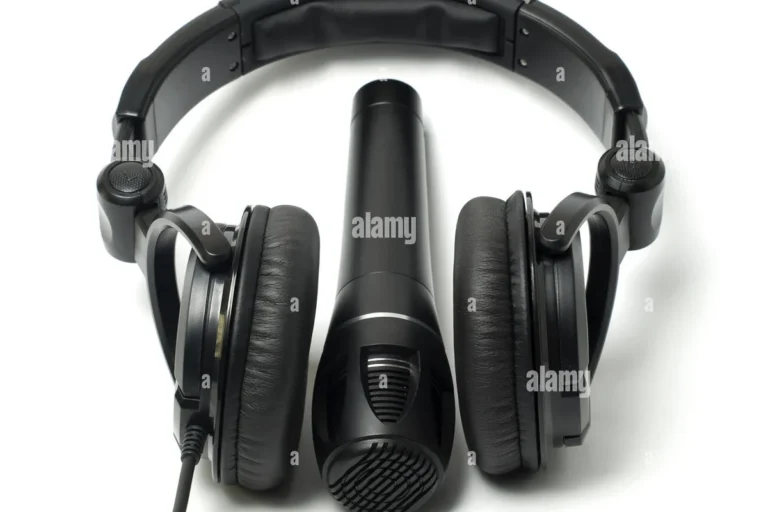
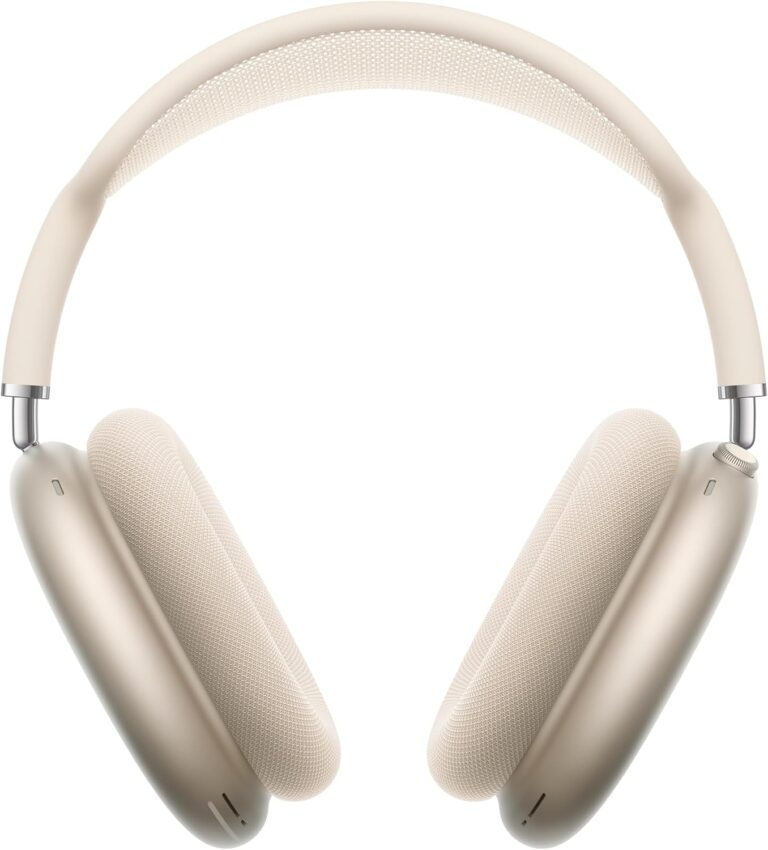
Over-ear headphones cover the entire ear. They often look refined and intentional because their shape is clean and easy to see. They work well with streetwear, travel clothing, coats, knitwear, and simple work outfits.
Choose over-ear headphones when you want a bold accessory or need more passive sound isolation. Look for ear cups that sit around your ears rather than pressing against them. A poor fit can make the headphones look too large and may become uncomfortable during long use.
On-ear headphones
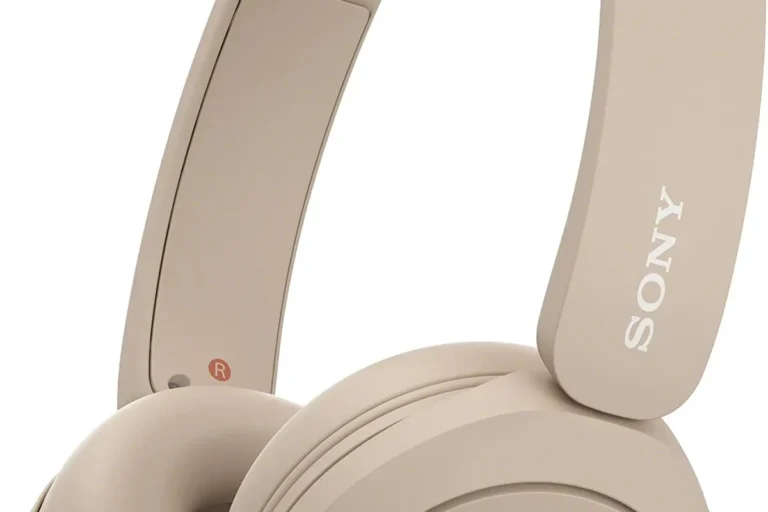
On-ear headphones rest on the ears instead of surrounding them. They tend to look smaller and lighter than over-ear models. This can help if you have a small head or prefer a less noticeable accessory.
The trade-off is pressure. If the ear pads clamp too tightly, your ears may feel sore and your hair may become flattened. Adjust the headband before wearing them in public so the ear cups sit evenly on both sides.
Earbuds
Earbuds have the lowest visual impact. They can create a clean, minimal look, especially with simple clothing or formal outfits. Wireless earbuds also remove visible cables that can distract from your clothing.
Their small size does not make fit irrelevant. Use the correct ear tip size if the earbuds include interchangeable tips. A secure fit looks better because you will not need to touch or reposition them often.
Match Headphones to Your Outfit
Headphones should support your outfit, not compete with it. The easiest way to create a polished look is to treat headphones like any other accessory, such as sunglasses, a watch, or a bag.
Use color with purpose
Neutral headphones are easy to style. Black, white, gray, beige, and dark blue work with many outfits. They are useful if you wear headphones daily and do not want to plan around them.
Bright headphones can also look good, but they should have a clear relationship with the rest of your outfit. For example:
- Red headphones can echo red shoes or a small bag.
- White headphones can complement light sneakers or a pale shirt.
- Green headphones can work with earth tones.
- Silver headphones can suit gray, black, navy, and modern office clothing.
- Brown or tan headphones can pair well with denim, cream, and leather.
You do not need an exact color match. A repeated tone is enough to make the outfit feel planned.
Balance large headphones with simple clothing
Large over-ear headphones already create visual weight near your face. Pair them with clean lines rather than too many competing details. A plain jacket, fitted sweater, or simple T-shirt can give the headphones room to stand out.
If your clothing is already bold, use headphones in a neutral color. This keeps the overall look from feeling crowded.
Dress for the setting
The same headphones can look different in different settings. Large headphones may fit well on a flight, at a university, or during a casual commute. They may look less suitable at a formal dinner or a professional meeting unless you are actively using them for a call.
For work, low-profile headphones in black, gray, or another muted color usually look more deliberate. For casual settings, color, texture, and larger ear cups allow more room for personal style.
Wear Headphones in a Way That Flatters Your Hair
Headphones can create flat spots, dents, static, or unwanted volume. The best solution depends on your hair length and texture.
Short hair
With short hair, place the headband where it creates a clean line. Do not push the headphones too far back if the band causes your hair to stick up. A slight adjustment forward or backward can change the shape of your hair.
If the ear cups press your hair outward, use a small amount of styling cream or water after removing the headphones. Avoid adding too much product, since oily ear pads can collect hair and dust.
Long hair
Long hair gives you more ways to style headphones. You can:
- Wear your hair down for a relaxed look.
- Tie it in a low ponytail below the headband.
- Use a low bun at the back of the neck.
- Pull the hair forward over the band for a softer appearance.
- Place the headband under the hair if the headphones remain stable.
A high ponytail often conflicts with a headphone band. It can push the headphones forward and create pressure at the crown of your head.
Curly, coily, and textured hair
Headphones can compress curls and create uneven sections. A wide, smooth headband may reduce pressure compared with a narrow band. You can also position the band behind the highest part of your hair or wear a low protective style.
A satin or silk head covering may reduce friction, but it can also make headphones less stable. Check that the ear cups remain sealed and do not slide while you move.
Bangs and face-framing layers
If you have bangs or layers around your face, let a small amount of hair remain in front of the ear cups. This can soften the look and hide pressure marks. Keep the hair clear of the ear cushions so it does not break the seal or cause discomfort.
Adjust the Fit Before You Leave Home
Proper adjustment makes headphones look more natural. It also prevents the repeated touching and repositioning that can make you appear distracted.
Start with the headband centered on your head. The ear cups should sit at the same height, and the band should not lean to one side. If one ear cup sits lower than the other, adjust the headband or slide the headphones slightly.
For over-ear headphones, the cushions should surround the ears. If the bottom of the cups touches your jaw or the top presses into your hair, the headphones may be too small or poorly adjusted.
For on-ear headphones, the pads should rest evenly on both ears. Excessive pressure often means the band needs adjustment. Do not bend the headband unless the manufacturer allows it; some materials can crack or lose their shape.
Wireless earbuds should sit securely without needing constant correction. If one earbud points outward while the other sits flush, try a different ear tip or rotate the earbud slightly according to its design.
Signs of a good fit
A good fit usually has these signs:
- The headphones stay in place when you turn your head.
- The headband feels centered.
- The ear cups look even in a mirror or front-facing camera.
- Your ears and jaw do not feel painful.
- You can remove the headphones without pulling large sections of hair.
- You do not need to touch them every few minutes.
What to do if the fit looks awkward
If the headphones look too large, try a smaller model, a slimmer headband, or earbuds. If they look too small, choose wider ear cups and a more adjustable frame.
If the headphones make your face look unbalanced, change the position first. Moving the band by less than an inch can improve the overall shape. If that does not help, change the headphone style rather than forcing the fit.
Make Headphones Look Better in Photos and Video Calls
Headphones can look larger on camera than they do in person. Wide-angle phone lenses and laptop cameras may exaggerate the size of ear cups and headbands.
For photos, turn your face slightly instead of facing the camera perfectly straight. This can show the shape of the headphones without making both ear cups appear equally wide. Keep the headband centered, and check for hair caught under the cushions.
For video calls, use a front-facing light that reaches your face from the front or slightly to the side. A dark room can make black headphones blend into your hair and appear bulky. A plain background also keeps the frame from looking busy.
Place the microphone near your mouth but not directly against it. If your headphones have a boom microphone, keep it aligned with the corner of your mouth. A microphone that hangs too low can distract from your face.
Before an important call, check:
- Headphone placement
- Hair around the headband
- Microphone position
- Reflections on glossy ear cups
- Visible cables
- Whether the headphones cover earrings or collide with glasses
Style Headphones With Glasses, Hats, and Jewelry
Headphones can compete for space with other accessories. The goal is to avoid pressure and visual clutter.
Headphones and glasses
Glasses temples and headphone cushions may press against the same area behind your ears. If this causes pain, try over-ear headphones with deeper cushions or lighter on-ear headphones with less clamping force.
Put on your glasses first, then place the headphones over them. This helps you see where pressure occurs. Do not accept pain as a normal part of the fit.
Headphones and hats
A thin baseball cap, beanie, or knit cap can work with headphones if the headband remains stable. Thick hats may increase pressure and make the headphones sit too high.
If you wear a hat under over-ear headphones, check that the ear cups still surround your ears. A hat can break the seal and change both comfort and sound.
Headphones and earrings
Large hoops and thick earrings may catch on ear cups or press into the skin. Small studs are usually easier to wear with headphones. If you prefer larger earrings, test them with the headphones before leaving home.
Avoid placing headphone cables or bands over fragile jewelry. Repeated rubbing can damage both the accessory and the headphone material.
Keep Headphones Clean and Well Maintained
Clean headphones look better and last longer. Skin oil, dust, hair products, and makeup can collect on ear pads and earbuds.
Wipe hard surfaces with a soft, slightly damp cloth. For ear pads, follow the manufacturer’s care instructions because leather, synthetic leather, fabric, and foam can react differently to moisture and cleaning products.
Do not soak headphones or spray cleaner directly onto them. Keep liquid away from charging ports, buttons, microphones, and speaker openings.
For earbuds, clean the outer surface and remove visible buildup carefully. Do not push debris deeper into the speaker mesh. Replace worn ear tips when they become loose, cracked, or difficult to clean.
Store headphones in a case or clean location. Avoid placing them on gym floors, café tables, or the bottom of a bag without protection. Scratches and dirty ear cushions can make even expensive headphones look neglected.
Use Headphones Safely Without Ruining Your Look
Style should never come at the cost of comfort or hearing safety. The National Institute on Deafness and Other Communication Disorders and the Centers for Disease Control and Prevention warn that loud sound can contribute to noise-induced hearing loss.
The World Health Organization recommends keeping personal listening levels below 60% of the maximum when possible and taking breaks during long listening sessions. Exact safe exposure depends on volume and time, so a lower setting is safer than a high setting.
Good habits include:
- Lowering the volume in quiet places.
- Taking regular listening breaks.
- Using noise cancellation instead of raising the volume in loud settings.
- Removing headphones if your ears ring or feel muffled.
- Keeping enough awareness for traffic, announcements, and people around you.
- Following local rules when driving, cycling, or operating equipment.
Noise-canceling headphones can help you listen at a lower volume in a busy place, but they do not make loud listening harmless. If you notice ongoing ringing, pain, muffled hearing, or trouble understanding speech, stop loud listening and seek advice from a qualified health professional.
Common Mistakes That Make Headphones Look Worse
Several small mistakes can make headphones seem awkward even when the model itself is attractive.
Wearing the wrong size
A headband that is too tight leaves marks and pushes hair down. A band that is too loose slides and creates an uneven look. Adjust the size before judging the style.
Ignoring the cable
A loose cable can pull on one side and create visual clutter. Route it down one side of your body, secure it inside a jacket, or use wireless headphones when that suits your needs.
Covering the wrong part of your hair
Placing a headphone band over a high ponytail or large bun can create pressure and make the headphones sit unevenly. Use a low style or wear the hair down.
Choosing fashion over comfort
A pair may look good for five minutes but become painful after an hour. Pain changes your posture and causes constant adjustment, which makes the headphones look less natural.
Wearing dirty ear pads
Oil, makeup, and dust are easy to notice on light-colored cushions. Clean them often, especially if you share headphones or wear them during exercise.
Matching everything too closely
A full outfit in the exact same color can look forced. Use headphones as one accent rather than matching them to every item.
Key Takeaways
- Choose headphones that match your face, head size, hair, and usual clothing.
- Use neutral colors for daily wear and brighter colors as deliberate accents.
- Adjust the headband and ear cups until they sit evenly.
- Wear long hair in a low ponytail or low bun to reduce pressure.
- Check headphone placement before photos and video calls.
- Consider glasses, hats, earrings, and cables when planning your look.
- Keep ear pads, earbuds, and hard surfaces clean.
- Protect your hearing by keeping volume moderate and taking breaks.
- If the headphones hurt, slip, or flatten your hair badly, try a different size or style.
Frequently Asked Questions
Do headphones make your face look bigger?
Large over-ear headphones can add visual width near the sides of your face. A slimmer model, darker color, or slightly angled photo position can reduce that effect. Proper placement also matters; oversized headphones look more noticeable when the headband is too wide or the ear cups sit too low.
Is it better to wear headphones over or under your hair?
Either option can work. Wearing the headband over your hair is usually more stable. Wearing it under your hair can create a softer look but may reduce grip. Choose the position that keeps the headphones centered and does not pull your hair.
How can I wear headphones without flattening my hair?
Use a low hairstyle, move the headband slightly during long sessions, and avoid tight clamping force. After removing the headphones, reshape the hair with your fingers or a small amount of water. A compact headphone style may also reduce pressure.
What headphone color looks best with most outfits?
Black, gray, white, beige, and dark blue are the easiest colors to wear with different clothing. Choose a color based on your wardrobe, hair, and skin contrast rather than a universal rule. A neutral pair is practical for daily use.
Can I wear headphones with glasses?
Yes, but the fit may need adjustment. Over-ear headphones with soft, deep cushions often reduce pressure around the temples. Try the glasses and headphones together before buying, and stop using them if they cause pain or headaches.
How do I look good in headphones during a video call?
Center the headband, keep the microphone near the corner of your mouth, smooth the hair around the ear cups, and use front-facing light. A simple background and clean ear pads also help the headphones look intentional rather than distracting.
Conclusion
Looking good in headphones comes down to proportion, placement, and care. Select a style that fits your head and face, match its color to your clothing, and adjust it so the band and ear cups sit evenly. Then manage your hair, accessories, cables, and volume.
The best next step is simple: put on your headphones, take a front and side photo in natural light, and check the fit before your next commute, workday, or video call.