Can You Use Bluetooth Headphones on Xbox One Easily

No, standard Bluetooth headphones do not connect directly to Xbox One. The easiest options are a wired headset through the controller or an Xbox-compatible wireless headset.
If you’re asking can you use bluetooth headphones on xbox one, the short answer is no, not directly. Xbox One does not support standard Bluetooth audio pairing for most headphones, so you usually need a wired connection, an Xbox Wireless headset, or a workaround such as a transmitter.
- Direct Bluetooth: Not supported for most headsets on Xbox One.
- Best simple option: Use the controller’s 3.5mm headphone jack.
- Best wireless option: Choose an Xbox Wireless-compatible headset.
- Workaround option: A Bluetooth transmitter may work, but latency can be an issue.
Can You Use Bluetooth Headphones on Xbox One? The Short Answer and Why It Matters
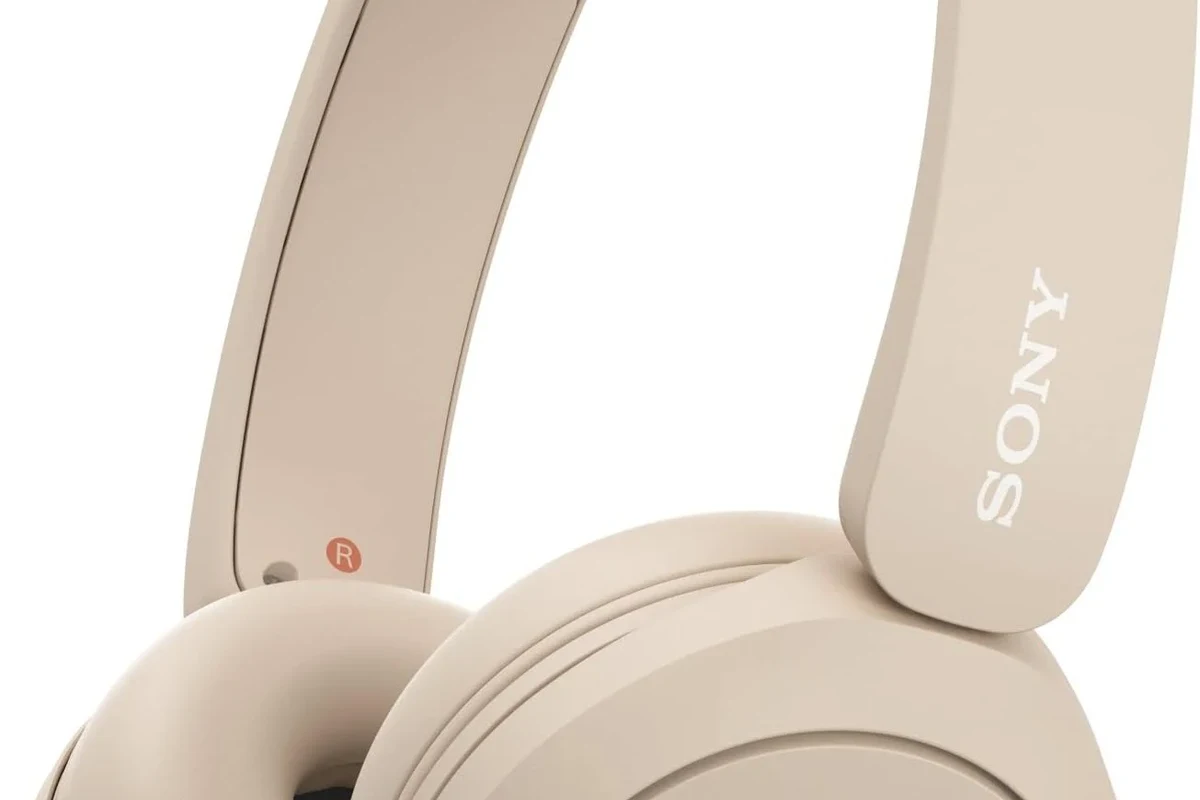
For most players, the main frustration is simple: your Bluetooth earbuds or over-ear headphones may work with phones, tablets, and laptops, but not with the Xbox One itself. That matters because audio delay, chat compatibility, and comfort can all affect your gaming experience.
What Xbox One supports by default in 2026
In 2026, Xbox One still relies on Xbox Wireless for supported wireless headsets, plus wired options through the controller or TV audio output. Standard Bluetooth headphones are not a native plug-and-play solution for console audio.
If you want the simplest path, the controller’s 3.5mm jack or an Xbox-compatible wireless headset is usually the most reliable choice. If you want to compare wireless versus wired listening in more detail, our guide on bluetooth vs wired headphones sound quality explains the trade-offs in plain terms.
Why Bluetooth audio is still a common pain point for gamers
Bluetooth is convenient, but gaming is less forgiving than casual music listening. Even a small delay can make footsteps, gunfire, or dialogue feel slightly off, and that can be distracting in fast-paced games.
Bluetooth can also create chat limitations. Some headsets handle audio well but struggle with microphone support, which is a problem if you want party chat or multiplayer voice chat on Xbox One.
How Xbox One Handles Wireless Audio: What Works and What Doesn’t
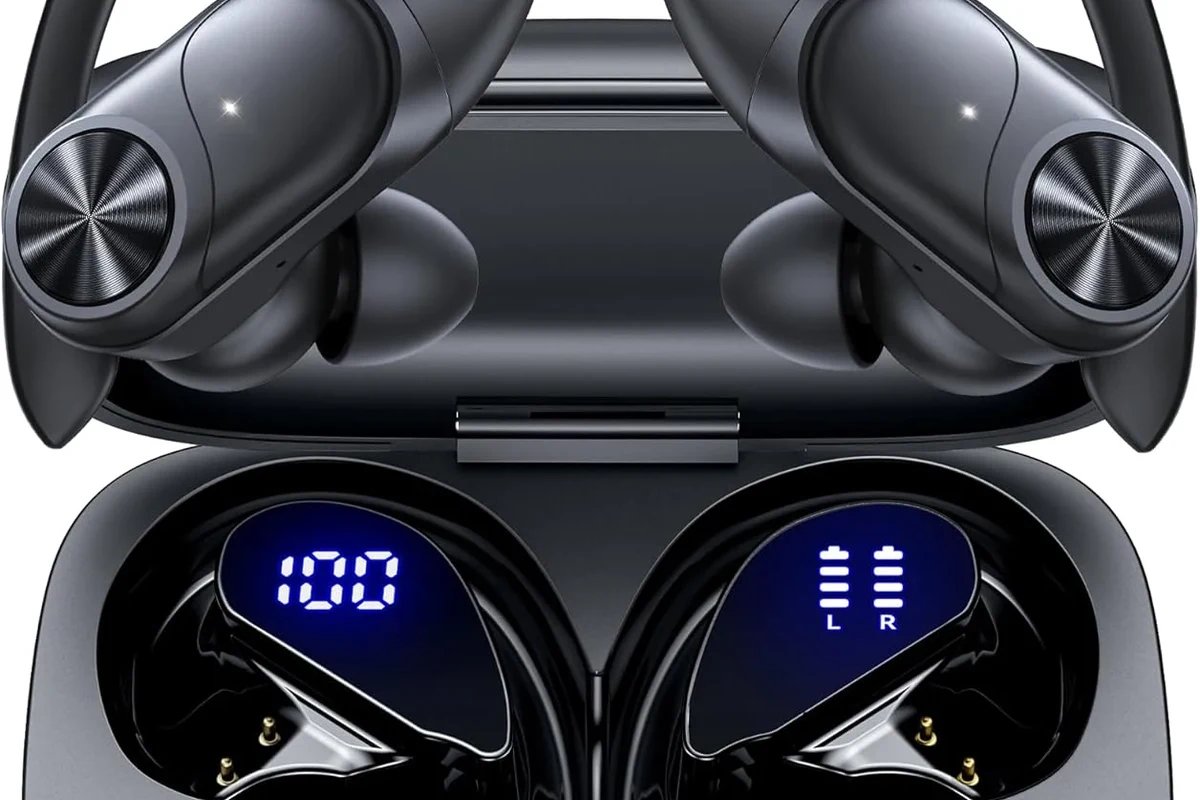
Xbox One uses its own wireless ecosystem for many headset models, which is why some gaming headsets connect easily while regular Bluetooth headphones do not. The console is designed around low-latency gaming audio, not generic Bluetooth pairing.
Xbox Wireless vs. Bluetooth: the key difference
Xbox Wireless is Microsoft’s headset connection method for compatible devices. It is built for gaming and typically offers better responsiveness than standard Bluetooth, which is one reason dedicated gaming headsets often feel smoother on console.
Bluetooth, by contrast, is a general-purpose wireless audio standard. It works great for many everyday devices, but it is not always optimized for console gaming latency or voice chat behavior.
Compatibility can vary by headset model, controller version, and adapter. Always check the headset’s Xbox support details before buying.
Controller jack, USB adapters, and console limitations
The easiest built-in connection is the 3.5mm headphone jack on the Xbox controller. If your headset has a cable, you can usually plug in and play without extra setup.
USB audio support is more limited than many people expect. Some USB devices work, but many Bluetooth dongles and generic USB adapters will not give you the seamless console experience you want.
That is why many players choose a direct wired headset or an Xbox-compatible wireless model instead of trying to force a phone-style Bluetooth setup.
Best Ways to Connect Headphones to Xbox One Without Bluetooth Support
Even without native Bluetooth audio, there are several practical ways to listen on Xbox One. The best option depends on whether you care most about voice chat, low latency, convenience, or cost.
Using the Xbox One controller’s 3.5mm headphone jack
This is the most straightforward option for many gamers. If your headphones include a cable, you can connect directly to the controller and avoid pairing issues altogether.
Wired headphones are also a smart choice for consistent sound and lower delay. If you want a broader overview of how different headset styles fit different users, see our article on types of headphones explained.
Connecting via Xbox Wireless headsets for lower-latency play
Xbox Wireless headsets are often the best wireless choice for the console because they are designed to work with it. They can be a better fit than Bluetooth if you want stable audio and easier chat support.
For gamers who play often, this option usually feels more natural than juggling adapters. It is especially useful if you want fewer setup steps and less chance of audio lag.
Using a TV or monitor audio output for wired headphones
If your TV or monitor has a headphone output, optical out, or another audio-out option, you may be able to route game sound there. This can be useful when you want headphones without relying on the controller jack.
Just remember that TV audio settings can affect delay, volume, and voice chat behavior. It’s a workable solution, but it is not always the cleanest one for competitive gaming.
Bluetooth transmitter workarounds and when they make sense
A Bluetooth transmitter can make sense if you already own good Bluetooth headphones and want to reuse them. In that setup, the transmitter connects to the console, controller, or TV, then sends audio to your headset.
This can be convenient for solo play or casual TV watching, but results vary by transmitter quality. Some units introduce noticeable lag, and many are not ideal for microphone chat.
Not every transmitter is suitable for Xbox One gaming. Check whether it supports low-latency audio and whether it works with your intended audio source before buying.
Practical Setup Examples for Common Gaming Scenarios
Different Xbox One users need different solutions. A setup that works well for single-player games may not be the best choice for multiplayer voice chat or streaming apps.
Single-player gaming with a Bluetooth headset workaround
If you mostly play story games, a Bluetooth transmitter connected to your TV may be enough. The audio delay may be less noticeable in slower-paced games, especially if you are not relying on split-second timing.
This is one of the few cases where convenience can outweigh perfect latency. Still, it is worth testing the setup before you commit to it for long sessions.
Party chat and multiplayer voice chat setup
For party chat, the controller jack or an Xbox-compatible headset is usually the safer route. Voice chat is where compatibility issues show up quickly, especially if the headset microphone does not pass through correctly.
For multiplayer, the simplest setup is usually the most reliable one.Fewer adapters often means fewer chat problems.
Watching Netflix or streaming apps on Xbox One with headphones
If you mainly use Xbox One for streaming apps, Bluetooth workarounds can be more acceptable than they are for gaming. A small amount of delay is less disruptive when you are watching movies or shows.
Still, if lip-sync matters to you, wired headphones or a TV audio output may give you a better result. That is especially true if you are sensitive to even minor delay.
Common Mistakes People Make When Trying to Use Bluetooth Headphones on Xbox One
A lot of frustration comes from expecting Xbox One to behave like a phone or laptop. Once you understand the console’s limitations, it becomes easier to avoid expensive mistakes.
Assuming any Bluetooth headset will pair directly
This is the biggest misunderstanding. Most standard Bluetooth headphones will not pair directly with Xbox One the way they do with mobile devices.
Before buying anything, check whether the headset is specifically made for Xbox Wireless or whether you need an adapter.
Ignoring audio delay and lip-sync issues
Bluetooth delay can be subtle at first, but it becomes easier to notice during gameplay or dialogue-heavy scenes. If the sound arrives late, the whole experience can feel less responsive.
That is why many gamers prefer wired solutions for console play, especially when reaction time matters.
Overlooking microphone compatibility for chat
Some Bluetooth headphones work fine for listening but do not handle Xbox voice chat properly. That can leave you with game audio but no usable microphone path.
If party chat matters, make sure the headset or adapter explicitly supports mic input on Xbox One before you spend money.
Buying the wrong adapter or transmitter for the console
Not every adapter is built with gaming in mind. Some are designed for music playback only, while others may work better with TVs than with consoles.
If you are unsure, look for a device that clearly mentions low-latency audio and Xbox-compatible use cases. A cheap adapter can end up costing more if you replace it later.
Expert Advice: When a Bluetooth Workaround Is Worth It—and When It’s Not
Bluetooth workarounds can be useful, but they are not automatically the best solution. The right answer depends on how you play and how sensitive you are to lag, chat quality, and comfort.
If you have ongoing hearing concerns, ringing in the ears, or sound sensitivity, consider speaking with an audiologist. If your headset setup feels uncomfortable or unusually fatiguing, a professional can help you choose safer listening habits.
Latency, battery life, and sound quality trade-offs
Wireless convenience often comes with trade-offs. Bluetooth headsets need charging, and some transmitters or adapters can reduce sound quality or add delay.
That does not make them bad—it just means the best option depends on your priorities. Casual gaming may tolerate compromises that competitive play will not.
Warning signs that a cheap adapter will disappoint
If an adapter has unclear compatibility, vague latency claims, or no mention of microphone support, be cautious. Those are common signs that the product may not work well for Xbox One gaming.
Also watch for overly broad “works with everything” wording. In audio gear, that often means you should expect compromises.
Why competitive gamers should prioritize low-latency options
Fast-paced players usually benefit most from wired headsets or Xbox Wireless models. Lower latency makes aiming, timing, and communication feel more natural.
For competitive use, the goal is not just sound quality. It is also speed, stability, and predictable chat performance.
Cost Comparison: Bluetooth Workarounds vs. Xbox-Compatible Headsets
Price is usually part of the decision, but the cheapest option is not always the best value. A more reliable headset can save you from buying adapters, replacing gear, or dealing with frustrating setup problems.
Budget transmitter options and typical price ranges
Budget Bluetooth transmitters can be attractive if you already own a good headset. However, their actual performance may vary a lot by model, source device, and how you connect them.
Mid-range wired and wireless headset alternatives
Mid-range wired headsets often offer the best balance of simplicity and sound quality for Xbox One. They avoid pairing issues and usually work well for both game audio and chat.
Mid-range Xbox-compatible wireless headsets can be a better fit if you want freedom from cables without the uncertainty of generic Bluetooth gear.
Which option gives the best value for casual vs. serious players
Casual players may be happiest with a simple wired headset or a TV audio workaround. Serious players, especially those who play shooters or ranked matches, usually get better value from a low-latency Xbox-compatible headset.
If you want to compare wireless behavior more broadly, our guide on how noise cancelling headphones work can help you understand why some wireless features are better for comfort than for gaming speed.
Final Verdict: The Easiest Way to Use Headphones on Xbox One in 2026
The easiest way to use headphones on Xbox One is usually a wired connection through the controller or an Xbox-compatible wireless headset. Standard Bluetooth headphones are still not the direct, hassle-free answer most gamers hope for.
Quick recap of the best connection method by use case
If you want the simplest setup, use the controller’s 3.5mm jack. If you want wireless gaming with fewer delays, choose an Xbox Wireless headset. If you only need casual listening for streaming apps, a Bluetooth transmitter may be acceptable.
Bottom-line recommendation from Top Headphone Reviews Editorial Team
Our recommendation is to treat Bluetooth as a workaround, not the main plan, for Xbox One. For the best mix of sound quality, chat support, and low frustration, go wired or choose a headset built specifically for Xbox compatibility.
- Xbox One does not support standard Bluetooth headphones directly.
- Wired controller audio and Xbox Wireless headsets are the most reliable options.
- Bluetooth transmitters can work, but latency and chat support may be inconsistent.
- Competitive players should prioritize low-latency, Xbox-compatible audio gear.
Listening at high volumes for long periods can cause hearing damage. Keep volume at 60% or below for extended sessions.
Frequently Asked Questions
Most standard Bluetooth headphones do not pair directly with Xbox One. You usually need a wired connection, an Xbox Wireless headset, or a transmitter workaround.
An Xbox-compatible wireless headset or a wired headset through the controller is usually the most reliable choice. These options are typically better for low latency and chat support.
Yes, if they connect through a supported method such as a cable, Xbox Wireless, or a compatible adapter. Noise cancelling can help block background sound, but it does not fix Bluetooth compatibility issues.
Over-ear headphones often feel more comfortable for long sessions, while in-ear models can be lighter and more portable. The better choice depends on fit, comfort, and how much isolation you want.
Check connection type, microphone support, latency claims, comfort, and build quality. If you want wireless, make sure the headset is clearly compatible with Xbox use.
Use a low-latency transmitter if your setup supports one, and avoid relying on generic Bluetooth pairing for fast-paced gaming. For the best results, wired or Xbox-compatible wireless options are usually safer.