Can You Connect Headphones to Xbox Easily and Quickly

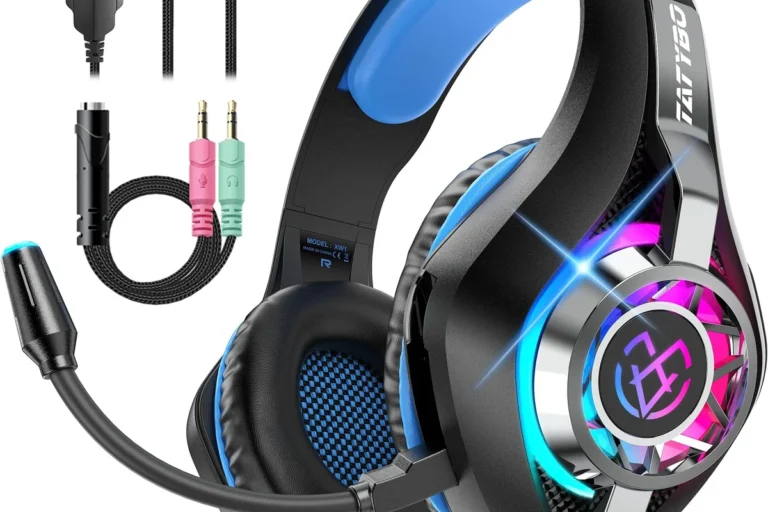
Yes, you can connect headphones to Xbox, but the easiest method is usually a wired headset through the controller. Standard Bluetooth headphones often need a workaround, while Xbox-compatible wireless headsets are the best wireless option.
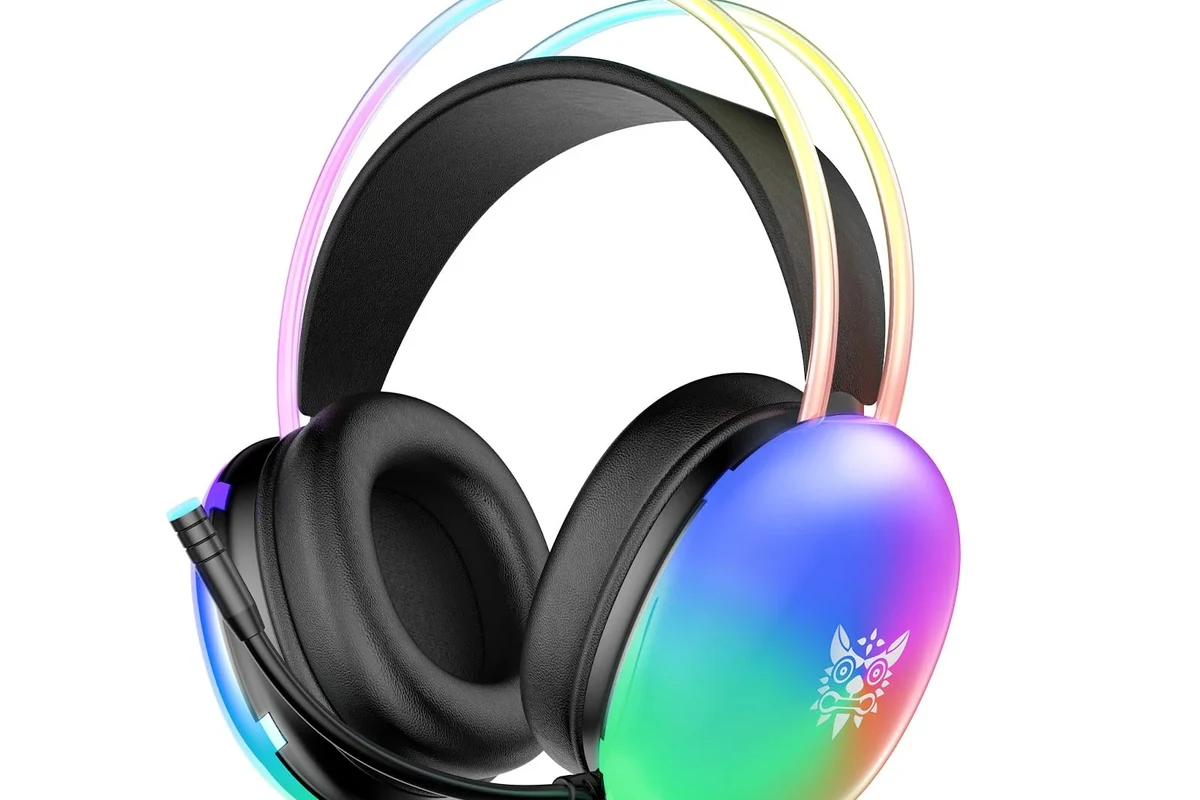
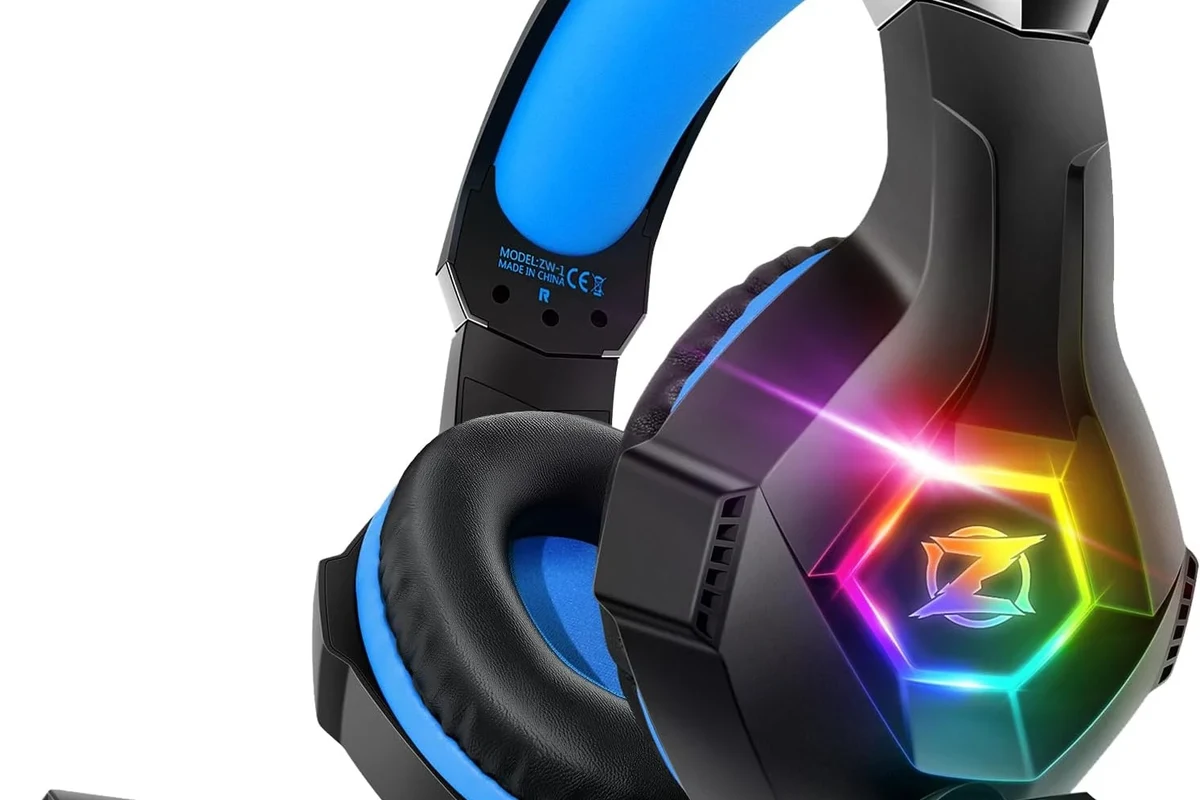
- Fastest method: Plug wired headphones into the controller.
- Best wireless choice: Use an Xbox-compatible wireless headset.
- Bluetooth limit: Most standard Bluetooth headphones do not connect directly.
- Workaround option: TV or adapter audio can help, but may add lag.
Frequently Asked Questions
Wired headphones usually give the simplest setup and the lowest delay. Wireless headsets made for Xbox can be more convenient, but standard Bluetooth models often need workarounds.
Check whether the headset supports clear game audio, chat audio, and the right fit for your ears. If the headset has EQ settings, you can adjust bass, clarity, and overall balance to match your preference.
Open-back headphones can sound spacious and natural, but they leak sound and do not isolate noise well. Closed-back models are usually better for shared rooms, louder homes, and focused gaming.
Look at comfort, weight, ear cushion material, mic support, and whether the headset is wired or wireless. Sound tuning, battery life, and build quality also matter, especially for long sessions.
For gaming, prioritize low latency and mic support. For commuting, noise cancelling and portability matter more, while studio use usually benefits from accurate sound and a wired connection.
A budget wired headset is often the safest value choice because it is easy to connect and usually avoids latency problems. If you spend more, look for better comfort, stronger build quality, and Xbox-specific compatibility.