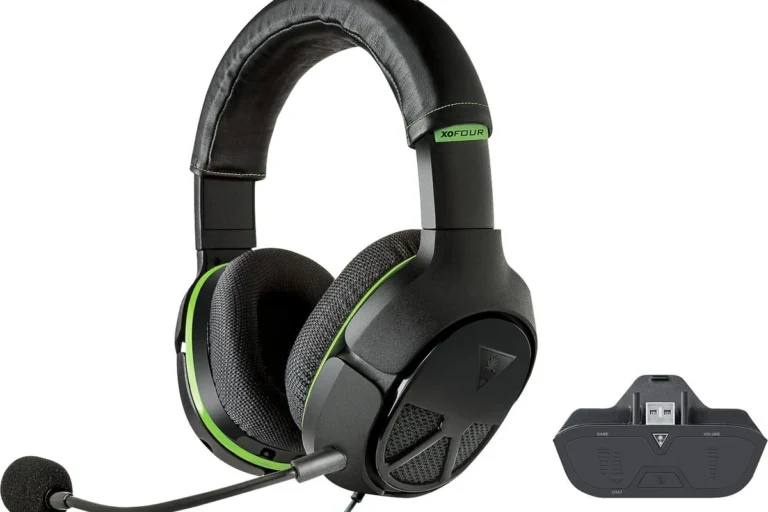
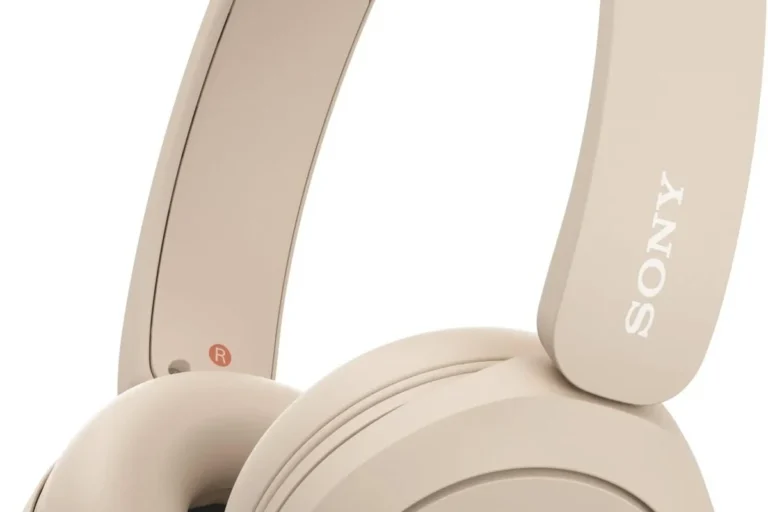
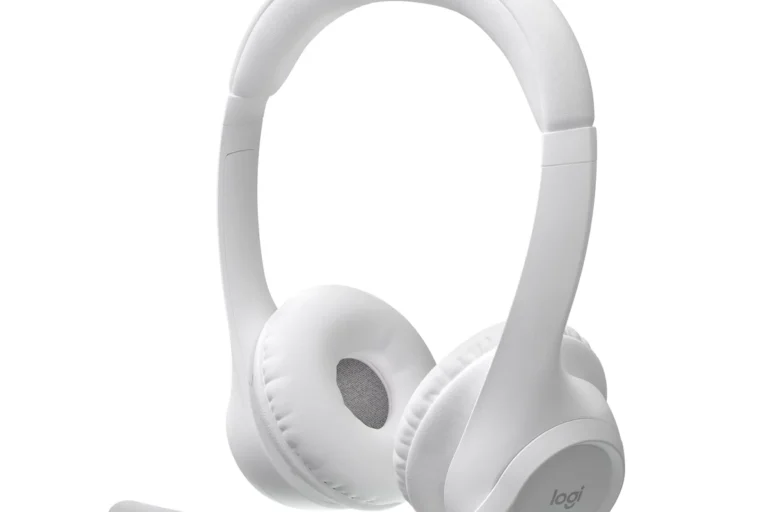
Can PS5 Use Bluetooth Headphones A Complete Guide

The PS5 can use Bluetooth headphones, but usually not through simple direct pairing with standard headsets. Most players need a USB adapter, TV connection, or another workaround for reliable wireless audio.
If you’re asking can ps5 use bluetooth headphones, the short answer is yes, but not in the simple way most people expect. The PS5 does not reliably support standard Bluetooth headphone pairing the way a phone or laptop does, so most players need a workaround.
That matters because gaming audio is more sensitive to delay than music or podcasts. If you want clean sync for footsteps, dialogue, and competitive play, it helps to understand how the PS5 handles wireless audio before you buy anything.
- Direct pairing: Standard Bluetooth headphones often need a workaround on PS5.
- Best performance: Low-latency wireless or wired options are usually more stable.
- Chat support: Mic compatibility can be limited with some Bluetooth setups.
- Buying tip: Check adapter compatibility before relying on Bluetooth for gaming.
Can PS5 Use Bluetooth Headphones? The Short Answer and What It Means for Players
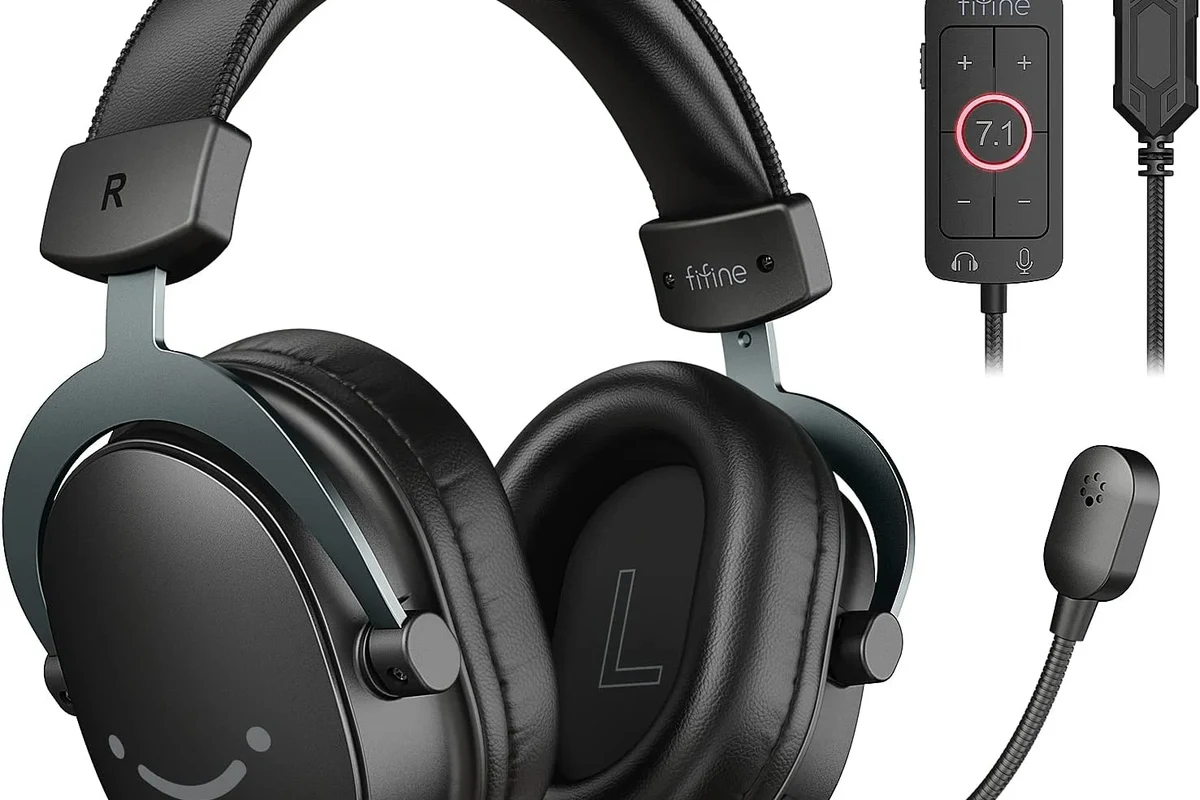
The PS5 can work with Bluetooth headphones in certain setups, but direct pairing with most regular Bluetooth headsets is usually not supported. In practice, that means you may need a USB adapter, a TV connection, or a Remote Play workaround to get wireless audio working.
For many players, the real question is not just “does it connect?” but “does it sound good enough for gaming?” Bluetooth can be fine for casual play, streaming, and single-player games, but it may not be the best choice for fast online titles where audio timing matters.
Compatibility can vary by headset model, adapter type, TV settings, and PS5 software updates, so it’s worth checking your exact gear before buying.
How PS5 Bluetooth Audio Works in 2025: Supported Devices, Limits, and Sony’s Design Choices
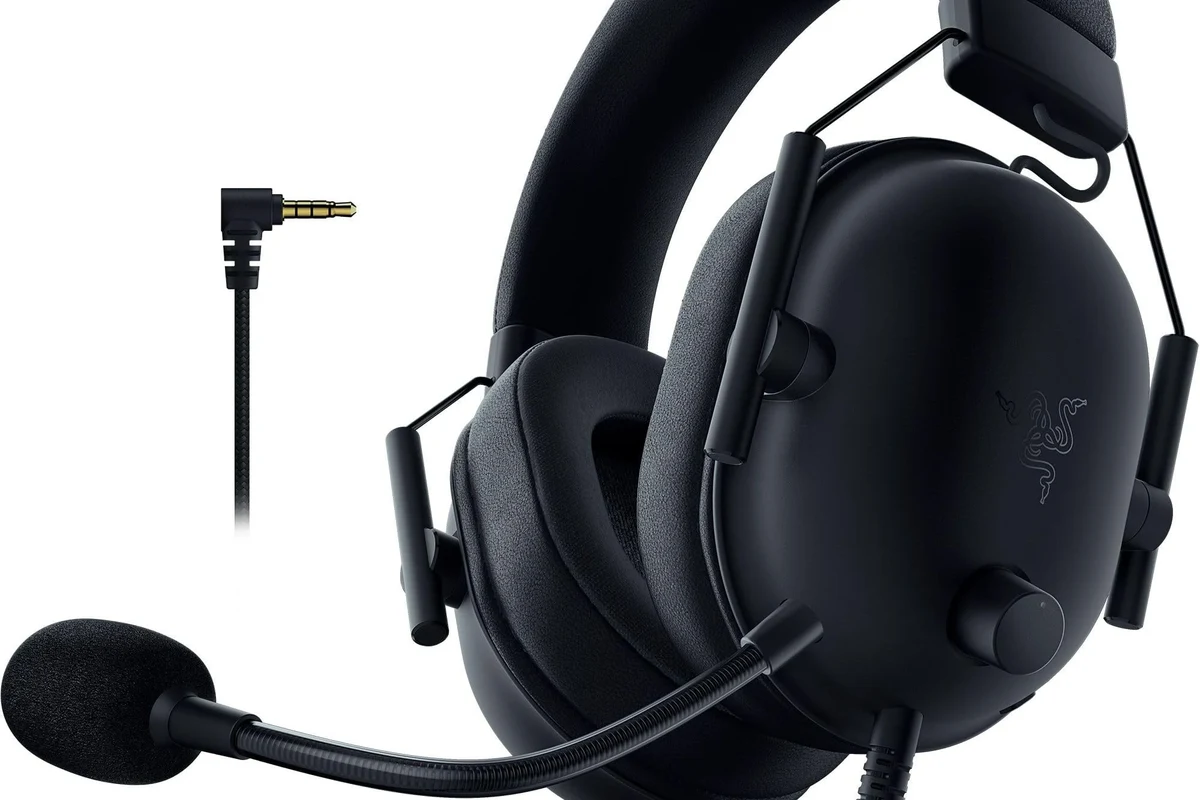
Sony’s approach to PS5 wireless audio is intentionally conservative. The console is designed to favor stable, low-latency connections through supported accessories rather than open-ended Bluetooth pairing for every headphone on the market.
This is partly about performance and partly about reliability. Games need audio that stays in sync with the action, and Bluetooth can introduce delay, connection drops, or microphone issues depending on the device and codec.
Why Most Standard Bluetooth Headphones Still Don’t Connect Directly
Most Bluetooth headphones are built for phones, tablets, and laptops. The PS5 is not as flexible with generic Bluetooth audio profiles, so many headsets won’t appear as straightforward pairing options in the console menus.
That does not mean your headphones are broken. It usually means the PS5 is being selective about what it accepts, especially when the headset also needs to handle voice chat and low-delay game audio at the same time.
Latency, Codec, and Game Audio Sync Issues Explained
Latency is the delay between the sound being generated and when you hear it. With music, a small delay is usually harmless. In games, even a slight lag can make gunfire, dialogue, or rhythm timing feel off.
Codec support also matters. Some Bluetooth systems compress audio more efficiently than others, but the PS5 does not treat all Bluetooth paths equally. If your headset or adapter does not support a low-latency mode, you may notice lip-sync problems or a slight echo between on-screen action and sound.
Cheap wireless solutions can work for casual listening but still feel delayed in games. If timing matters to you, prioritize low-latency compatibility over basic Bluetooth pairing.
Best Ways to Use Bluetooth Headphones with PS5
There are a few practical ways to use wireless headphones with a PS5, and some are much better than others. The best option depends on whether you care more about convenience, microphone support, or the most accurate game audio.
Using a USB Bluetooth Adapter for Wireless Audio
A USB Bluetooth adapter is one of the most common workarounds. You plug the adapter into the PS5, pair your headphones to the adapter, and route audio through that connection instead of relying on the console’s built-in Bluetooth behavior.
This can be a good solution for players who already own a favorite headset. Just keep in mind that adapter quality varies, and not every dongle handles chat audio, voice prompts, and low latency equally well.
If you try a USB adapter, look for one that clearly mentions low-latency support and PS5 compatibility rather than assuming any Bluetooth dongle will work well.
Connecting Through Your TV, Monitor, or Soundbar
Some TVs and monitors can accept Bluetooth headphones directly, or they may pass PS5 audio through a connected soundbar or audio system. This can be an easy workaround if your display already supports wireless audio output.
The tradeoff is that TV Bluetooth is not always optimized for gaming. Some sets add noticeable delay, and microphone support is often limited or unavailable, so this option is usually better for solo play than for voice chat.
Using the PS5 Remote Play App as a Workaround
Remote Play can be another path if you want to use headphones connected to your phone, tablet, or PC while streaming the PS5 feed. In that setup, the audio follows the device running Remote Play rather than the console itself.
This can be useful for casual gaming or when you want to play in another room. Still, it depends on your network quality, and the extra streaming layer may not be ideal for competitive games.
Step-by-Step: How to Connect Bluetooth Headphones to PS5 the Right Way
If you want the best chance of success, start by choosing the right connection method. The exact steps depend on whether you are using a dongle, a TV, or Remote Play, but the setup process is usually simple once the hardware is compatible.
Pairing via USB Dongle or Adapter
Insert the USB Bluetooth adapter into an open USB port on the PS5 or a compatible USB hub if the adapter supports it.
Follow the headset maker’s pairing steps until the headphones are discoverable by the adapter.
Make sure the PS5 is sending sound to the USB device instead of the TV or controller speaker.
Setting Audio Output on PS5 for Headphones
Once the headset is connected, open the PS5 sound settings and check the output device. If the audio is still coming from the TV, controller, or another output, the headset may not be selected correctly.
You should also check chat settings if you plan to use voice communication. Some Bluetooth routes handle game audio but not microphone input as smoothly, so it helps to test party chat before a long session.
- Audio output is set to the correct device
- Microphone input is recognized if you need chat
- Volume is balanced for gameplay and dialogue
- There is no noticeable delay or crackling
Troubleshooting Pairing and Dropout Problems
If the headset won’t pair, start by turning Bluetooth off and on again on the adapter or display device. Rebooting the PS5 and re-entering pairing mode can also clear temporary connection issues.
If audio cuts out, move the adapter closer to the headset and away from other wireless devices. Interference from Wi-Fi routers, consoles, and USB accessories can sometimes affect stability, especially with crowded setups.
If you hear persistent crackling, one-sided audio, or microphone failure across multiple devices, consult the headset manufacturer’s support first. If sound issues are affecting hearing comfort or causing ringing, speak with an audiologist or hearing professional.
Common Mistakes Gamers Make When Trying to Use Bluetooth Headphones on PS5
A lot of frustration comes from unrealistic expectations rather than bad hardware. The PS5 can be a good wireless audio source, but only if you avoid a few common setup mistakes.
Assuming All Bluetooth Headsets Are Low-Latency
Many people assume “Bluetooth” automatically means “good enough for gaming.” In reality, some headsets are tuned for casual listening and can feel slow or out of sync during action-heavy gameplay.
If you are sensitive to delay, look for low-latency support and gaming-friendly design rather than just battery life or brand popularity. That small detail can make a big difference in how the headset feels.
Buying Incompatible Adapters or Cheap Dongles
Not every adapter is built the same. A bargain dongle may connect, but it might introduce noise, poor range, or unstable audio that becomes annoying after a short session.
This is where it helps to think beyond the packaging. The cheapest option is not always the best value if it causes lag, dropouts, or missing microphone support.
Ignoring Mic Support and Chat Audio Limitations
Game audio and voice chat are not always handled the same way over Bluetooth. Some setups will play sound fine but fail to send your microphone properly, which can be a problem for multiplayer games.
If chat matters to you, verify mic compatibility before you buy. Otherwise, you may end up with headphones that work for solo gaming but fall short in party chat.
Expert Advice: When Bluetooth Is Worth It and When a Wireless Gaming Headset Is Better
Bluetooth is worth considering if you already own a good pair of headphones and want a flexible, multipurpose setup. It is also attractive for casual players who care more about convenience than perfect timing.
For dedicated gaming, though, a purpose-built wireless headset often makes more sense. These headsets are usually designed for lower latency, easier pairing, and more reliable chat support on consoles like the PS5.
Performance Comparison: Bluetooth vs. 2.4GHz Wireless vs. Wired
Bluetooth is the most convenient in some situations, but it is usually the least consistent for real-time gaming. 2.4GHz wireless gaming headsets often provide a more stable experience, while wired headphones remain the simplest option for zero wireless delay.
If you want the most responsive audio, wired is still the safest bet. If you want freedom of movement and solid gaming performance, 2.4GHz wireless is often the better middle ground than standard Bluetooth.
Cost Considerations: Budget Adapters vs. Dedicated PS5 Headsets
A Bluetooth adapter can be a lower-cost way to reuse headphones you already own. That makes sense if you are trying to avoid buying a whole new headset just for console play.
On the other hand, a dedicated PS5 headset may cost more upfront but can save time and frustration. If you game often, the convenience and consistency may be worth it, especially if you want dependable mic support and easy setup.
Final Verdict: The Best Choice for PS5 Players Who Want Wireless Headphones
So, can PS5 use Bluetooth headphones? Yes, but usually not as directly or as cleanly as many players expect. The best results often come from a USB adapter, a TV-based workaround, or a headset made specifically for console gaming.
If you want the easiest path, a PS5-compatible wireless gaming headset is usually the most dependable choice. If you already own Bluetooth headphones and only play casually, a workaround may be perfectly fine as long as you accept the limits.
- PS5 Bluetooth support is limited for standard headphones.
- USB adapters, TVs, and Remote Play are the main workarounds.
- Latency and mic support are the biggest gaming concerns.
- Dedicated wireless gaming headsets usually perform better.
Frequently Asked Questions
Wired headphones usually give the most reliable, delay-free audio for PS5 gaming. Bluetooth is more convenient, but it can add latency and may be less consistent for fast-paced games.
Yes, noise-cancelling headphones can work well if the connection method is compatible. They are especially useful for blocking background noise, but comfort, latency, and mic support still matter.
Closed-back headphones are usually better for PS5 because they block more outside noise and help keep game sound contained. Open-back models can sound wider and more natural, but they leak sound and offer less isolation.
Look at connection type, latency support, microphone compatibility, comfort, and overall tuning more than one single spec. Driver type, frequency response, and EQ can affect sound, but real-world performance depends on the full headset design.
For gaming, prioritize low latency and chat support. For commuting, noise cancelling and battery life matter more, while studio use usually favors wired accuracy and a neutral sound profile.
Choose a lightweight model with soft ear cushions and a secure but gentle fit. If you feel pressure, heat, or soreness during long sessions, take breaks and consider a different pad material or headband style.