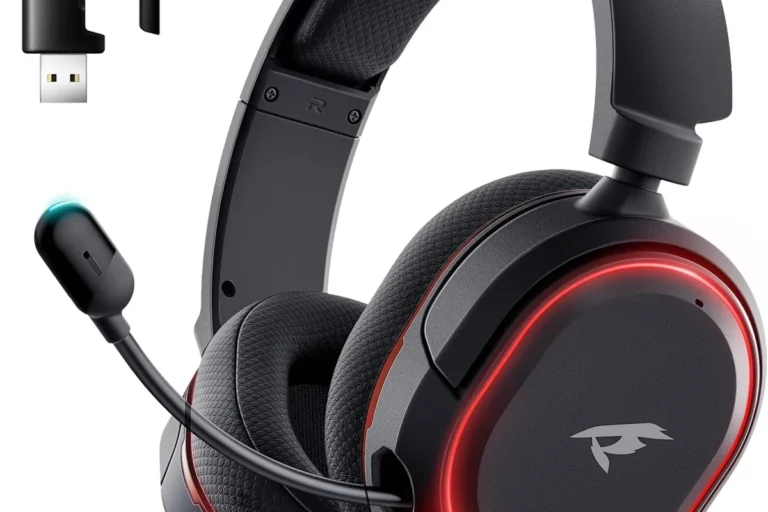
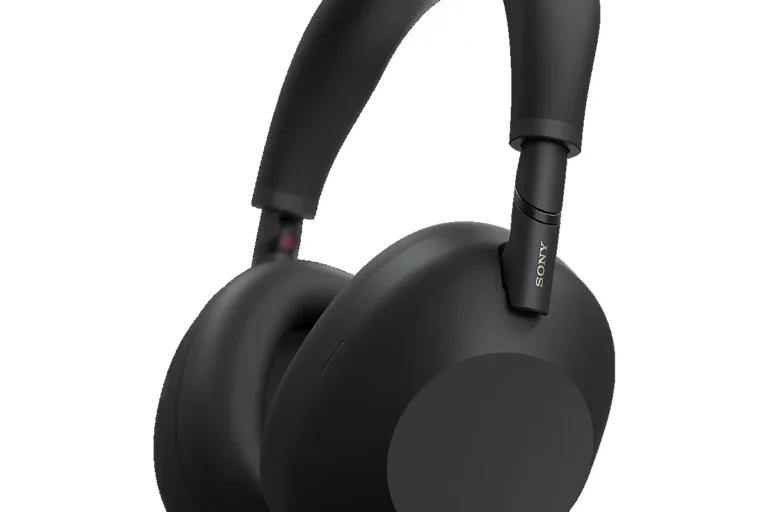
How to Connect Bluetooth Headphones to Switch Easily

To connect Bluetooth headphones to Switch, update the console, open Bluetooth Audio in System Settings, and put your headphones into pairing mode. Select the headset from the list, then test the sound for delay, volume, and stability.
Connecting Bluetooth headphones to a Nintendo Switch is now much easier than it used to be. If your system is updated, you can usually pair wireless headphones directly in the settings without buying extra hardware.
That said, gaming audio is a little different from regular music listening. Latency, connection stability, and volume behavior can all affect the experience, especially in fast-paced games. This guide from the Top Headphone Reviews Editorial Team walks you through the process and explains what to expect in 2026.
- Fast setup: Update the Switch, then pair from Bluetooth Audio settings.
- Best for casual play: Bluetooth is convenient but may add audio delay.
- Best for competitive play: Wired audio usually gives the lowest lag.
- Common fix: Reset headphones if pairing fails or disconnects often.
How to Connect Bluetooth Headphones to Switch: What the 2026 Nintendo Update Allows
Nintendo’s Bluetooth audio support makes it possible to use wireless headphones directly with the Switch family of consoles, as long as the system software supports it. That change removed a major barrier for casual players who wanted a simple wireless setup for handheld or tabletop gaming.
Even with built-in support, Bluetooth audio on Switch still has limits. You may notice a small delay in sound, and some features such as voice chat behavior, controller count, and connection stability can vary depending on the headset model and how you play.
Bluetooth support can behave differently depending on the Switch model, system version, and headphone brand. If a pairing attempt fails, it is often a compatibility or setup issue rather than a broken headset.
Before You Start: Switch Models, Bluetooth Headphones, and What Works Best
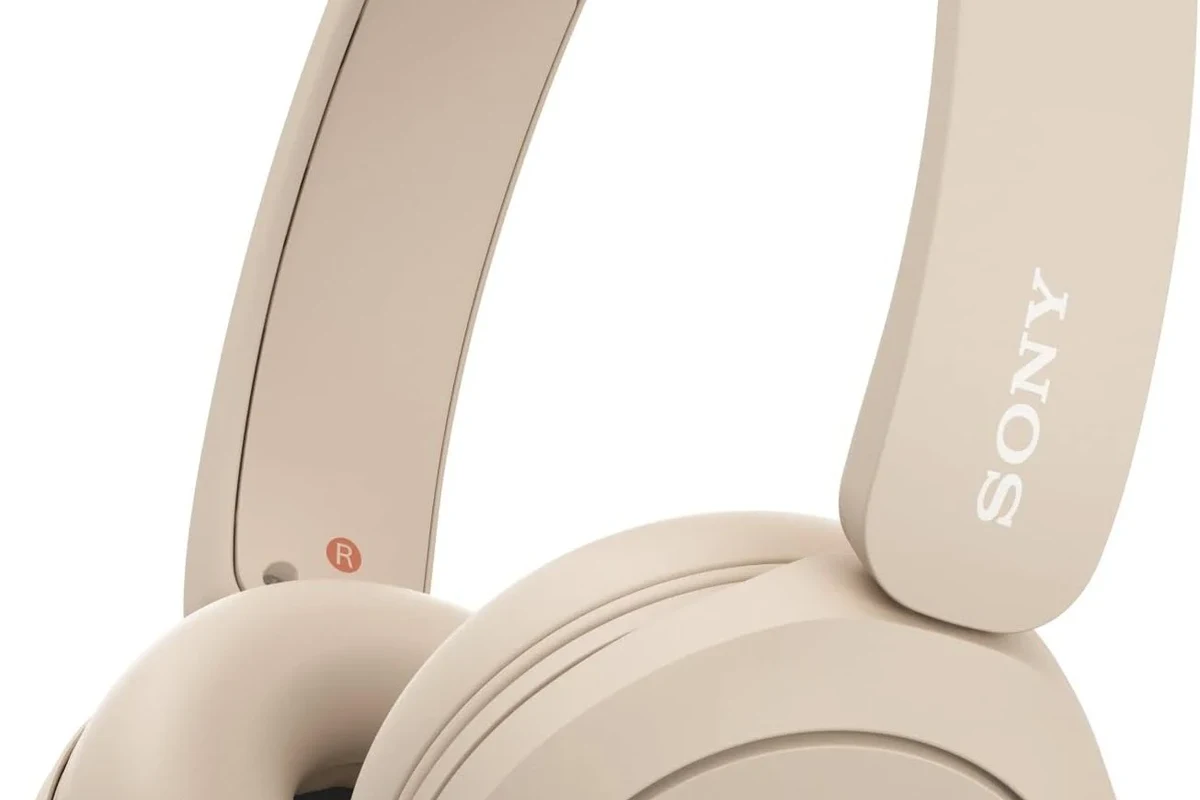
Before pairing, it helps to know which Switch version you own and what kind of headphones you plan to use. Some setups are more reliable than others, especially if you care about gaming latency or long listening comfort.
Which Switch versions support Bluetooth audio
Bluetooth audio is supported on modern Nintendo Switch systems through software updates, including the original Switch, Switch Lite, and Switch OLED. If your console has not been updated recently, check for the latest system software before trying to pair headphones.
The easiest way to confirm support is to open the system settings and look for Bluetooth audio options. If you do not see them, update the console first and restart it before trying again.
What headphone features matter most for gaming latency
For gaming, low latency matters more than flashy features. Standard Bluetooth headphones can work well for casual play, but some models introduce a noticeable delay between on-screen action and audio.
Features that can help include newer Bluetooth versions, strong wireless stability, and a gaming mode or low-latency mode if the headphones offer one. Comfort also matters, because long sessions are easier with lightweight ear cups, soft cushions, and a secure but not overly tight fit.
Bluetooth audio can sound perfectly fine for story games, menus, and travel play, but rhythm games and competitive shooters are usually where delay becomes most obvious.
Step-by-Step: How to Pair Bluetooth Headphones to Nintendo Switch
If you want the fastest setup, keep the headphones charged, the Switch updated, and any previously paired devices nearby but not actively connected. Pairing is usually simple once the headset is in the right mode.
Enable Bluetooth Audio in System Settings
From the Switch home menu, open System Settings, then look for the Bluetooth Audio section. Turn Bluetooth audio on if it is available and follow the on-screen prompts.
If your console asks you to disconnect other devices or warns about limitations, read those messages carefully. They are normal and help prevent pairing problems later.
Put Your Headphones in Pairing Mode
Next, put your headphones into pairing mode using the headset’s power or Bluetooth button. The exact method varies by brand, so check the manual or the indicator light behavior if you are unsure.
Most headphones will flash a light or play a voice prompt when they are ready to connect. If they do not enter pairing mode, turn them off first and try again from a full power-off state.
If your headphones have a dedicated low-latency or gaming mode, enable it before pairing. It may not eliminate delay completely, but it can improve sync in some models.
Select the Headphones and Confirm Connection
On the Switch, choose your headphones from the list of available devices. Once selected, wait for the confirmation that the connection is complete.
After pairing, test the sound in a game or menu. If audio is too quiet, too delayed, or only coming through one side, disconnect and reconnect before assuming the headset is incompatible.
Go to System Settings and turn on Bluetooth audio support if needed.
Set your headphones to pairing mode until they appear in the Switch list.
Select the headphones, wait for confirmation, and test the audio.
Real-World Setup Tips for Better Sound, Lower Lag, and Stable Connection
Once the connection is working, a few small changes can make the experience more reliable. Placement, game type, and whether you are docked or handheld all affect how Bluetooth audio feels in real use.
How to reduce audio delay while gaming
The best way to reduce delay is to use a headset that is known for stable wireless performance and keep the console close to the headphones. Avoid crowded wireless environments when possible, since nearby devices can sometimes make Bluetooth less consistent.
If your game depends on precise timing, consider using wired audio instead. For slower games, adventure titles, and casual sessions, Bluetooth delay may be acceptable even if it is not perfect.
Best settings for handheld, tabletop, and docked play
Handheld mode is often the easiest Bluetooth setup because the console and headphones stay physically close. Tabletop mode can also work well if the Switch is not blocked by other devices or surfaces.
In docked mode, the setup may depend more on your TV area and surrounding wireless traffic. If you want a more flexible setup in docked play, you may also want to read our guide on how to connect bluetooth headphones in general, especially if you use the same headset with other devices.
Listening at high volumes for long periods can cause hearing damage. Keep volume at 60% or below for extended sessions.
Common Mistakes When Connecting Bluetooth Headphones to Switch
Most connection issues come from simple mistakes rather than broken equipment. A headset may seem incompatible when it only needs a reset, a fresh charge, or a cleaner pairing process.
Why some headphones fail to pair or disconnect often
Headphones may fail to pair if they are already connected to a phone, tablet, or laptop. Many wireless headsets try to reconnect to the last device they used, which can confuse the Switch during setup.
Frequent dropouts can also happen if the battery is low, the headset is too far away, or the Bluetooth signal is being interrupted. If that keeps happening, resetting the headphones can help, and our guide on how to reset bluetooth headphones may be useful.
Volume, mic, and controller interference issues to avoid
Some users are surprised when the volume seems low after pairing. That can happen because Bluetooth volume behavior is controlled separately by the Switch and the headset, so both may need adjustment.
Microphone support can also be limited depending on the headset and game. In addition, Bluetooth audio may reduce the number of wireless controllers supported at the same time, so local multiplayer setups should be checked before game night.
Not every Bluetooth headset handles voice chat, controller pairing, and game audio the same way. If you rely on party chat or multiplayer features, verify compatibility before buying.
Bluetooth vs Wired vs USB-C Audio: Which Option Is Best for Switch in 2026?
The best audio connection depends on what matters most to you: convenience, sound timing, or flexibility. Bluetooth is easiest, wired is usually most responsive, and USB-C can be a practical middle ground for some users.
Price and convenience comparison for casual and competitive players
Bluetooth is often the most convenient option because there is no cable to manage. It is great for couch play, travel, and casual gaming, but the tradeoff is possible lag and occasional pairing hassle.
Wired headphones are usually the simplest choice for competitive players because they avoid wireless delay. USB-C audio can also be appealing if your headset or adapter is compatible, but performance and convenience may vary by model.
- Bluetooth is easiest for everyday use.
- Wired audio is usually best for low lag.
- USB-C can be useful, but compatibility matters.
When a Bluetooth adapter may be worth the extra cost
A Bluetooth adapter can be worth considering if you want broader compatibility or better control over latency than the built-in connection offers. This is especially useful for older headsets or setups where the Switch’s native pairing feels limited.
Still, an adapter is an extra purchase, and results can vary. If you already own a reliable headset, it may be better to try the built-in option first before spending more.
Expert Advice: When Bluetooth Headphones Are Not the Best Choice for Switch Gaming
Bluetooth headphones are convenient, but they are not always the best match for every player. If your games depend on precise timing or you use your headset for more than gaming, it is worth thinking through the tradeoffs.
Warning signs that latency will affect gameplay
If you notice sound arriving slightly after button presses, menu clicks, or on-screen effects, latency may be affecting your session. That delay can be distracting in action games, rhythm titles, and competitive matches.
If the lag bothers you more than the wireless convenience helps, switch to wired audio or a lower-latency headset. For readers comparing wireless and wired options more broadly, our breakdown of bluetooth vs wired headphones explains the sound and timing tradeoffs in simple terms.
How to choose a better headset for multiplayer, streaming, or travel
For multiplayer, look for a headset with clear voice pickup, stable wireless behavior, and comfortable ear pads. Closed-back designs can help reduce outside noise, while open-back styles usually leak more sound and are less ideal for shared spaces.
For travel, battery life, foldability, and comfort may matter more than ultra-low latency. If you also use your headphones for other devices, it can help to choose a model that pairs easily with phones, tablets, and laptops too.
If you experience ringing, discomfort, or listening fatigue after gaming, speak with an audiologist or hearing professional. Sound quality matters, but hearing safety should always come first.
Final Recap: The Fastest Way to Connect Bluetooth Headphones to Switch Successfully
The fastest way to connect Bluetooth headphones to Switch is to update the console, open Bluetooth audio settings, put the headset in pairing mode, and select it from the available device list. Once paired, test the sound right away so you can catch any lag or stability problems early.
For casual gaming, Bluetooth is usually the most convenient option. For competitive play, wired audio or a low-latency alternative may still be the better choice, depending on your headset and how sensitive you are to delay.
Frequently Asked Questions
Wireless headphones are more convenient, but wired headphones usually give lower latency. If you play competitive games, wired is often the safer choice.
Yes, noise cancelling headphones can work well with Switch if they pair properly. They help block background noise, but they do not fix Bluetooth audio delay.
Closed-back headphones are usually better for Switch because they isolate sound more effectively. Open-back models can sound spacious, but they leak more audio and are less ideal for shared spaces.
Check wireless stability, comfort, battery life, and whether the headset has low-latency support. Sound tuning, mic quality, and device compatibility also matter.
Look for lightweight designs, soft ear cushions, and a secure fit that does not create pressure. Comfort matters as much as sound if you plan to play for hours.
EQ can help if your headphones sound too bass-heavy, too bright, or too muddy. Small adjustments often improve clarity, but the best results still depend on the headset itself.