Can You Use Bluetooth Headphones with PS4 Easily

Yes, but usually not directly with standard Bluetooth pairing. The easiest options are a wired controller connection, a USB Bluetooth adapter, or a low-latency transmitter.
If you’re asking can you use bluetooth headphones with ps4, the short answer is yes, but not always directly. The PS4 has limited native Bluetooth audio support, so most gamers need a workaround such as a USB adapter, a transmitter, or a wired connection through the controller.
- Direct pairing: PS4 Bluetooth support is limited for many headphones.
- Best workaround: Use a low-latency adapter or transmitter.
- Lowest lag: Wired through the DualShock 4 controller is most reliable.
- Chat support: Mic compatibility can be the biggest wireless issue.
Can You Use Bluetooth Headphones with PS4? What Works in 2025
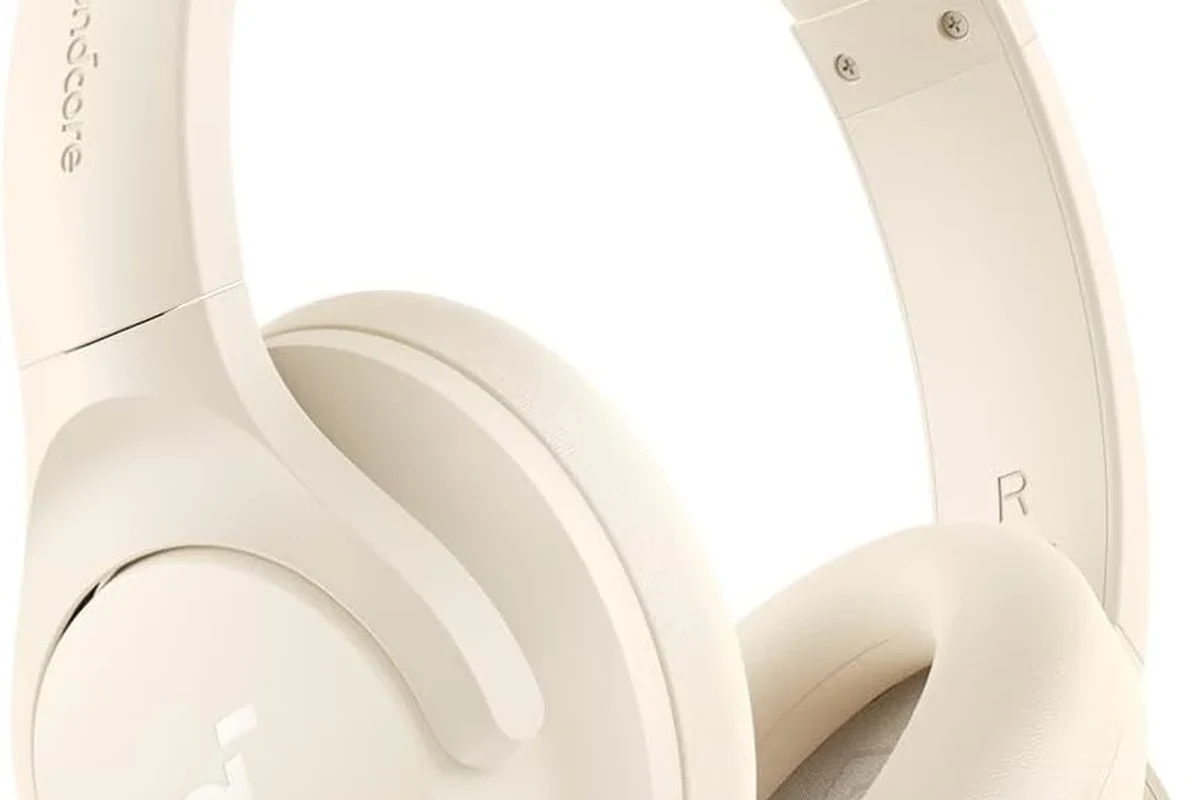
In 2025, PS4 Bluetooth audio is still more complicated than on phones, tablets, or PCs. Sony’s console does not support every Bluetooth headset profile, which is why some headphones pair easily while others refuse to connect at all.
That means the real question is not just whether Bluetooth headphones work, but how they work and what features you need. If you want a simple overview of wireless listening basics, our guide on Bluetooth headphones explained simply can help frame the difference between direct pairing and accessory-based setups.
Why PS4 Bluetooth support is limited
The PS4 was not designed to work like a modern phone with universal Bluetooth audio. It supports some devices, but many common wireless headphones are blocked because of codec and profile limitations.
For gamers, that usually means no direct plug-and-play connection for most consumer Bluetooth headphones. Even if a headset appears in the pairing list, it may connect with no game sound, unstable audio, or no microphone support.
Some PS4 controllers and accessories may behave differently depending on firmware, headset model, and the way the audio is routed.
What “compatible” really means for gamers
When a headset is called “compatible,” it does not always mean full wireless game and chat audio. Sometimes it only means the headset can receive sound, while the mic, controls, or low-latency performance may still be limited.
For gaming, compatibility should mean stable sound, acceptable delay, and a working voice chat path if you play online. If any of those pieces are missing, the headset may be technically connected but still frustrating to use.
Best Ways to Connect Bluetooth Headphones to a PS4
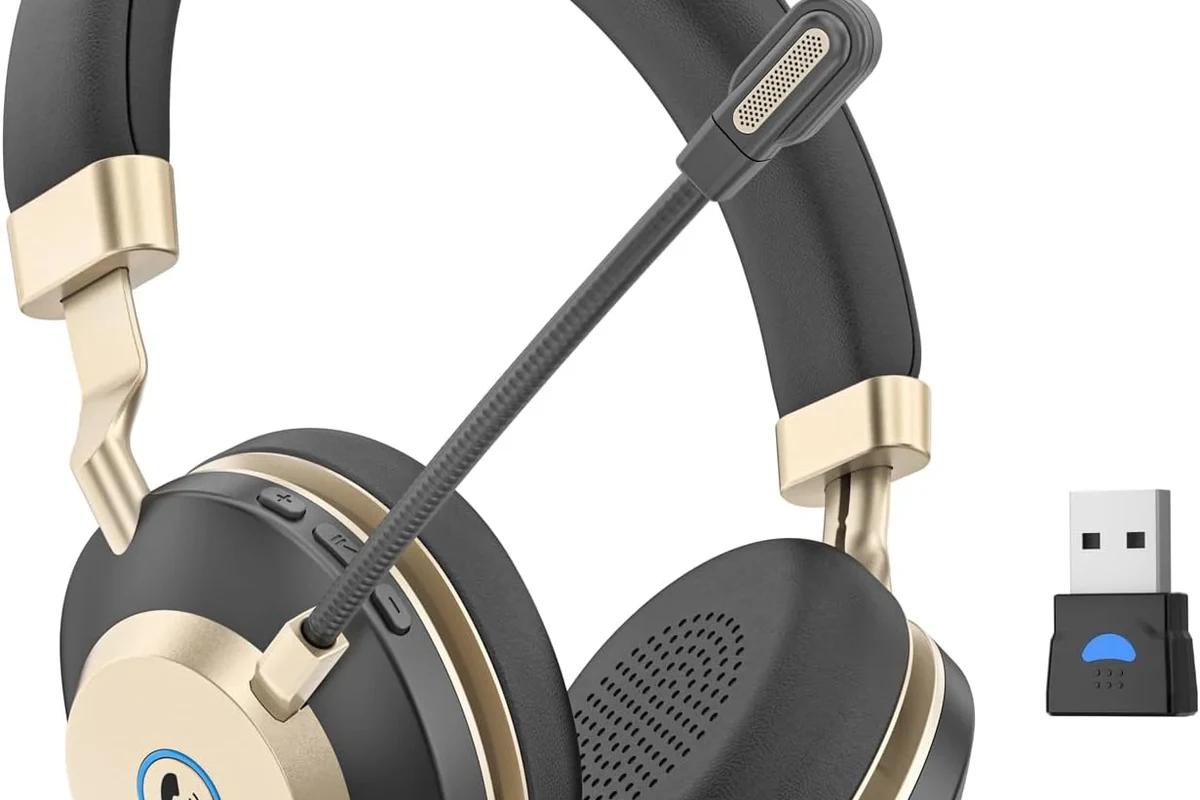
There are several practical ways to get wireless audio from a PS4, and the best choice depends on your budget and how sensitive you are to lag. Some methods are easier, while others give better sound stability.
Using a USB Bluetooth adapter
A USB Bluetooth adapter is one of the most common workarounds. You plug it into the PS4, put the adapter and headphones into pairing mode, and let the adapter handle the wireless connection instead of the console itself.
This can be a convenient solution for casual play, but adapter quality matters a lot. A better adapter usually offers stronger stability and lower delay, while bargain models may introduce dropouts or noticeable audio lag.
If you buy a USB adapter, look for one that specifically mentions low-latency audio support, not just generic Bluetooth connection.
Connecting through the DualShock 4 controller’s 3.5mm jack
If your headphones have a cable, the controller’s 3.5mm port is the easiest path to reliable PS4 audio. This is not Bluetooth, but it is often the cleanest solution for gamers who want instant sound with no pairing issues.
You can still use many wireless headphones this way if they include a detachable cable. For people who care more about performance than cable-free convenience, this option often beats a cheap wireless adapter.
Using a TV, monitor, or soundbar as the audio bridge
Another method is to connect the headphones to your TV, monitor, or soundbar if that device supports Bluetooth output. In this setup, the PS4 sends audio to the display, and the display sends it to the headphones.
This can work well for single-player gaming or TV-style setups, but it depends heavily on the display’s Bluetooth quality. Some TVs add delay, so lip-sync may be slightly off in fast games.
Pairing via a Bluetooth transmitter with low-latency support
A dedicated Bluetooth transmitter is often the best middle ground for PS4 users who want wireless audio without a full headset replacement. These transmitters usually connect through the controller, optical port, or another audio output and then send sound to your headphones.
Low-latency support is the key feature here. If the transmitter and headphones both handle latency well, the experience can feel much closer to wired audio than a basic Bluetooth pairing would.
Step-by-Step Setup: How to Pair Headphones the Right Way
Getting PS4 Bluetooth audio to behave is often less about the headset and more about the setup. A few small settings and placement choices can make the difference between smooth sound and constant frustration.
PS4 audio settings to check first
Before troubleshooting the headset, check the PS4’s sound output settings. Make sure the console is sending audio to the correct device and that the output is not muted or restricted to chat only.
Also check whether the controller is set to route all audio or only voice chat, depending on the accessory you’re using. Small setting mismatches are a common reason people think their headphones are broken when they are not.
- Audio output device
- Chat vs all audio
- Volume level on the console and headset
- Pairing mode on both devices
How to reduce lag and improve stability
To reduce lag, keep the transmitter or adapter close to the console and avoid blocking it with metal objects or other wireless devices. Bluetooth works best with a clean, short signal path.
If your headphones support more than one wireless mode, choose the mode designed for lower latency. Also, avoid running too many nearby wireless devices at once if you notice stutters or dropouts.
Practical setup examples for casual and competitive players
For casual players, a TV Bluetooth connection or a basic USB adapter may be enough if you mainly play story games. The sound delay is usually less distracting when reaction timing is not critical.
For competitive players, a wired controller connection or a low-latency transmitter is usually the safer choice. Fast shooters and online multiplayer expose delay much more quickly, so consistency matters more than convenience.
Many gamers switch to wired audio for multiplayer simply because even a small Bluetooth delay can make footsteps and gunfire feel slightly out of sync.
Common Problems People Run Into with PS4 Bluetooth Headphones
Most PS4 Bluetooth problems fall into a few predictable categories. Once you know the pattern, troubleshooting becomes much easier.
Audio delay and lip-sync issues
Delay is the most common complaint, especially when using TV Bluetooth or low-end transmitters. You may hear sound a fraction of a second after the action appears on screen.
That delay is fine for podcasts or casual movies, but gaming makes it more obvious. If you notice the problem immediately, switch to a lower-latency connection method before changing anything else.
Mic not working in chat
Some headphones can play audio but cannot send microphone input properly through PS4. This is especially common with generic Bluetooth headsets that were not designed with console chat in mind.
If voice chat matters to you, check whether the adapter or transmitter supports both playback and microphone routing. Otherwise, you may need a separate mic solution or a gaming headset built for console use.
Connection drops, pairing failures, and weak signal
Bluetooth drops can happen when the headset is too far away, the signal is crowded, or the adapter is low quality. Even a headset that works at first can become unreliable during longer sessions.
Re-pairing the device, moving the transmitter closer, and removing other wireless interference often helps. If the problem keeps coming back, the accessory itself may simply be a poor match for the PS4.
Why some popular wireless headphones still do not work directly
It can be surprising when a well-known wireless headset connects to phones and laptops but not to PS4. The reason is usually not sound quality; it is Bluetooth profile support and console compatibility.
In other words, a great headphone can still be a bad PS4 wireless choice. For more background on wired versus wireless trade-offs, see our comparison of Bluetooth vs wired headphones sound quality.
Expert Advice: What to Avoid Before Buying Accessories
Before you spend money on an adapter or transmitter, it helps to know what usually causes disappointment. A little research can save you from weak audio, unstable pairing, and unnecessary returns.
Warning about unsupported Bluetooth profiles on PS4
Not every Bluetooth profile is treated equally by the PS4. That is why some accessories pair but fail to deliver the kind of audio experience gamers expect.
Do not assume any Bluetooth headphone will work directly with PS4 just because it pairs with your phone or laptop. Console support is more limited than many buyers expect.
Why cheap transmitters can cause worse latency
Very cheap transmitters may look like a bargain, but they can create more problems than they solve. Weak build quality, unstable connections, and poor latency handling are common trade-offs.
If you want wireless gaming audio, it is usually better to buy a modestly priced adapter from a known audio category than the absolute cheapest option available. The goal is not just connection, but dependable sound.
When wired is still the better choice for gaming
Wired audio is still the simplest and most reliable option for many PS4 players. It avoids pairing problems, reduces delay, and often gives you a more predictable chat experience.
If you experience ringing, discomfort, or hearing fatigue after gaming, consider lowering volume and speaking with an audiologist or hearing professional.
If you are deciding between formats, our guide to types of headphones explained can help you match the right design to your gaming habits.
Best Budget vs Premium Options for PS4 Wireless Audio
There is no single best setup for everyone. The right choice depends on whether you want the lowest cost, the least delay, or the most polished wireless experience.
Low-cost adapters and their trade-offs
Budget adapters can get you wireless sound without replacing your headset. They are attractive for casual players who only need basic listening and do not mind some compromises.
The trade-off is that stability, range, and mic support may be inconsistent. If your setup is simple and your expectations are modest, a low-cost option can still be useful.
Mid-range transmitters for better latency and reliability
Mid-range transmitters usually offer a better balance of performance and price. They are often the sweet spot for players who want fewer dropouts and less delay without moving into premium territory.
These are often the most sensible choice for regular PS4 gamers. They may not be perfect, but they tend to be more dependable than bargain accessories.
Premium headset alternatives that bypass Bluetooth limitations
Some premium gaming headsets use their own wireless dongle instead of standard Bluetooth. That can bypass many of the PS4’s wireless limitations and deliver a more console-friendly experience.
This is often the best route if you want wireless convenience plus gaming-focused audio behavior. The exact result will still vary by model, but dedicated gaming wireless systems usually outperform generic Bluetooth connections.
Which Headphone Type Is Best for Your PS4 Gaming Style?
The best headphone choice depends on how you play. Some people want comfort for long solo sessions, while others need voice chat clarity and fast response.
Casual single-player gaming
For story games and relaxed play, comfort and convenience matter most. A Bluetooth setup through a TV or a simple adapter may be perfectly fine if latency does not bother you.
Over-ear headphones are often a good fit here because they tend to feel more comfortable over longer sessions. If you want to compare fit styles, our article on Bluetooth headphones explained simply also helps explain why some wireless designs feel easier to live with than others.
Online multiplayer and voice chat
For multiplayer, a wired connection or a gaming headset with a dedicated wireless dongle is usually the safer pick. You want stable chat, low delay, and fewer pairing headaches.
If you plan to talk often, make sure the mic works as expected before buying. A headset that sounds good but fails in chat can be frustrating during team games.
Home theater-style gaming with TV audio
If your PS4 is part of a living room setup, you may care more about immersion than split-second response time. In that case, a TV or soundbar Bluetooth bridge can be convenient.
Just remember that some TVs add delay, so this setup is better for immersion than competitive performance. If you watch a lot of mixed media too, you may want to compare it with broader wireless listening options like our guide on how to connect Bluetooth headphones.
Final Verdict: Is Bluetooth on PS4 Worth It in 2025?
Yes, you can use Bluetooth headphones with PS4, but usually not by pairing them directly in the same easy way you would with a phone. The most reliable solutions are a USB adapter, a low-latency transmitter, or a wired connection through the controller.
Quick recap of the easiest solutions
If you want the simplest path, use the DualShock 4’s 3.5mm jack with a cable. If you want wireless convenience, choose a transmitter or adapter that specifically focuses on low latency and stable audio.
Best recommendation based on budget and performance
For the lowest cost, a basic adapter or wired connection may be enough. For the best overall balance, a mid-range low-latency transmitter is often the smartest pick, while premium gaming wireless headsets are best for players who want the cleanest console experience.
In short, Bluetooth on PS4 is worth it only if you choose the right workaround. If you want the most dependable gaming audio, wired is still the easiest win for most players.
Frequently Asked Questions
Wired headphones are usually more reliable on PS4 because they avoid pairing issues and audio delay. Bluetooth can be convenient, but performance depends heavily on the adapter, transmitter, or TV you use.
Over-ear headphones are often best for long PS4 sessions because they usually feel more comfortable and can offer better passive noise isolation. In-ear models can be easier to carry, but comfort and soundstage vary by brand and fit.
Driver type and tuning influence bass, clarity, and how easy it is to hear footsteps or dialogue. For gaming, many players prefer balanced sound with clear mids rather than overly heavy bass.
Check latency support, microphone compatibility, and whether the accessory works with PS4 audio output. Also look at comfort, build quality, and whether the headset can handle long sessions without fatigue.
Look for lighter headsets, soft ear cushions, and an adjustable headband. If you game for hours, choose a fit that avoids pressure on the ears and does not trap too much heat.
Brand matters less than the specific model’s compatibility, latency, and comfort. Compare the features that matter for your setup instead of relying on brand name alone.