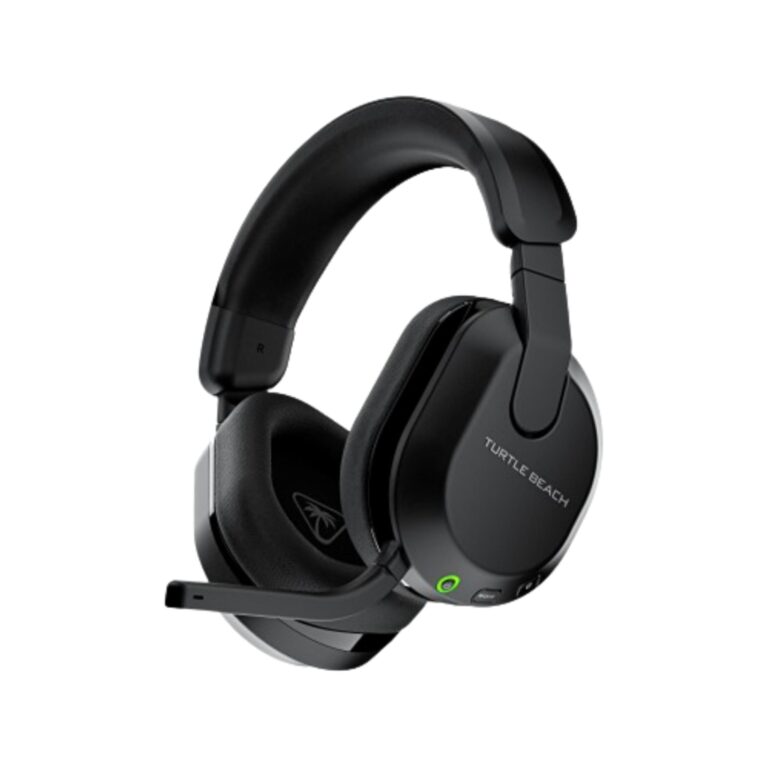
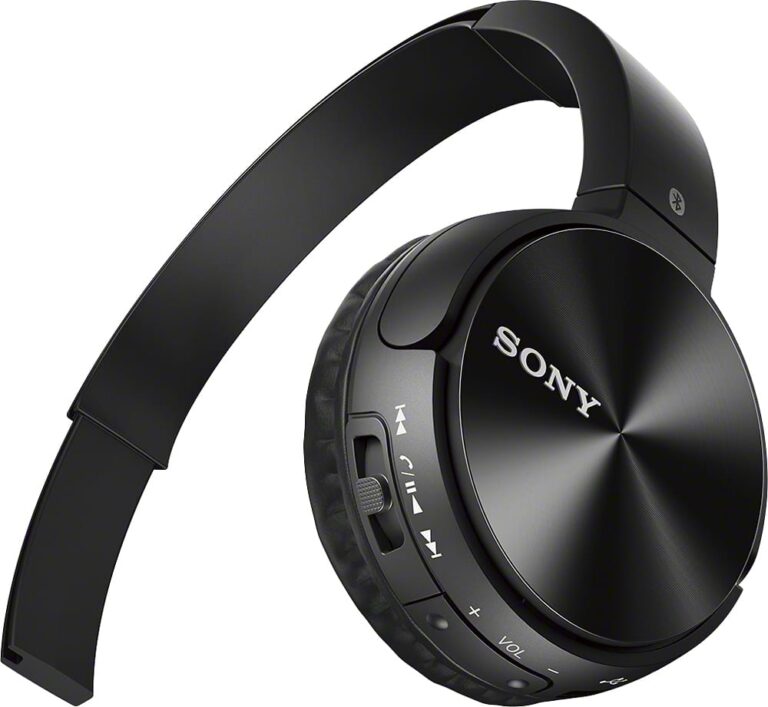
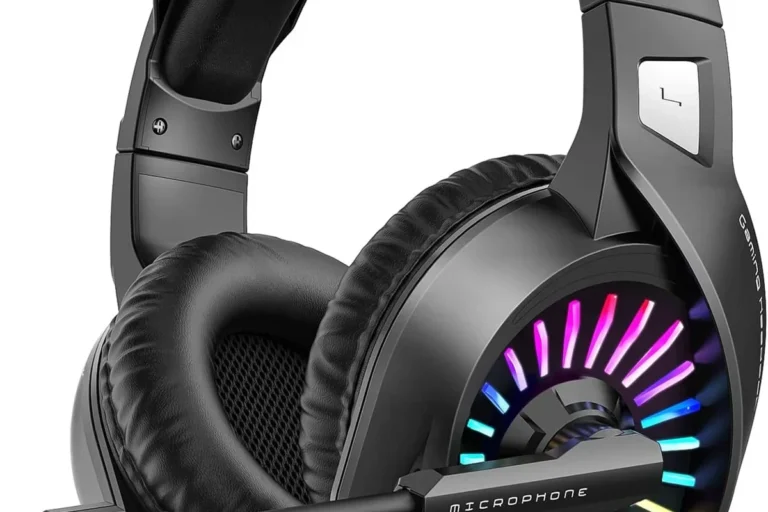
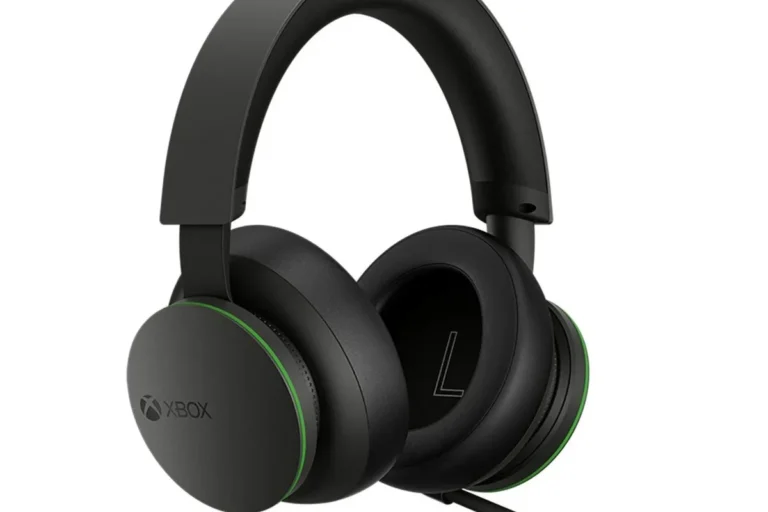
Ps4 Headsets

The best PS4 headset is the one that fits your setup, with wired models offering the simplest low-latency option and wireless models adding convenience. Prioritize comfort, clear mic quality, and confirmed compatibility before paying for extra gaming features.
PS4 headsets are still a smart buy in 2026 if you want clearer chat, better game audio, and an easier setup than juggling separate headphones and a mic. The best choice depends on whether you prioritize wired simplicity, wireless freedom, or the most reliable microphone for party chat and competitive play.
- Connection first: Wired is usually simpler; wireless is better for freedom of movement.
- Mic matters: Clear voice chat often beats flashy features for real gameplay.
- Comfort wins long term: Earcup depth, clamp force, and weight affect fatigue.
- Compatibility matters: Verify PS4 support on the official product page before buying.
Best PS4 Headsets in 2026: Which Type Is Right for Your Gaming Setup?
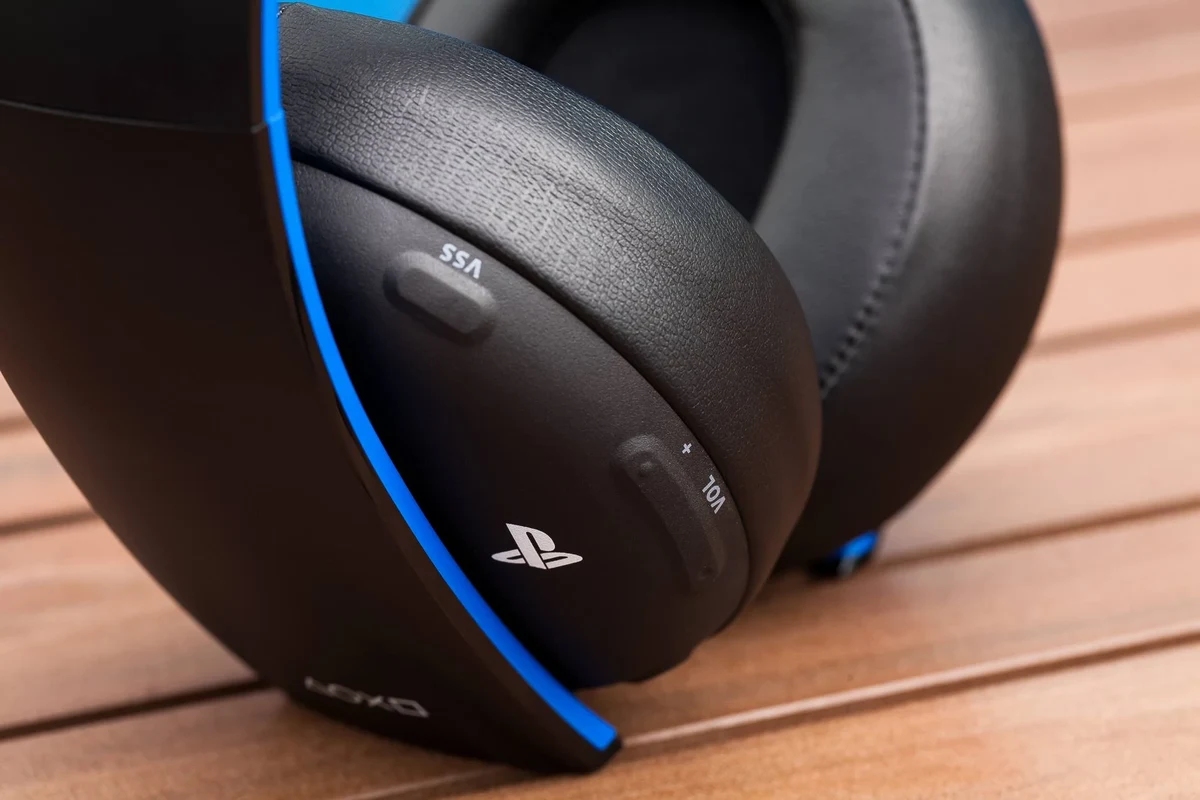
For most players, the right PS4 headset is the one that matches how you actually game. If you sit close to the console and care most about low latency, wired models remain the safest pick; if you move around the room or want a cleaner setup, wireless can be more convenient.
Quick answer: the best PS4 headset depends on whether you want the lowest-latency wired option, the convenience of wireless, or the best mic clarity for party chat and competitive play.
Most important decision pointChoose by connection type first, then judge comfort and microphone quality.
What PS4 Headsets Are and Who They’re Best For
PS4 headsets are headphones designed to work with PlayStation 4 audio and voice chat, either through the controller’s 3.5mm jack, a USB connection, or a wireless dongle depending on the model. Some are built specifically for gaming features like sidetone, chat mixing, and mic monitoring, while others are simply standard headphones that happen to be compatible.
How PS4 headsets differ from standard gaming headphones
Standard headphones can play game audio, but a PS4 headset usually adds a microphone and gaming-focused tuning. That matters because voice chat, directional cues, and long-session comfort are often more important in gaming than raw bass or flashy design.
Ideal users: casual players, competitive gamers, streamers, and couch co-op households
Casual players usually want something easy to plug in and forget. Competitive gamers often care more about fast, consistent audio and a mic that keeps calls intelligible when the room gets noisy. Streamers and co-op households may need better mic clarity, stronger isolation, and a fit that stays comfortable during long sessions.
When a PS4-compatible headset is worth buying over generic headphones
A PS4-compatible headset is worth it when you regularly use voice chat, play multiplayer, or want a more seamless console setup. If you only play single-player games and never use a mic, a good pair of regular headphones may be enough.
Compatibility matters more than branding. A headset that works well on PS4 should be easy to connect, comfortable for long sessions, and clear enough for chat without forcing you to overpay for features you will not use.
What to Look for in a PS4 Headset Before You Buy
Before comparing models, focus on the features that affect everyday use. Sound, mic quality, comfort, and compatibility matter more than marketing terms like “pro” or “elite,” which can mean different things from one brand to another.
Sound quality: stereo vs virtual surround, bass balance, and positional audio
Stereo means left and right audio channels, which is what every headset starts with. Virtual surround is software-based processing that tries to create a wider sense of space; it can help some players hear direction more easily, but it is not automatically better than well-tuned stereo.
For gaming, balanced sound usually works better than heavy bass. Too much bass can hide footsteps, reloads, and subtle environmental cues, while a cleaner midrange often makes dialogue and effects easier to follow.
Mic performance: voice clarity, noise rejection, and party chat reliability
A good gaming mic should make your voice understandable without sounding thin or distorted. Noise rejection helps reduce keyboard taps, fan noise, and room echo, but no headset mic can fully remove a loud background.
If you use party chat often, consistency matters more than fancy terms on the box. Look for models with a boom mic or adjustable mic positioning when clear communication is a priority.
Comfort and fit: clamping force, earcup depth, headband padding, and weight
Comfort is one of the biggest reasons a headset feels great at first and annoying later. Strong clamping force can help isolation, but too much pressure can create fatigue around the jaw or temples.
Earcup depth matters because shallow cups can press on the ears, especially during long play sessions. Headband padding and overall weight also affect whether a headset feels easy to wear for an hour or for an entire evening.
Build quality and materials: plastic, metal reinforcement, and cable durability
Most gaming headsets use a mix of plastic and metal reinforcement. More metal does not automatically mean better, but hinges, sliders, and cable connectors should feel sturdy enough to handle regular use.
For wired models, the cable is often the first wear point. A braided cable can be helpful, but the real test is whether the cable strain relief and connectors are well designed.
Battery life and charging for wireless models
Wireless PS4 headsets are convenient, but battery behavior matters in real life. Check whether charging is easy, whether the headset can be used while plugged in, and whether the battery life sounds realistic for your play habits.
Use the manufacturer’s recommended charger and stop using any cable or battery that is frayed, swollen, cracked, or overheating. Avoid leaving lithium-ion devices in extreme heat or using damaged charging gear.
Budget considerations: entry-level, midrange, and premium value
Entry-level PS4 headsets can be perfectly usable for casual gaming and chat, but they may cut corners on mic clarity, padding, or durability. Midrange models often deliver the best overall value because they usually balance comfort, sound, and build quality without chasing unnecessary extras.
Premium models can be worth it if you spend many hours gaming each week, especially if you want better materials, stronger mic performance, or more refined comfort. Still, confirm current prices and availability before buying because they change by retailer and region.
- Confirm PS4 compatibility through the official product page or manual
- Decide whether wired or wireless fits your setup best
- Check mic style, comfort, and return policy before paying more for extras
Wired vs Wireless PS4 Headsets: Which Connection Type Makes More Sense?
Connection type changes the whole experience. It affects latency, setup time, movement freedom, and how much maintenance the headset needs over time.
Why wired headsets still appeal for low latency and simple setup
Wired headsets are appealing because they are straightforward: plug them in and start playing. They also avoid battery concerns and are usually a strong choice for players who want the least possible delay between game action and what they hear.
If you want the simplest path, a wired model that works through the DualShock 4 controller is often the least complicated option. For setup help, you can also read how to connect headphones to PS4.
Wireless advantages: freedom of movement, cleaner desk setup, and convenience
Wireless headsets make it easier to stand up, grab a drink, or move around without unplugging anything. They also reduce cable clutter, which can be a real benefit in a shared living room or compact gaming desk.
That convenience can be worth a little extra complexity, especially if you already manage controllers, chargers, and other accessories. If you are comparing wireless options, it helps to understand how wireless headphones connect to PS4.
Connectivity checks: USB dongles, 3.5mm jack support, and controller compatibility
Not every headset connects the same way. Some use a USB dongle, some use the PS4 controller’s 3.5mm jack, and some support both, which can make them more flexible across devices.
Before buying, verify whether the headset needs a USB adapter, whether chat and game audio both work as expected, and whether it supports your specific PS4 setup. If you are unsure about Bluetooth limitations, see can you use Bluetooth headphones with PS4.
Potential drawbacks: battery management, interference, and cable wear
Wireless headsets need charging and may be affected by interference or pairing quirks, depending on the model and environment. Wired headsets avoid battery management but can suffer from cable twists, fraying, or accidental tugs.
The best choice is usually the one that creates fewer annoyances for your setup, not the one with the longest spec sheet.
How PS4 Headsets Perform in Real Gaming Use
Performance in real use is about more than a spec list. The same headset can feel excellent in one game and only average in another depending on sound design, chat needs, and how long you wear it.
Competitive games: footsteps, directional cues, and communication accuracy
In competitive games, clear mids and accurate left-right imaging can matter more than booming bass. Footsteps, reloads, and distant cues are easier to notice when the headset does not overemphasize low frequencies.
Communication also matters. A mic that keeps your callouts clear can be more useful than extra bass or exaggerated “surround” effects.
Story-driven games: immersion, soundtrack detail, and voice dialogue clarity
For single-player games, a headset should make dialogue easy to understand and music enjoyable without turning effects into a blur. Some players prefer a warmer, fuller sound for cinematic games, while others like a more neutral tuning that keeps voices front and center.
The ideal sound signature depends on what you play most. A headset that is great for shooters may not be the most exciting choice for story-heavy adventures, and that is normal.
Party chat and multiplayer: microphone consistency and background noise handling
For multiplayer, the mic’s consistency often matters more than raw sensitivity. If the microphone changes volume too much when you turn your head or move around, your teammates may hear you less clearly.
Background noise handling is helpful, but it is not magic. A quieter room still improves chat quality more than any software feature can.
Comfort over long sessions: heat buildup, pressure points, and fatigue
Long sessions reveal comfort issues quickly. Heat buildup around the ears, pressure from the headband, or clamp force near the temples can become distracting after a while.
If you plan to play for hours, prioritize earcup depth, breathable padding, and a secure but not overly tight fit over flashy lighting or extra buttons.
Common Mistakes Buyers Make With PS4 Headsets
Many headset regrets come from buying too quickly. A little compatibility checking and comfort research can prevent most of them.
Choosing a headset that is not fully compatible with PS4 features
Some headsets will play audio but not support the mic, chat mix, or controls you expected. Always confirm how the headset connects and what PS4 functions it supports before purchasing.
Overpaying for features you will not use
Not everyone needs virtual surround, RGB lighting, multiple EQ presets, or a companion app. If you mostly play casually, those extras may add cost without improving your experience.
Ignoring mic quality and assuming all “gaming” headsets sound the same
Gaming branding does not guarantee good sound or a clear microphone. Two headsets can look similar but perform very differently in chat and comfort.
Buying for specs alone instead of fit, comfort, and use case
Specs matter, but fit matters more over time. A headset with impressive claims can still disappoint if the earcups are too shallow or the clamp is too strong for your head shape.
The World Health Organization and other health authorities commonly advise keeping listening volume moderate and taking breaks, because long exposure to loud audio can contribute to hearing damage over time.
Safe Use, Setup, and Care Tips for PS4 Headsets
Good care keeps a headset usable longer and reduces avoidable problems. It also helps protect your hearing and your console accessories.
Basic setup steps for wired and wireless models
For wired headsets, start by checking whether the headset plugs into the controller, the console, or a USB adapter. Then confirm the PS4 audio settings so both game sound and chat are routed correctly.
For wireless models, follow the manufacturer’s pairing instructions closely and confirm whether the headset needs a dongle. If you need a step-by-step reference, the guides on connecting headphones to PS4 and connecting Bluetooth headphones to PS4 can help clarify the process.
Safe listening habits: volume control and hearing protection
Keep volume at a moderate level, especially during long sessions. If you need to raise the volume often to hear dialogue or footsteps, consider whether the headset fit, game settings, or room noise is part of the problem.
- Take short listening breaks during long gaming sessions
- Lower volume when you pause or switch to quieter menus
- Use built-in volume limits if your headset offers them
- Cranking volume to overcome background noise
- Ignoring ringing, discomfort, or muffled hearing after play
- Bypassing safety features or manufacturer guidance
Cleaning ear cushions, microphones, and cables without damaging materials
Use a soft, dry cloth for routine cleaning and follow the manufacturer’s care instructions for pads, plastic, and metal parts. For microphones, gentle cleaning is better than aggressive wiping that could damage the mesh or boom.
Do not soak ear cushions or use harsh cleaners unless the brand specifically says it is safe. Moisture and chemicals can shorten the life of foam, faux leather, and adhesives.
Storage tips to prevent headband wear, cable fraying, and battery issues
Store the headset in a cool, dry place and avoid crushing the headband under heavy items. For wired models, coil the cable loosely instead of wrapping it tightly around the headset or controller.
For wireless models, keep an eye on battery health by following the manufacturer’s charging guidance and avoiding extreme heat. If a unit ever becomes unusually hot, swollen, or physically damaged, stop using it and consult the brand’s support resources.
Stop using any charging cable, battery, or unit that is frayed, swollen, cracked, or overheating, and follow the manufacturer’s safety guidance.
Final Verdict: The Best PS4 Headset Value Depends on Your Play Style
The best PS4 headset is not the most expensive one; it is the one that matches your setup, your comfort needs, and how often you use voice chat. If you want the least hassle, a wired headset with a clear mic is usually the safest value choice, while wireless makes more sense if freedom of movement matters more.
Best overall choice for most players
A midrange wired or wireless headset with balanced sound, a clear boom mic, and comfortable earcups is the best all-around pick for most PS4 players. It usually offers the strongest mix of performance and value without unnecessary extras.
Best budget pick for occasional gaming
For occasional use, a simple wired PS4-compatible headset is often enough. It keeps setup easy, avoids charging concerns, and can still work well for party chat and casual play.
Best premium pick for comfort, mic quality, and long sessions
If you game for many hours at a time, a premium model can be worth it when it improves long-session comfort and microphone consistency. The extra cost only makes sense if those features matter in your routine.
Transparent recommendation based on performance, value, and long-term usability
For most buyers in 2026, the smartest approach is to choose the most comfortable PS4 headset with the clearest mic you can afford, then verify compatibility on the official product page before ordering. If you are still deciding between connection types, start with your setup habits: wired for simplicity, wireless for convenience, and Bluetooth only if the model is confirmed to work well with PS4.
Common Questions
The best type depends on your setup and priorities. Wired is best for simplicity, while wireless is best for convenience.
They do not need a special mic, but a clear boom mic is often better for party chat. It usually improves voice pickup and consistency.
Yes, if they are compatible with your connection method. A separate microphone may still be needed for chat.
No, Bluetooth support can be limited and varies by device. Always confirm compatibility before buying.
Choose a fit with enough earcup depth and moderate clamp force. Taking breaks also helps reduce fatigue.
Frequently Asked Questions
Start with compatibility, then focus on comfort and microphone clarity. Sound quality matters too, but a headset that fits well and works reliably is usually the better purchase.
Wired is usually easier and avoids battery concerns, while wireless is more convenient for movement and a cleaner setup. The better option depends on how you play and where you sit.
Very important if you use party chat or play multiplayer often. A clear mic can make communication easier even if the sound quality is only average.
Use a soft cloth, avoid harsh cleaners, and keep the headset away from heat and pressure. Store cables loosely and follow the manufacturer’s care instructions for pads and charging.
Many buyers focus on specs alone and ignore fit, comfort, and compatibility. Others pay for features they will never use, like extra lighting or complex software.
Keep volume moderate, take breaks, and avoid damaged charging cables or swollen batteries. If a headset gets unusually hot or shows physical damage, stop using it and check the manufacturer’s guidance.