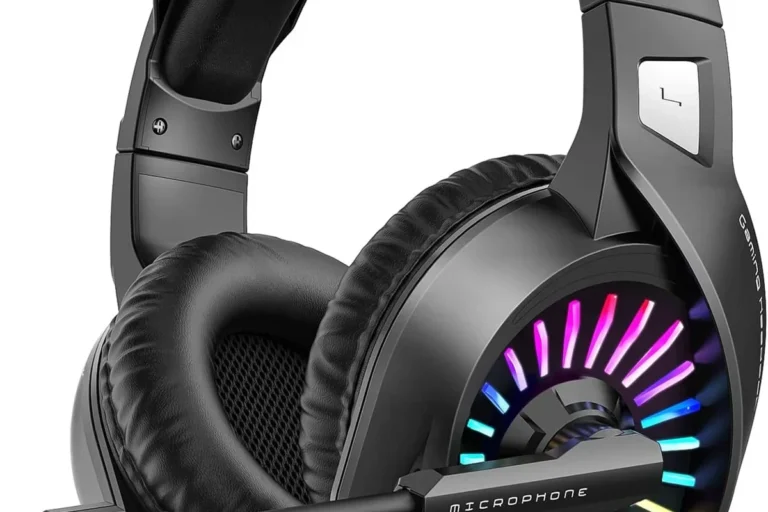
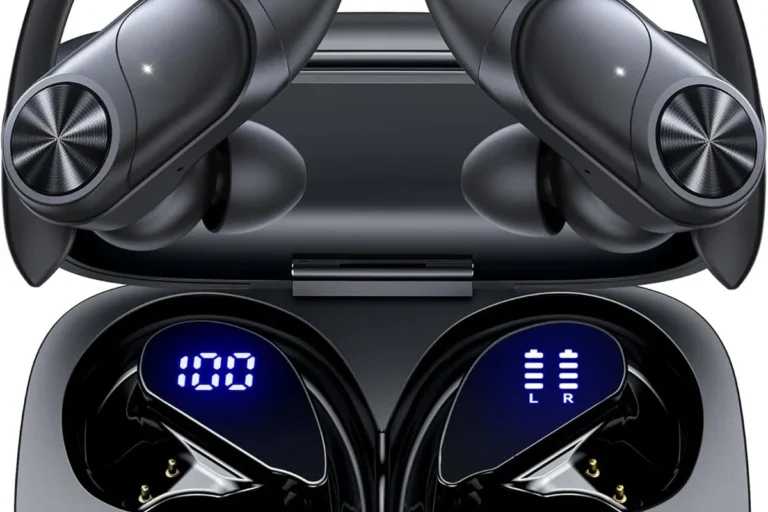
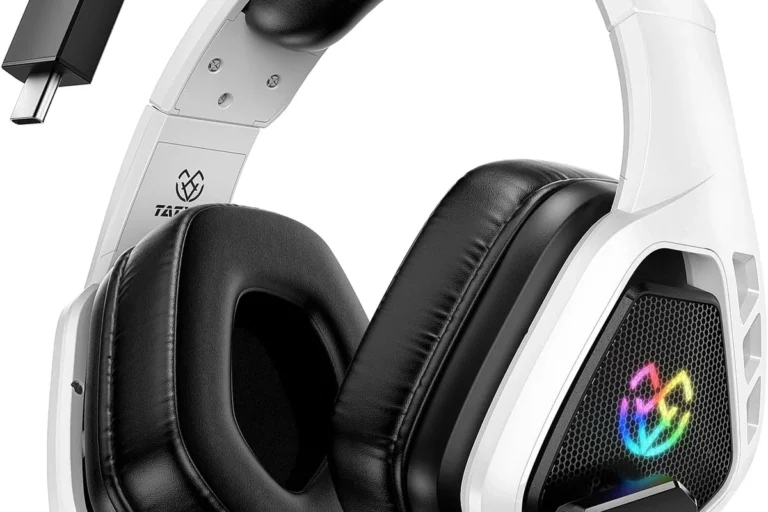
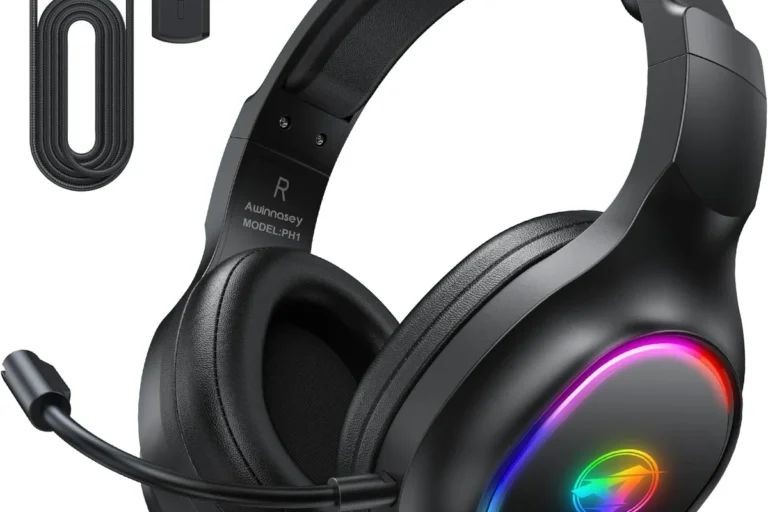
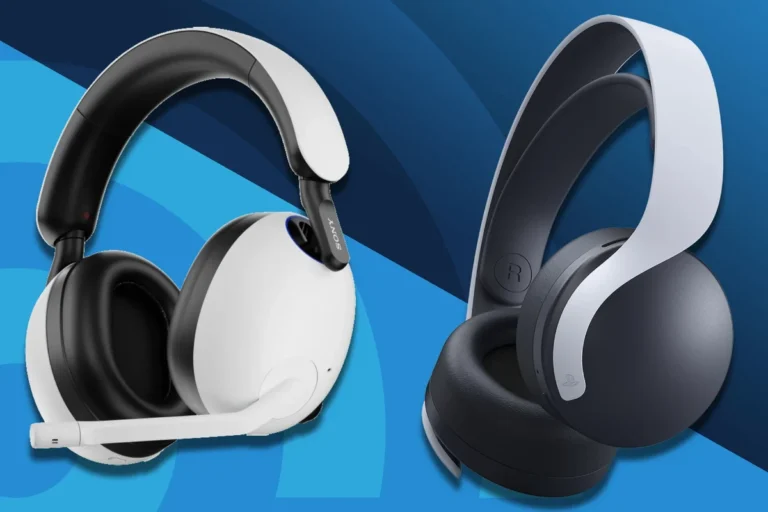
Can I Use Wireless Headphones with PS5 for Gaming

Yes, you can use wireless headphones with PS5, but the best results usually come from a USB wireless headset or PlayStation-compatible model. Standard Bluetooth headphones may work only with limitations, so compatibility and latency matter most.
If you’re asking can i use wireless headphones with ps5, the short answer is yes—but not always in the way people expect. The PS5 supports wireless audio best through USB dongles, compatible wireless headsets, or TV-based workarounds, while standard Bluetooth headphones can be hit-or-miss.
- Best connection: USB wireless dongles are usually the most reliable PS5 option.
- Bluetooth caution: Standard Bluetooth headphones may have pairing or lag issues.
- Gaming priority: Low latency matters most for competitive play and voice chat.
- Value choice: Wired headsets can still be the better budget option.
Can I Use Wireless Headphones with PS5? What Gamers Need to Know in 2025
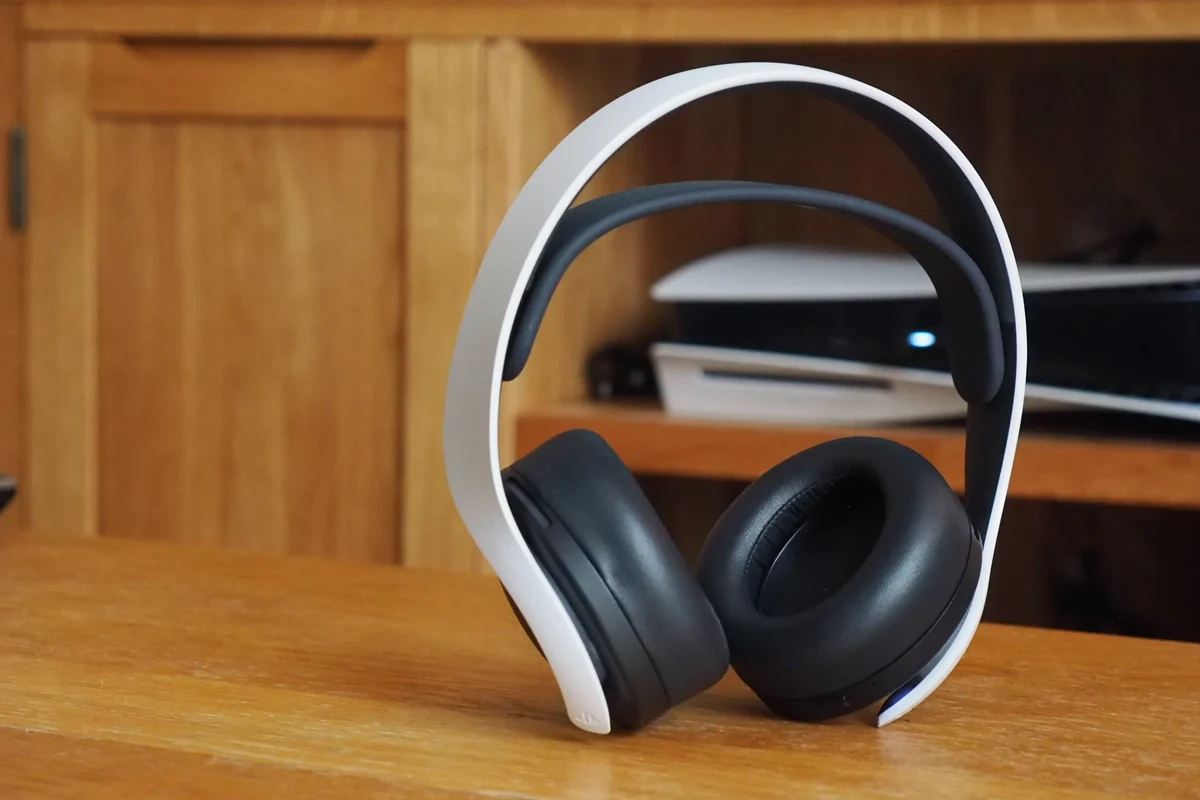
For most gamers, the PS5 can absolutely work with wireless headphones, but compatibility depends on the headset and connection method. Sony’s console is more flexible than older PlayStation systems, yet it still has limits that matter if you want low lag, clear chat, and easy setup.
The biggest thing to understand is that “wireless” does not always mean “Bluetooth.” Many gaming headsets use a dedicated USB transmitter, and that often gives a more stable experience than trying to pair a regular Bluetooth headset directly to the console.
Wireless headset support on PS5 can vary by brand, model, firmware, and whether the headset was designed for gaming or general phone use.
How PS5 Wireless Audio Works: Bluetooth, USB Dongles, and Sony’s Limitations
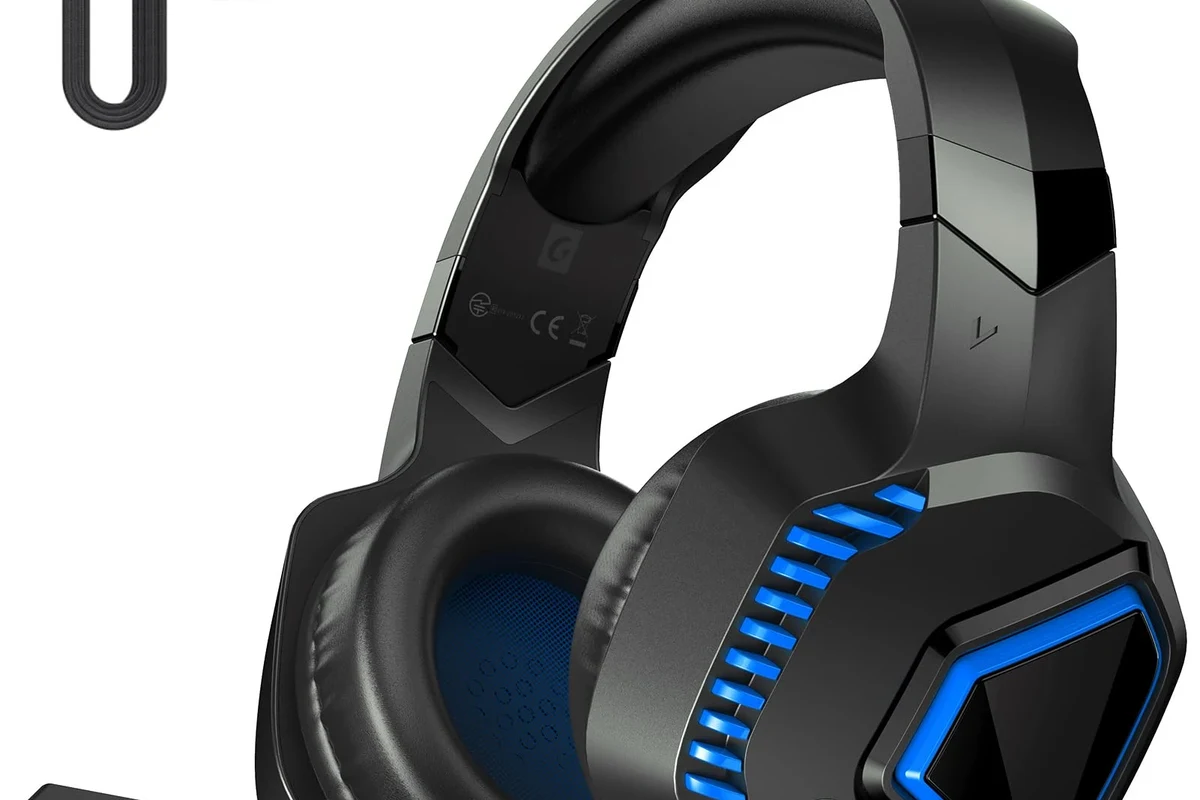
The PS5 is designed to work smoothly with certain wireless gaming headsets, especially those that connect through a USB dongle. That dongle acts like a bridge between the headset and the console, which is why many gaming models feel more seamless than generic Bluetooth headphones.
Bluetooth is where things get trickier. While the PS5 does support some wireless audio accessories, it does not offer the kind of open, universal Bluetooth headphone support many people expect from phones or laptops.
Why standard Bluetooth headphones are not the easiest PS5 option
Standard Bluetooth headphones often run into pairing problems, limited support, or audio delay. Even if you can get them connected through a workaround, the experience may not be ideal for gaming because sound timing matters more on a console than when listening to music.
For story games or menus, a little delay may be acceptable. For shooters, rhythm games, or anything with fast reaction timing, latency can become distracting very quickly.
Not every Bluetooth headphone will work natively with PS5, and some may require adapters or TV routing that can reduce convenience or increase delay.
How USB wireless adapters and proprietary dongles solve compatibility issues
USB wireless adapters are the simplest fix for many gamers. They create a direct wireless link between the headset and the console, which usually improves reliability and reduces lag compared with generic Bluetooth pairing.
Proprietary dongles from headset brands are especially useful because they are built for gaming audio, voice chat, and console compatibility. If you want a more plug-and-play setup, this is usually the route to prioritize.
If you want the least hassle, look for a headset that includes a USB transmitter made for PlayStation use rather than relying on a phone-style Bluetooth connection.
Best Ways to Connect Wireless Headphones to PS5
There are a few practical ways to use wireless headphones with PS5, and the best one depends on your headset, your room setup, and how sensitive you are to delay. Some methods are simple and reliable, while others are more of a workaround.
Using a USB wireless headset with a dedicated transmitter
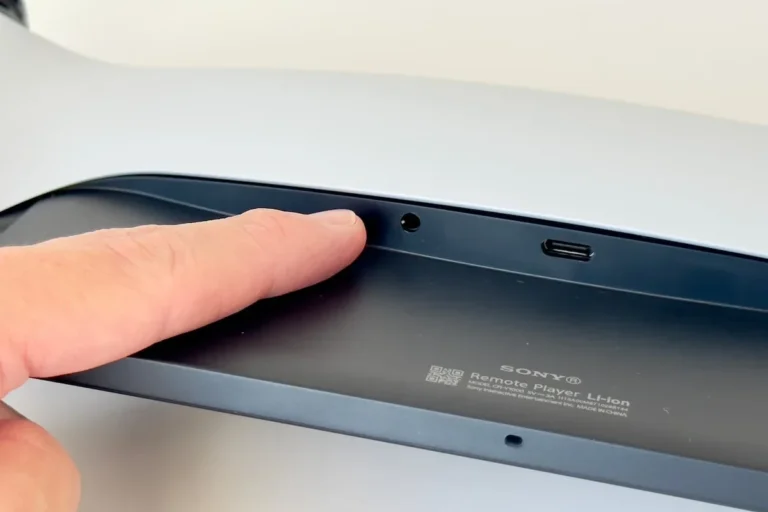
This is the most straightforward option for many players. Plug the transmitter into the PS5, power on the headset, and the system usually recognizes the audio device with minimal fuss.
This setup is popular because it often supports game audio and chat together, which is important for party play and multiplayer sessions. It also avoids the uncertainty that comes with trying to force a standard Bluetooth headset to behave like a gaming accessory.
Insert the USB dongle into the PS5 console and wait for it to register.
Turn on the headset and let it pair automatically with the dongle.
Connecting through the DualSense controller or TV as a workaround
Some gamers use the DualSense controller’s headphone jack for wired listening, or route audio through the TV and then connect headphones to the TV instead. These are not true wireless-to-PS5 solutions, but they can help if your headset or TV setup is already in place.
The TV route can be convenient for couch gaming, but it depends heavily on your TV’s audio features and how much delay it adds. If you’re sensitive to sound lag, this workaround may not be the best choice.
Using PlayStation Pulse-style headsets for plug-and-play setup
Headsets designed specifically for PlayStation tend to be the easiest for PS5 owners who want a simple experience. They are usually built to work with the console’s audio system, which reduces setup confusion and compatibility guesswork.
That does not mean they are always the best-sounding option for every person, but they are often the most convenient. If you want something that feels made for the console, this category is worth serious consideration.
Real Gaming Use Cases: When Wireless Headphones on PS5 Make Sense
Wireless headphones are not just about convenience. In the right situation, they can make PS5 gaming feel cleaner, more comfortable, and less restrictive than a cable hanging from the controller.
Casual couch gaming and single-player immersion
For casual play, wireless headphones make a lot of sense. You can sit back on the couch, stay untethered, and enjoy cinematic audio without worrying about pulling a cable loose.
Single-player games also tend to be more forgiving if your setup adds a tiny bit of delay. If immersion matters more than esports-level precision, wireless can be a very good fit.
Competitive multiplayer and low-latency voice chat needs
Competitive players usually care more about responsiveness, voice clarity, and stable connection quality. In these cases, a gaming headset with a dedicated dongle is typically safer than a generic Bluetooth option.
If you rely on party chat or in-game callouts, test the microphone and delay before committing to a headset for ranked or team-based play. Communication issues can be more frustrating than slightly less convenient cabling.
Many gaming headsets use 2.4GHz wireless instead of standard Bluetooth because it can offer lower latency and more consistent game audio.
Watching movies, streaming, and late-night play sessions
Wireless headphones are also great for movie nights, streaming apps, and late-night gaming when you do not want to disturb other people. Comfort and freedom of movement matter a lot in these use cases.
If your headset has good battery life and a comfortable fit, it can easily become your go-to audio option for long sessions. For some players, that convenience matters more than anything else.
Sound Quality, Latency, and Mic Performance: What to Expect
When people ask about wireless headphones on PS5, they are usually asking three things at once: Will it sound good, will it lag, and will the mic work well? The answer depends on the connection type and the headset design.
Audio delay and why it matters in fast-paced games
Latency is the delay between what happens on screen and when you hear it. Small delays can be easy to ignore in slower games, but in competitive titles they can affect timing, reaction, and overall feel.
USB wireless headsets usually do better here than standard Bluetooth headphones. If low-lag performance is important, prioritize that connection style first.
3D audio support on PS5 and headset compatibility
PS5’s 3D audio features can work with many headset types, but the result still depends on the headset’s tuning and how the audio is processed. A headset that sounds balanced and clear will usually make spatial cues easier to notice than one with muddy bass or recessed detail.
If you enjoy directional audio in games, look for a headset that handles clarity well in the mids and highs, not just one that advertises big bass. EQ settings can also help, depending on the model.
Microphone clarity for party chat and multiplayer communication
Mic quality varies a lot between wireless headsets. Some sound clean and natural for party chat, while others can sound compressed or pick up too much background noise.
If you play online often, check whether the headset is known for reliable voice pickup and whether sidetone or mic monitoring is available. Those features can make long sessions feel more comfortable and less fatiguing.
Listening at high volumes for long periods can cause hearing damage. Keep volume at 60% or below for extended sessions.
Common Mistakes Gamers Make When Using Wireless Headphones with PS5
A lot of PS5 headphone frustration comes from buying the wrong type of wireless headset or expecting every connection method to behave the same. A little checking before you buy can save a lot of setup trouble later.
Assuming all Bluetooth headphones work natively
This is probably the most common mistake. People assume any wireless headphones will pair like a phone accessory, but PS5 does not always treat Bluetooth audio that way.
Before you buy, confirm that the headset is PS5-compatible or that you have a proven adapter plan. If not, you may end up with audio that works only partially or not at all.
Buying a headset without checking transmitter compatibility
Some wireless gaming headsets depend on a specific USB transmitter. If that transmitter is missing, lost, or not supported by the console, the headset may not function as intended.
Always check what comes in the box and whether the headset is designed for PlayStation, PC, both, or another platform entirely. Compatibility details matter more than flashy marketing.
Overlooking charging, battery life, and range limits
Wireless convenience comes with battery management. If you forget to charge your headset, your “wireless” setup can quickly become annoying in the middle of a game night.
Range also matters. Walls, furniture, and other devices can affect connection stability, so the best headset for one room may not be the best for another.
Price, Value, and Best Option Comparison in 2025
In 2025, the best PS5 wireless headphone choice is not always the most expensive one. Value depends on whether you want simple compatibility, low latency, strong mic performance, or just a comfortable way to hear games without cables.
Budget-friendly wireless headset setups vs premium PS5 models
Budget setups can be appealing if you mainly want basic wireless convenience for solo play. Premium models may offer better comfort, stronger microphones, more stable wireless links, and more refined sound tuning.
If you want a quick way to compare the general tradeoff, start with this simple view:
| Model | Best For | Price Range |
|---|---|---|
| USB dongle gaming headset | Low-lag PS5 play and chat | Varies |
| PlayStation-branded wireless headset | Easy setup and console-friendly use | Varies by brand |
| Standard Bluetooth headphones | Casual use with workarounds | Varies |
When a wired headset may still be the better value
Wired headphones still make sense if you want the simplest setup, zero battery concerns, and very predictable audio timing. For many gamers, especially on a budget, wired can be the smarter purchase.
You can also get excellent sound and comfort without paying for wireless tech you may not need. If you mostly play at a desk or do long sessions near the console, wired remains a strong option.
What features are worth paying more for in 2025
If you do choose wireless, the features worth paying for are usually low-latency connection, comfortable ear pads, solid battery life, and a microphone that sounds clear in chat. Build quality also matters if you game regularly.
Noise cancellation can be helpful, but it is not always essential for gaming. Comfort, connection stability, and sound balance usually matter more in day-to-day PS5 use.
Expert Advice and Final Verdict: Is Wireless Worth It for PS5 Gaming?
Wireless headphones can be a great match for PS5, but only if you choose the right connection method. The easiest experience usually comes from a PS5-compatible wireless headset with a USB transmitter, while generic Bluetooth headphones are less reliable.
Who should choose wireless headphones for PS5
Wireless is a smart choice if you value comfort, couch gaming freedom, and a cleaner setup with fewer cables. It is also a good fit if you often play single-player games, watch streaming content, or move around your room while gaming.
Who may be better off with wired or TV-based audio
If you play competitively, want the lowest possible latency, or do not want to manage charging, wired may be better. TV-based audio can work for some casual setups too, but it is less consistent than a proper gaming headset connection.
Final recap on the easiest and most reliable PS5 wireless headphone setup
The most reliable answer to can i use wireless headphones with ps5 is yes, as long as you use the right type of headset. For most readers, a USB wireless gaming headset or a PlayStation-compatible model is the safest and easiest path.
If you want convenience without surprises, prioritize compatibility first, latency second, and sound quality third. That order usually leads to a better PS5 experience than buying a random Bluetooth pair and hoping it works well.
If you notice ear pain, ringing, or persistent discomfort during gaming, reduce volume and consider speaking with an audiologist or hearing professional.
Frequently Asked Questions
Not always. Wired headphones often give more predictable latency, while wireless can be more convenient if the headset and transmitter are well designed.
They can be useful if you want to block room noise, but they are not required for good gameplay. Comfort, latency, and mic clarity usually matter more than noise cancelling alone.
Closed-back headphones are usually better for PS5 because they isolate sound and keep game audio from leaking out. Open-back models can sound spacious, but they are less practical in shared spaces.
Over-ear headphones are usually the most comfortable for long sessions because they spread pressure more evenly. Ear cushion material and weight also matter a lot.
Check wireless type, battery life, mic quality, comfort, and whether the headset is compatible with PS5. If possible, also look for low-latency wireless support and clear audio tuning.
A small EQ adjustment can help reduce muddy bass and bring out footsteps or dialogue. Keep changes modest so the sound stays balanced and comfortable.