Can You Hook Up Bluetooth Headphones to Xbox One Easily

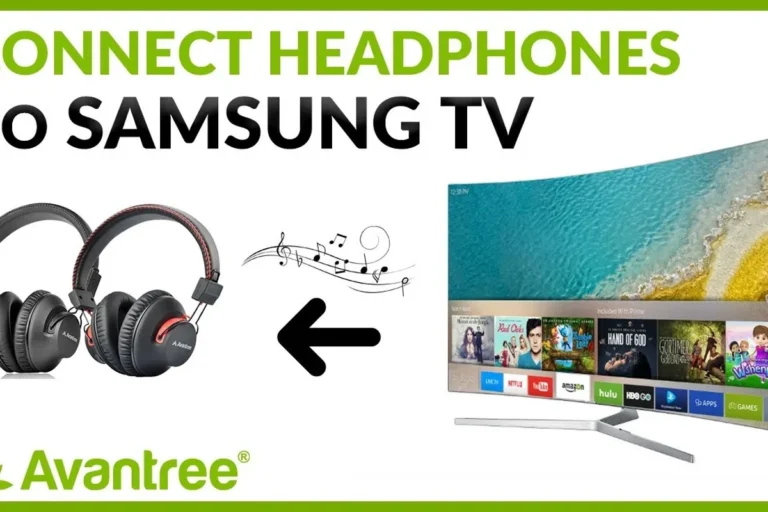
No, standard Bluetooth headphones usually do not connect directly to Xbox One for game audio. The easiest working options are Xbox Wireless headsets, a wired controller connection, or a compatible low-latency transmitter.
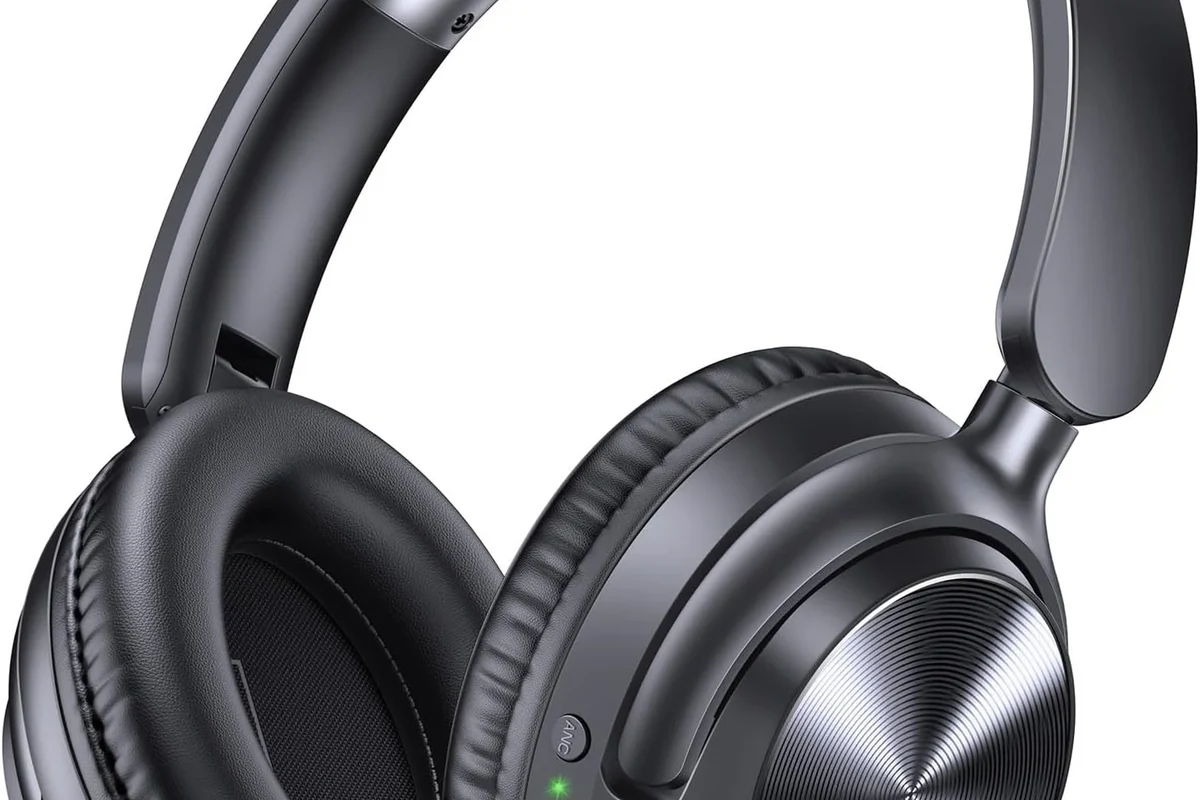
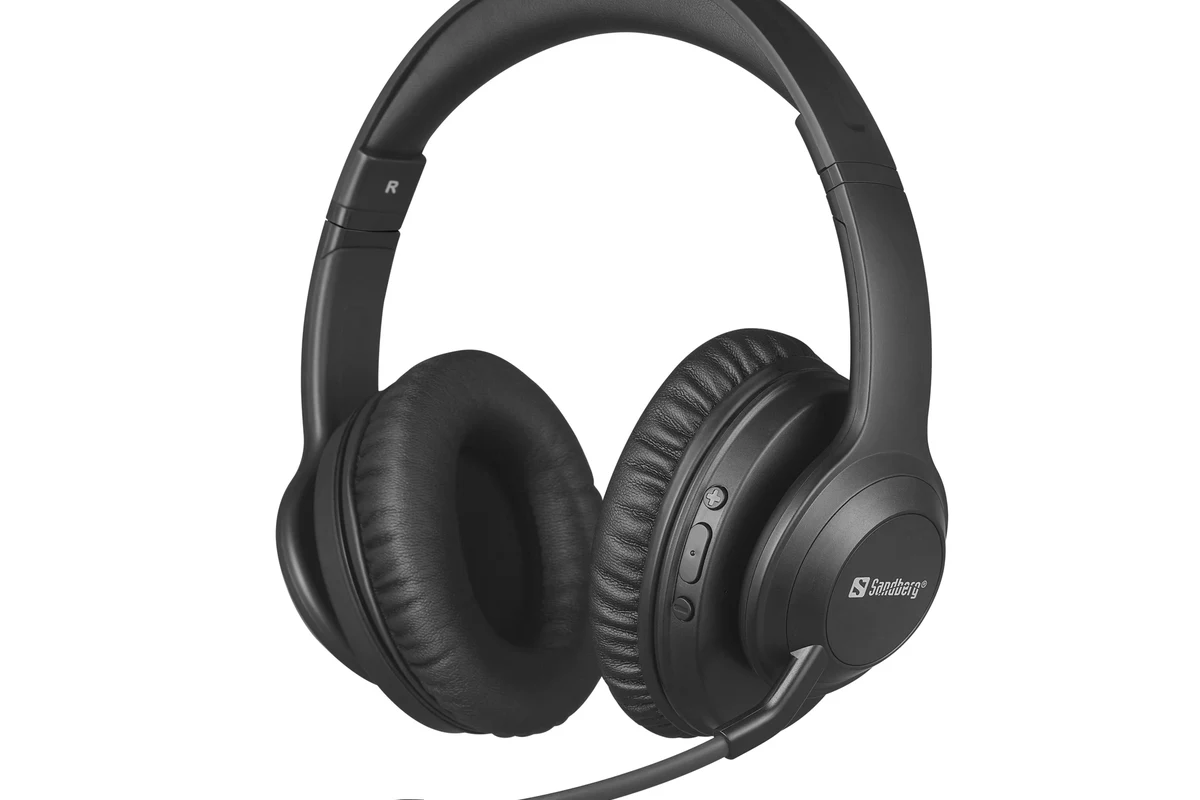
- Direct Bluetooth usually fails: Xbox One does not support standard Bluetooth audio like phones do.
- Best workaround: Use Xbox Wireless, wired, or a low-latency transmitter setup.
- Check mic support: Some headphones play audio but do not handle chat well.
- Watch for delay: Latency can hurt gameplay, especially in fast-paced titles.
Frequently Asked Questions
Wireless headphones are more convenient, but wired headphones usually offer simpler setup and less latency. The best choice depends on whether you value freedom or the most stable audio path.
Noise cancelling can help reduce room noise, especially in busy homes. Just make sure the headset still supports Xbox audio properly and feels comfortable for long sessions.
Closed-back headphones usually block more outside noise and feel more immersive for gaming. Open-back models can sound wider and more natural, but they leak sound and work best in quiet spaces.
Look at driver type, tuning, comfort, and whether the headset supports EQ adjustments. Bass, clarity, and soundstage can vary a lot by model and personal preference.
Start with compatibility, then compare mic quality, comfort, and connection type. A simple wired headset can be a better value than a cheap wireless model with lag or weak chat support.
Check ear cushion material, headband pressure, weight, and build quality. If you play for hours, comfort matters as much as sound, and a poor fit can become tiring fast.