Can You Get Bluetooth Headphones for TV Easy Guide

Yes, you can get Bluetooth headphones for TV, but the best setup depends on whether your TV has built-in Bluetooth audio or needs a transmitter. The main things to watch for are audio delay, comfort, battery life, and compatibility.
If you’ve been wondering whether you can get Bluetooth headphones for TV, the short answer is yes. In many cases, they’re a simple and convenient way to watch shows, movies, and games without disturbing anyone else.
The real question is not whether they exist, but whether your TV supports them well. Compatibility, audio delay, and comfort matter just as much as the headphones themselves.
- Yes: Bluetooth headphones can work with many TVs.
- Check first: Not every TV supports Bluetooth audio output.
- Watch for lag: Low latency matters for movies, sports, and gaming.
- Comfort counts: Long TV sessions need good fit and battery life.
Can You Get Bluetooth Headphones for TV? What It Means in 2025
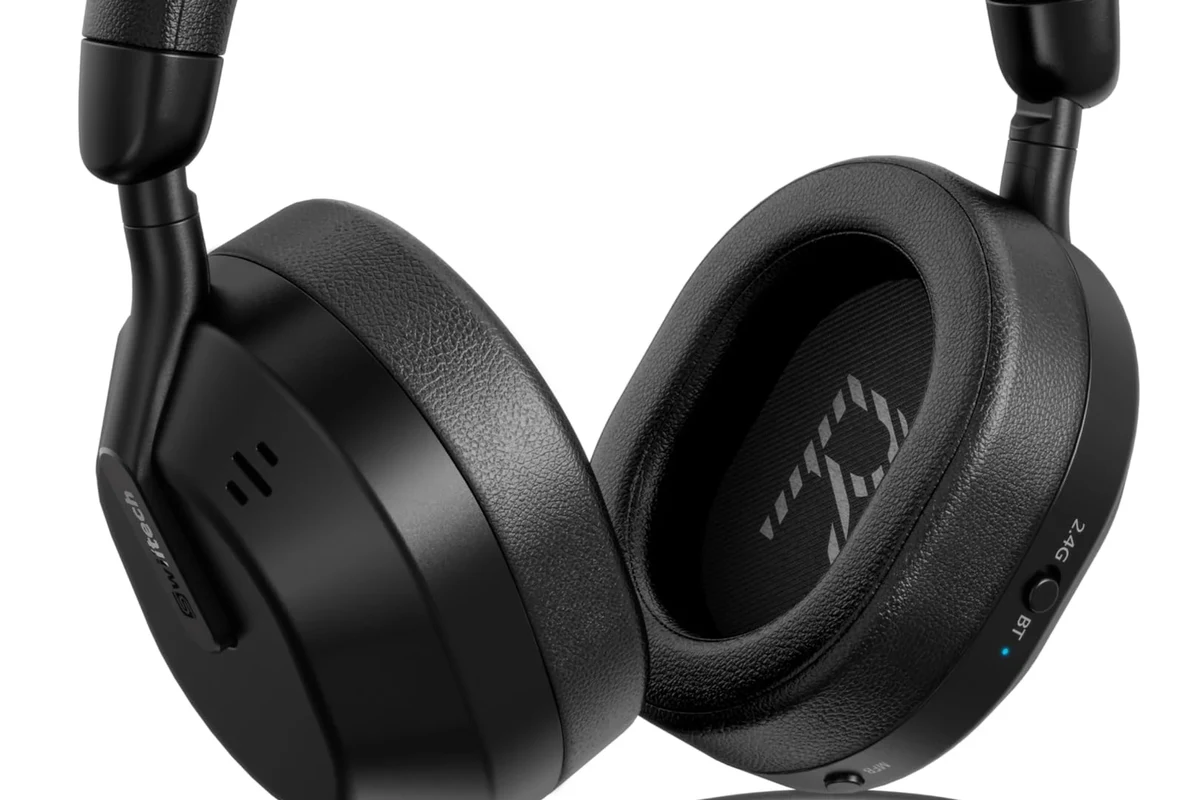
Yes, you can absolutely use Bluetooth headphones with a TV in 2025, but the setup depends on the TV model. Some televisions have Bluetooth built in, while others need an external transmitter to send audio wirelessly.
For many viewers, this is a practical upgrade over built-in TV speakers. It can make dialogue easier to hear, reduce household noise complaints, and create a more private listening experience.
That said, Bluetooth for TV is not always plug-and-play. Some TVs only support Bluetooth for remotes or keyboards, not for audio output, so it’s worth checking the manual or settings menu before buying.
Bluetooth support can vary widely by TV brand, year, and software version. Always confirm whether the TV can send audio to headphones, not just connect to Bluetooth accessories.
How Bluetooth Headphones Work with TVs: Built-In vs External Solutions
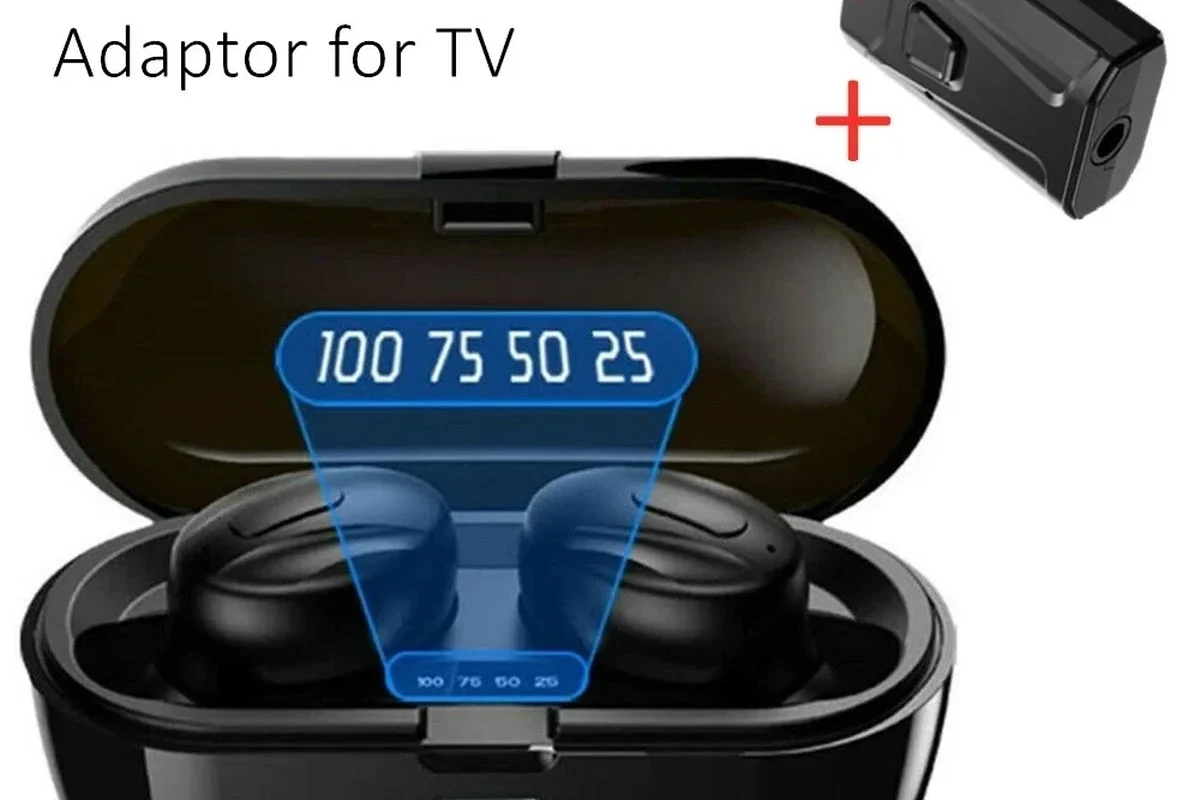
There are two main ways to listen to TV audio through Bluetooth headphones. The first is using a TV with native Bluetooth audio support, and the second is adding a Bluetooth transmitter to a TV that does not support it directly.
Both options can work well, but the best choice depends on your TV’s age, your budget, and how sensitive you are to audio delay. If you also use your headphones with a phone or laptop, it helps to understand the basics of Bluetooth headphones explained simply before you buy.
TVs with native Bluetooth audio support
Some modern TVs let you pair headphones directly in the sound or Bluetooth settings menu. This is the easiest setup because you do not need extra hardware, cables, or a separate power source.
Direct pairing is usually best for casual TV watching, especially if the TV and headphones are from newer product lines. Still, even native support can have lag, so the experience may vary from one model to another.
Some TVs can connect to Bluetooth headphones but still route video and audio with a small delay. That delay is often more noticeable in sports, action scenes, and gaming than in talk shows.
Using a Bluetooth transmitter for older or non-Bluetooth TVs
If your TV does not support Bluetooth audio, a transmitter is the usual fix. It plugs into the TV’s audio output and sends sound to your headphones wirelessly.
This is often the better route for older TVs, projectors, or set-top box setups. It can also give you more control over latency if you choose a transmitter designed for low-delay listening.
Audio Tip
When possible, connect the transmitter to a TV output that stays active all the time, such as optical or a dedicated headphone output. That usually makes setup easier and more stable.
Best Use Cases for TV Bluetooth Headphones
Bluetooth headphones are not just a convenience feature. For many households, they solve a real listening problem by making TV audio more personal, more flexible, and easier to manage.
Late-night watching without disturbing others
This is one of the most common reasons people buy TV headphones. If someone is sleeping, studying, or working nearby, headphones let you keep the volume comfortable without filling the room with sound.
They’re especially useful in apartments or shared spaces where speaker volume can be a problem. A good pair can make long movie nights much easier on everyone else in the house.
Improving audio for seniors or hard-of-hearing viewers
TV dialogue can be hard to follow, especially when background music and effects compete with voices. Headphones can bring speech closer and make the sound easier to focus on.
For seniors or anyone with hearing difficulty, this can be a meaningful quality-of-life improvement. If hearing loss is a concern, it’s smart to keep listening levels safe and consult an audiologist if clarity remains a problem.
If dialogue still sounds unclear even with headphones, the issue may be hearing-related or caused by the TV’s audio processing. An audiologist or hearing specialist can help if you suspect hearing loss or tinnitus.
Gaming and streaming setups that need wireless freedom
Bluetooth headphones can also work for gaming and streaming, especially in living-room setups where you want to move freely. They are convenient if you switch between TV apps, consoles, and phones.
However, gamers should be extra careful about audio delay. Even a small lag can make footsteps, voice chat, and action cues feel out of sync.
What to Look for Before Buying Bluetooth Headphones for TV
Not every Bluetooth headphone is a great TV headphone. The best models are comfortable for long sessions, easy to pair, and able to keep audio in sync with the picture.
Low latency and lip-sync performance
Latency is the time it takes sound to travel from the TV to your ears. If it’s too high, lips may move before you hear speech, which can be distracting during movies and especially frustrating in gaming.
Look for low-latency support in both the headphones and the transmitter if you’re using one. Some brands advertise aptX Low Latency or similar delay-reduction features, but actual results can still vary by TV and device pairing.
Do not assume Bluetooth automatically means smooth lip-sync. Some TVs introduce more delay than others, and certain streaming apps can make it worse.
Battery life, comfort, and wireless range
TV listening sessions can last longer than phone calls or commutes, so battery life matters. A pair that lasts through a full evening is usually more practical than one that needs frequent charging.
Comfort matters just as much. Over-ear designs are often preferred for TV because they spread pressure more evenly, but fit, clamp force, and ear cushion material all affect comfort differently.
Wireless range is also worth checking, especially if you plan to walk around the room or kitchen. Range can be affected by walls, furniture, and interference from other wireless devices.
Codec support, pairing ease, and multi-device compatibility
Codec support can affect how stable and responsive the connection feels, but compatibility is the main thing to verify. If your TV and headphones do not support the same codec or profile, you may not get the best result.
Pairing should also be simple enough that everyone in the home can use it. If you regularly switch between TV, tablet, and phone, choose headphones that reconnect quickly and handle multiple devices without hassle.
If you want a deeper look at how Bluetooth differs from a cable in everyday listening, our guide to Bluetooth vs wired headphones sound quality is a useful next read.
- Does the TV support Bluetooth audio output?
- Does the headphone or transmitter support low latency?
- Is the fit comfortable for long viewing sessions?
Bluetooth Headphones vs RF Headphones vs Soundbar Listening
Bluetooth is only one way to improve TV audio. RF headphones and soundbars can also be strong options depending on whether you want privacy, better dialogue, or room-filling sound.
Price comparison and value for different budgets
Budget Bluetooth headphones can be a good starting point if you already own them or want a simple wireless solution. But if you need a transmitter or low-latency support, the total cost may rise.
RF headphones often come as a dedicated TV system and may be easier for some users, while soundbars improve shared-room listening rather than private listening. Prices vary a lot by brand, features, and build quality, so value depends on your actual use case.
When Bluetooth is the better choice—and when it is not
Bluetooth is usually the better choice if you want portability, easy pairing, and a headset you can also use with other devices. It’s also ideal if you want one headphone pair for TV, phone, and tablet.
It may not be the best choice if latency is your top priority or if your TV has weak Bluetooth support. In those cases, RF headphones or a dedicated TV listening system may offer a smoother experience.
Common Mistakes People Make When Connecting Headphones to a TV
Most connection problems happen because people assume TV Bluetooth works the same way as phone Bluetooth. In reality, television audio setups can be much more limited or inconsistent.
Assuming every TV has usable Bluetooth audio output
Some people buy headphones first and check compatibility later. That can lead to frustration if the TV only supports Bluetooth for remotes or smart-home accessories.
Before buying anything, confirm that your TV can send audio to headphones. If it cannot, you’ll likely need a transmitter or a different listening solution.
Ignoring delay issues with movies, sports, and gaming
Audio delay is one of the biggest complaints with TV Bluetooth. It may be subtle during casual viewing, but it becomes more obvious when lips, commentary, and action are tightly timed.
Sports fans and gamers should pay special attention here. Even small lag can make the experience feel off, especially during fast-paced scenes.
Listening at high volumes for long periods can cause hearing damage. Keep volume at 60% or below for extended sessions.
Buying headphones without checking TV and transmitter compatibility
Some headphones pair easily with phones but not with TV transmitters, and some transmitters only support certain audio outputs. That means compatibility is more than just “Bluetooth on both ends.”
Always check the TV output type, the transmitter input type, and the headphone connection profile before ordering. This small step can save a lot of setup trouble later.
Expert Advice: How to Avoid Audio Lag and Connection Problems
If you want the smoothest TV headphone experience, focus on the complete chain: TV output, transmitter quality, headphone latency, and room conditions. A good setup is usually about compatibility more than raw brand name.
Choosing aptX Low Latency or similar low-delay solutions
Low-delay codecs or transmitter features can help reduce the feeling of lag. They are especially useful for people who watch sports, play games, or are sensitive to lip-sync issues.
Still, codec support must line up across the TV, transmitter, and headphones. If one part of the chain does not support it, you may not get the benefit.
Setting up the transmitter correctly for stable performance
Place the transmitter where it has a clear signal path and use the correct TV output. Optical audio is often a reliable choice when available, but the right option depends on your specific TV and transmitter.
If your audio cuts out, reconnects slowly, or sounds inconsistent, check power, cable seating, and pairing mode first. Many “bad headphone” problems are really setup problems.
Use the TV’s audio output that matches your transmitter or headphone system.
Reduce interference and keep the headphones close during the first pairing.
Check speech sync and scene timing before settling in for a long movie.
When to upgrade to a dedicated TV headphone system
If you keep running into lag, range, or pairing problems, a dedicated TV headphone system may be worth it. These systems are often designed for simpler setup and more stable home listening.
That may be the better path if the TV is used mainly for evening viewing, or if the person using the headphones needs a very straightforward experience every day.
If you have persistent hearing difficulty, one-sided hearing loss, or ringing in the ears, speak with an audiologist before relying on volume increases. Better clarity should not come at the cost of unsafe listening levels.
Final Recap: Is Getting Bluetooth Headphones for TV Worth It?
For many people, yes, Bluetooth headphones are worth it for TV. They offer privacy, convenience, and a cleaner way to enjoy late-night viewing or focused listening.
The best setup depends on your TV’s Bluetooth support, your tolerance for audio lag, and how comfortable the headphones feel over long sessions. If you choose carefully, they can be an excellent fit for movies, streaming, and casual gaming.
Before buying, verify compatibility, test for delay if possible, and think about whether a transmitter or dedicated TV system would suit your room better. That simple planning step usually leads to a much better result than buying the first wireless pair you see.
Frequently Asked Questions
Bluetooth headphones are more convenient and give you wireless freedom, but wired headphones usually avoid latency problems. The better choice depends on whether you value comfort and mobility or perfect sync.
Yes, noise cancelling headphones can help reduce background noise so dialogue is easier to hear. They are especially useful in shared homes, but sound quality and comfort still depend on the model.
Closed-back headphones are usually better for TV because they keep sound in and block more outside noise. Open-back models can sound more spacious, but they leak sound and are less private.
Over-ear headphones are often the most comfortable for long TV sessions because they spread pressure around the ear. On-ear and in-ear models can work too, but fit and comfort vary a lot by person.
Focus on latency, battery life, comfort, codec support, and compatibility with your TV or transmitter. Sound quality matters too, but stable connection and lip-sync are usually the biggest priorities for TV use.
Start with a comfortable fit and check the TV’s audio settings or EQ options if available. Some headphones respond well to EQ adjustments, but results depend on the driver tuning and your personal hearing preference.