How to Connect Bose Headphones to PS5 Easily and Fast

The fastest way to connect Bose headphones to PS5 is usually with a 3.5mm cable through the DualSense controller. If you need wireless, a USB adapter is the next best option, while direct Bluetooth is often the least reliable.
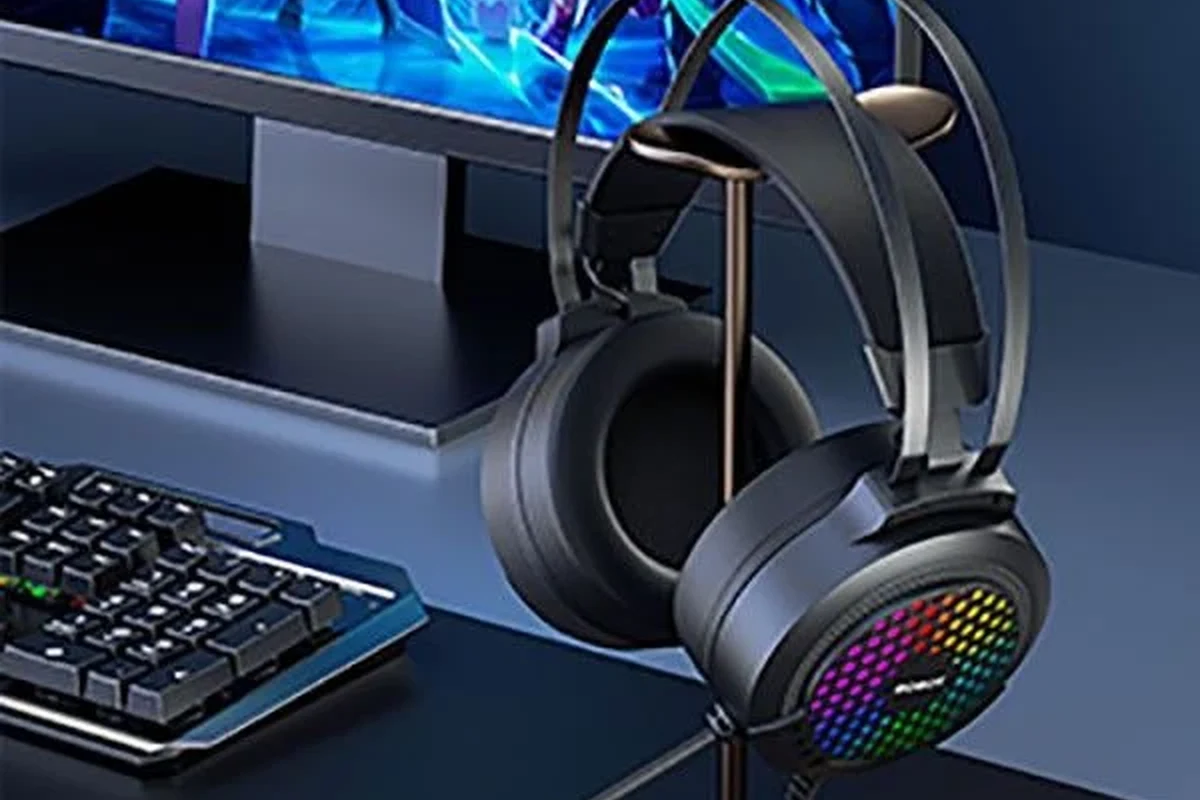
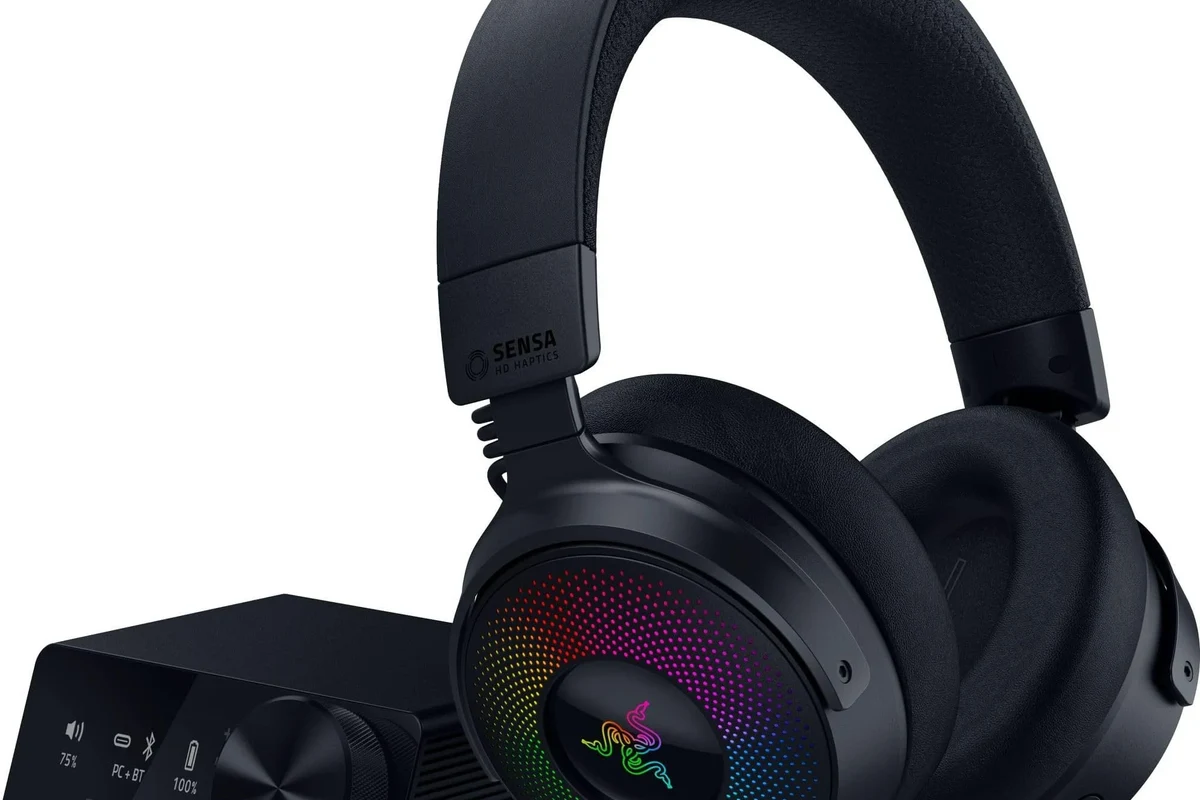
- Best method: Wired controller connection is usually the most stable.
- Wireless option: USB adapters can work, but mic support may vary.
- Main limitation: Direct PS5 Bluetooth is often inconsistent with Bose.
- Best use case: Bose works well for casual and single-player gaming.
Frequently Asked Questions
Wired connections are usually more reliable on PS5, especially for low-latency gaming. Wireless Bose headphones can work with an adapter, but results vary by model and setup.
They can be very good for casual and story-driven gaming because they help block outside noise. For competitive play, comfort and latency matter just as much as noise cancellation.
Focus on clarity, bass balance, and whether the headphones stay comfortable during long sessions. Frequency response and driver tuning matter, but personal preference and game genre also affect what sounds best.
Check whether the model supports wired use, whether you need an adapter, and whether the mic setup is practical. Budget choices are often best when you already own the headphones and only need a simple connection fix.
Over-ear models usually offer better comfort, noise isolation, and longer listening sessions. Earbuds can be convenient, but they may feel less immersive and sometimes have weaker chat or fit consistency.
Look for lightweight build, soft ear cushions, and a headband that does not clamp too hard. Durable cables, solid hinges, and replaceable pads can also help the headphones last longer.