Can You Use Beats Headphones on Xbox for Gaming

Yes, you can use Beats headphones on Xbox, but wired connection through the controller is usually the most reliable option. Bluetooth does not normally pair directly with Xbox, and microphone support may be limited depending on the model and adapter.
If you’re wondering can you use beats headphones on xbox, the short answer is yes, but usually not in the way most people expect. Beats can work for game audio on Xbox through a wired controller connection or certain workarounds, but full wireless Bluetooth support is not natively built into Xbox consoles.
- Best method: Use a 3.5mm cable with the Xbox controller when possible.
- Bluetooth limit: Xbox usually does not support direct Beats pairing.
- Chat caveat: Mic and party chat support may not work as expected.
- Best value: Dedicated Xbox headsets are better for frequent multiplayer use.
Can You Use Beats Headphones on Xbox? Quick Answer for Gamers
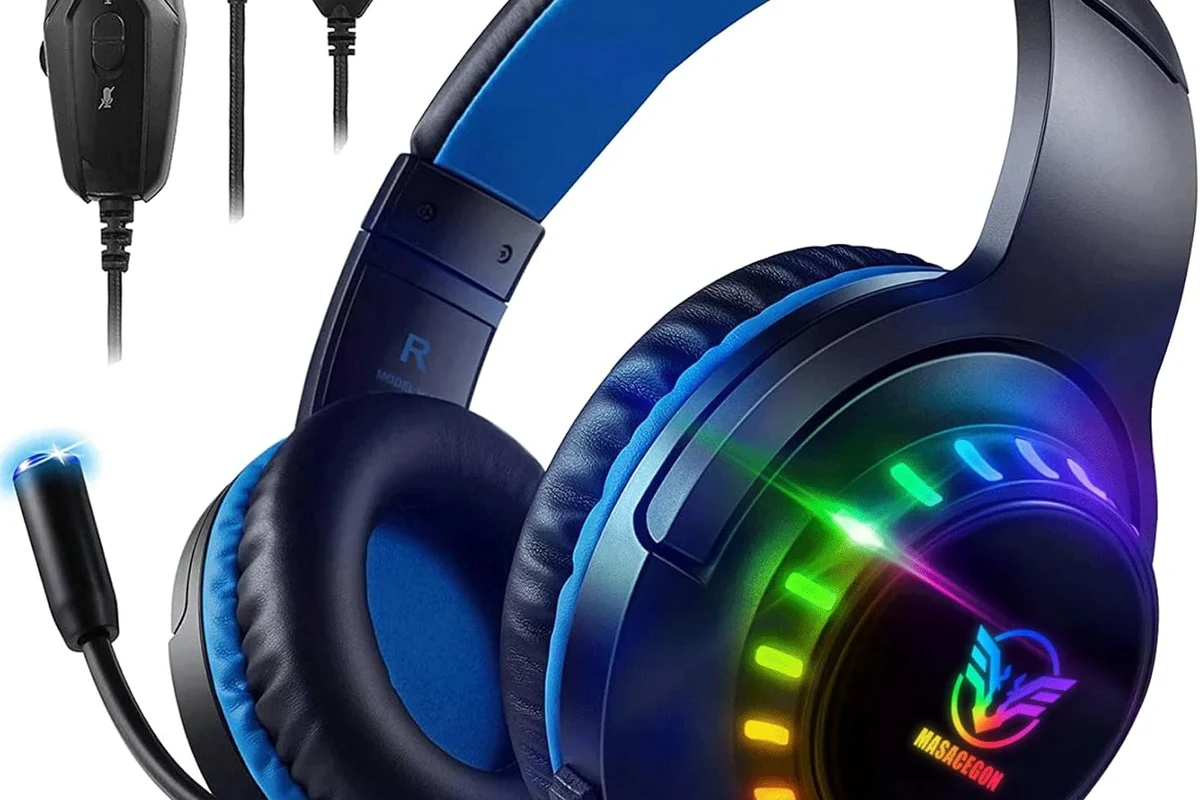
Beats headphones can be used with Xbox for listening to game sound, but the setup depends on your Beats model and the Xbox console you own. In most cases, the easiest path is a wired connection from the controller’s 3.5mm jack.
That means your Beats may work well for solo play, story games, and casual gaming sessions. However, if you want seamless wireless pairing, chat support, and full headset controls, Xbox is still more limited than phones, tablets, and PCs.
How Beats Headphones Connect to Xbox Consoles in 2026
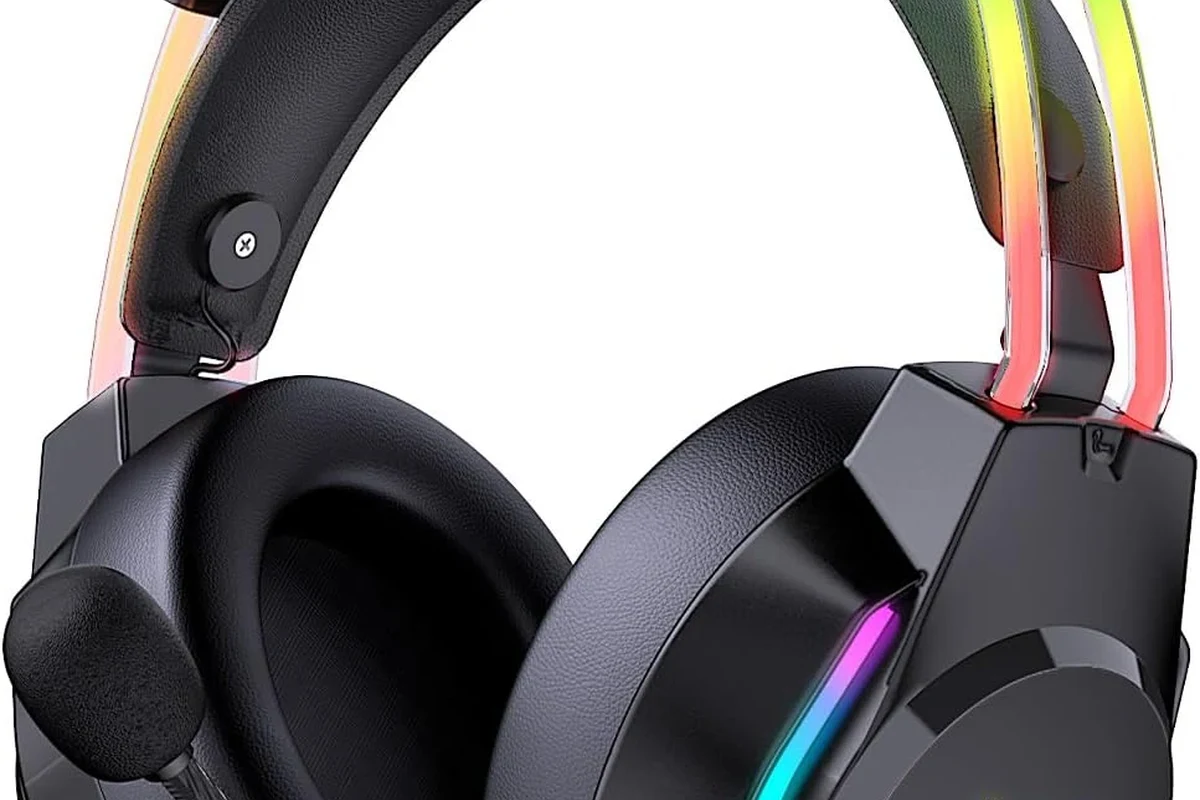
Xbox consoles are designed to work best with wired headsets, Xbox-compatible wireless headsets, or accessories that route audio through the controller or console. Beats are built primarily as consumer headphones, so they do not always match Xbox’s headset ecosystem perfectly.
If you already own Beats, you can still make them useful for gaming. The main question is whether you want basic listening only, or a more complete chat-and-control setup.
Using the 3.5mm audio jack on Xbox controllers
If your Beats model includes a 3.5mm audio cable, this is usually the simplest method. Plug the cable into your Beats and then into the Xbox controller’s headset jack, and the console should send game audio through the headphones.
This wired method is the most reliable option because it avoids Bluetooth pairing issues and usually keeps latency lower than wireless workarounds. For many players, that is enough to make Beats usable for everyday console gaming.
If your Beats support wired use, keep a spare 3.5mm cable nearby. It is often the fastest way to get Xbox audio working without extra adapters.
Why Bluetooth still does not work directly with Xbox
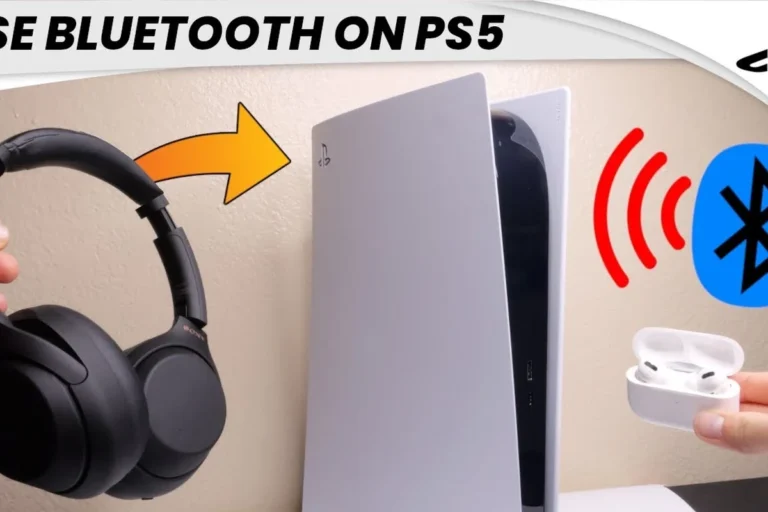
Most Xbox consoles do not support standard Bluetooth headphone pairing the way a phone does. That is why you cannot usually open the Xbox menu and connect Beats wirelessly in a normal Bluetooth list.
This limitation is one of the biggest surprises for new Xbox owners. Even if your Beats pair instantly with an iPhone or Android device, Xbox may still ignore them unless you use a supported accessory or audio workaround.
Bluetooth audio support can vary by accessory and console setup, so always check the exact adapter or transmitter before buying.
What changes with newer Beats models and adapters
Newer Beats models may offer better wired support, better battery life, or easier switching between devices, but that does not automatically make them Xbox wireless headsets. The console still needs a compatible audio path.
Some users rely on Bluetooth transmitters, USB audio solutions, or controller-based adapters to route sound from Xbox to Beats. These can work, but results vary by model, and not every adapter supports voice chat or low-latency gaming well.
What Works and What Does Not: Beats Features on Xbox
When people ask whether Beats work on Xbox, they often mean more than “do they make sound?” They usually want to know about game audio, party chat, microphone use, and whether the headphones feel like a true gaming headset.
That is where the limits become clearer. Beats can be practical for audio playback, but some headset-style features may be missing or inconsistent.
Audio playback: game sound, chat, and party audio
With a wired connection, Beats can play game audio from the Xbox controller. That includes music, dialogue, effects, and many menu sounds, depending on your console settings.
Party audio may also come through if your setup supports it, but the experience is not always identical to using a dedicated Xbox headset. If you want the cleanest all-in-one result, compatibility depends heavily on the exact model and connection method.
Microphone support and in-game communication limits
Microphone support is the biggest weak spot for many Beats-on-Xbox setups. Some Beats models have inline mics on the cable, but that does not guarantee full Xbox chat compatibility in every game or party chat scenario.
In other words, you may hear everything perfectly and still have trouble being heard clearly. If voice chat matters to you, a dedicated Xbox-compatible headset is usually the safer choice.
Do not assume a headphone mic will automatically work for Xbox party chat. Compatibility depends on the cable, adapter, controller, and headset model.
Volume, latency, and control button compatibility
Wired Beats usually give you more predictable volume than Bluetooth workarounds, and they often reduce audio delay. That matters in shooters, racing games, and anything where sound timing affects gameplay.
Control buttons on Beats may not always behave the same on Xbox as they do on a phone. You may lose features like pause/play shortcuts, assistant access, or seamless device switching when the headphones are used with the console.
Many console audio problems are not caused by the headphones themselves, but by how the sound is routed through the controller or adapter.
Best Beats Models for Xbox Gaming Use
Some Beats models are easier to use on Xbox than others. In general, models with a solid wired option are more practical than headphones that depend mainly on Bluetooth.
If you already own Beats, it is usually smarter to optimize what you have than to buy a new pair just for gaming. But if you are shopping specifically for Xbox, model choice matters.
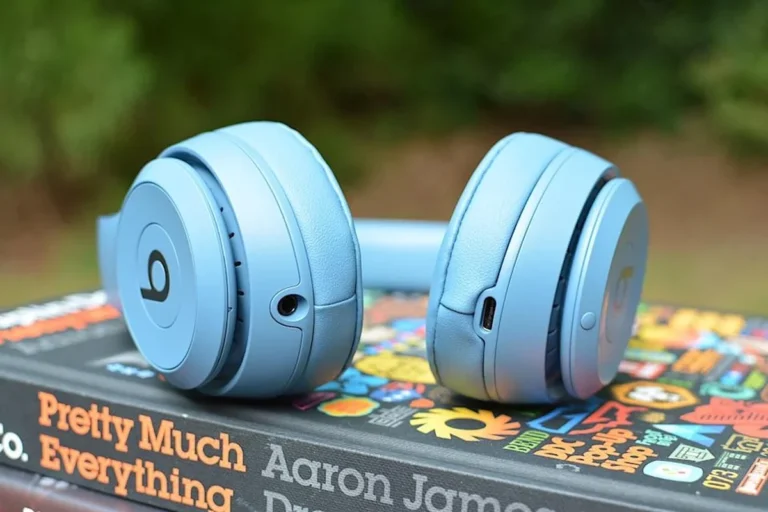
Beats Studio Pro vs Beats Solo 4 for console play
Both of these models can be more practical than older wireless-only headphones because they can support wired listening. For Xbox, that wired flexibility is the real advantage, not just the brand name.
Beats Studio Pro may appeal to players who want a more premium over-ear fit, while Beats Solo 4 may suit users who want a lighter, more compact option. Comfort, clamp force, and ear pad feel can matter a lot during long sessions, so personal fit is important.
Wired vs wireless Beats: which is more practical
For Xbox gaming, wired Beats are usually the more practical choice. They are easier to set up, less likely to add lag, and more likely to work with basic controller audio.
Wireless Beats are still useful for general listening, travel, or phone use, but Xbox compatibility is not as straightforward. If your main goal is gaming, a wired path is usually the safer bet.
| Model | Best For | Price Range |
|---|---|---|
| Beats with 3.5mm cable support | Simple Xbox audio | Varies |
| Beats Studio Pro | Comfortable over-ear use | Varies by brand |
| Beats Solo 4 | Portable casual play | Varies by brand |
Which models are poor picks for Xbox players
Beats models that rely heavily on Bluetooth and do not include a dependable wired option are usually poor picks for Xbox. They may still work with a transmitter, but that adds cost and complexity.
If you want chat, low lag, and fewer setup headaches, those models are not ideal as your main Xbox headset. They are better treated as lifestyle headphones first and gaming headphones second.
- Good sound for casual gaming
- Works well with wired controller audio
- Useful if you already own Beats
- Bluetooth is not native on Xbox
- Mic support may be limited
- Adapters can add cost and lag
Setup Guide: How to Use Beats Headphones on Xbox Step by Step
If you want the simplest setup, start with a cable. If that fails, move to adapter-based workarounds only after checking your Beats model and Xbox version.
The goal is to get stable sound first, then test chat and volume controls second. That order saves time and avoids confusing troubleshooting.
Wired connection setup through the controller
First, check whether your Beats support a 3.5mm audio cable. If they do, connect the cable to the headphones and then plug the other end into the Xbox controller.
Next, turn on the console and raise the volume gradually. If the audio is too quiet or distorted, try a different cable, confirm the controller jack is fully seated, and check the Xbox sound settings.
Plug Beats into the controller using a compatible 3.5mm cable.
Open Xbox audio settings and make sure headset output is enabled.
Join a party or start a game to confirm both playback and mic behavior.
Using a Bluetooth transmitter or USB audio workaround
If you want wireless use, you may need a Bluetooth transmitter or another Xbox-compatible audio accessory. Some transmitters connect through the controller, while others route through the console or TV.
These workarounds can be useful, but they are not all equal. Some introduce noticeable lag, some do not support microphone input, and some work better for movies than for fast-paced gaming.
- Does the adapter support low-latency audio?
- Does it work with your exact Xbox model?
- Will it pass microphone audio or only playback?
Testing sound and chat settings on Xbox
Once the headphones are connected, test menu sounds, game audio, and party chat separately. That helps you figure out whether the problem is with playback, chat, or the microphone.
If the sound works but chat does not, the issue may be the cable or adapter rather than the headphones. This is a common frustration, especially for players who expect a phone-like Bluetooth experience.
If you experience muffled hearing, ringing, or discomfort after gaming, reduce volume and consider speaking with an audiologist. Persistent symptoms should never be ignored.
Common Mistakes When Trying to Use Beats on Xbox
Most setup problems come from assumptions. People often expect Xbox to behave like a phone, then get stuck when Bluetooth, mic access, or adapter compatibility does not match.
A few simple checks can save a lot of frustration before you buy extra accessories.
Assuming Bluetooth pairing will work natively
This is the most common mistake. Xbox does not usually let you pair Beats like a standard Bluetooth audio device, so the headphones will not appear the way they do on mobile devices.
If you skip this detail, you may think your Beats are broken when the real issue is Xbox’s connection design.
Expecting full mic and headset chat functionality
Even if your Beats play sound, that does not mean the microphone will work for Xbox chat. Inline mics, cable remotes, and adapter mics can all behave differently.
Before buying anything, decide whether you care more about listening or talking. That one choice changes the best setup.
Buying adapters that do not support the right audio format
Not every adapter supports the same audio path, and some are playback-only. Others may support voice, but with reduced quality or added delay.
Always verify that the adapter is designed for your console and your use case. Otherwise, you may spend more and still end up with a half-working setup.
Is It Worth It? Beats vs Xbox Gaming Headsets in Price and Performance
Whether Beats are worth using on Xbox depends on what you already own and how seriously you game. If you already have a good pair, they can be a decent casual option.
If you are buying from scratch for Xbox only, a dedicated gaming headset often gives better value because it is built for console chat, latency, and compatibility.
Cost comparison with budget gaming headsets in 2026
Price varies widely, so it is better to compare categories than chase a single number. In many cases, budget gaming headsets are designed to include the features Xbox players want right away.
Beats may cost more because they are also lifestyle headphones, not just gaming gear. That extra cost does not always translate into better Xbox performance.
When Beats make sense for casual gaming
Beats make sense if you mainly want comfortable headphones that can also handle occasional Xbox play. They are especially reasonable if you already use them for music, commuting, or phone calls.
For single-player games, story mode, and relaxed sessions, a wired Beats setup can be perfectly fine. You just need to accept the Xbox-specific limits.
When a dedicated Xbox headset is the better value
If you play multiplayer often, use party chat regularly, or want fewer setup problems, a dedicated Xbox headset is usually the better value. It is more likely to support mic chat, easy controls, and stable wireless pairing.
That is especially true for players who want a headset to work right out of the box. Convenience matters more than brand loyalty in console gaming.
- Beats can work on Xbox, but wired is usually the easiest route.
- Bluetooth does not normally connect directly to Xbox consoles.
- Mic and chat support may be limited depending on the setup.
- Dedicated Xbox headsets are usually better for serious multiplayer use.
Final Verdict: Should You Use Beats Headphones on Xbox for Gaming?
Yes, you can use Beats headphones on Xbox for gaming, but the experience depends on the connection method. For most players, wired controller audio is the most reliable option, while Bluetooth workarounds are less consistent.
If you already own Beats, they are a solid casual choice for listening and occasional gaming. If you want the best Xbox chat support and simplest console experience, a dedicated gaming headset is usually the smarter buy.
Best-use scenarios for Beats owners
Beats are best for players who want one pair of headphones for music, phone use, and light Xbox gaming. They are also useful if you prefer a familiar sound signature and already like how they fit.
If your gaming habits are mostly solo or relaxed, Beats can absolutely be part of your setup.
Expert warning on gaming performance trade-offs
The trade-off is that Beats are not purpose-built Xbox headsets. That means you may sacrifice easy chat support, button compatibility, or wireless convenience.
For competitive or social gaming, those missing features can matter more than the brand name or style.
Final recap for choosing the right setup
If you want the simplest answer to can you use beats headphones on xbox, think “yes, but usually wired.” If you want the best overall gaming experience, compare your Beats setup against a headset made specifically for Xbox.
Choose the option that fits your gaming style, your budget, and your need for chat. And if volume or comfort ever becomes a problem, keep listening levels moderate and seek professional advice when needed.
Frequently Asked Questions
Wired is usually better for Xbox gaming because it is more reliable and has less latency. Wireless may work through adapters, but results vary by setup.
Beats can sound good for casual gaming, especially if you like strong bass and clear everyday audio. For competitive play, some gamers prefer headsets with a more balanced sound profile.
Check for a 3.5mm cable option, microphone support, and whether your Xbox setup needs an adapter. Also confirm comfort, weight, and ear cushion material for long sessions.
Over-ear models are usually more comfortable for long sessions because they spread pressure around the ears. On-ear models can feel tighter over time, depending on your head shape and fit.
Some players like to lower bass and raise mids for clearer dialogue and footsteps. EQ preferences vary, so small changes are better than extreme boosts.
Noise cancelling can help reduce background distractions during gaming. It does not improve game audio quality by itself, but it can make quieter details easier to hear.