How to Identify Bose Headphone Model Easily and Fast

Check the printed label, then confirm the device name in the Bose app, Bluetooth settings, or original packaging. If that is still unclear, use the serial number and product code for the most accurate match.
If you need to know how to identify Bose headphone model, the fastest path is usually a mix of label checks, app pairing, and a quick look at the design. Most Bose headphones and earbuds give you enough clues to narrow the model down in a minute or two, even if the printed text is worn.
This guide from the Top Headphone Reviews Editorial Team walks you through the easiest checks first, then shows you how to confirm the exact model with serial numbers and product codes. If you are also comparing features like noise cancelling headphones or trying to match accessories, knowing the model matters more than many buyers realize.
- Start simple: Look for model text on the headset, case, or inside the padding.
- Use multiple clues: App name, Bluetooth label, and design details work best together.
- Serial numbers help: They are the most reliable way to confirm the exact model.
- Watch for variants: Refreshed editions and bundles can look almost identical.
How to Identify Bose Headphone Model: What Users Are Really Trying to Find
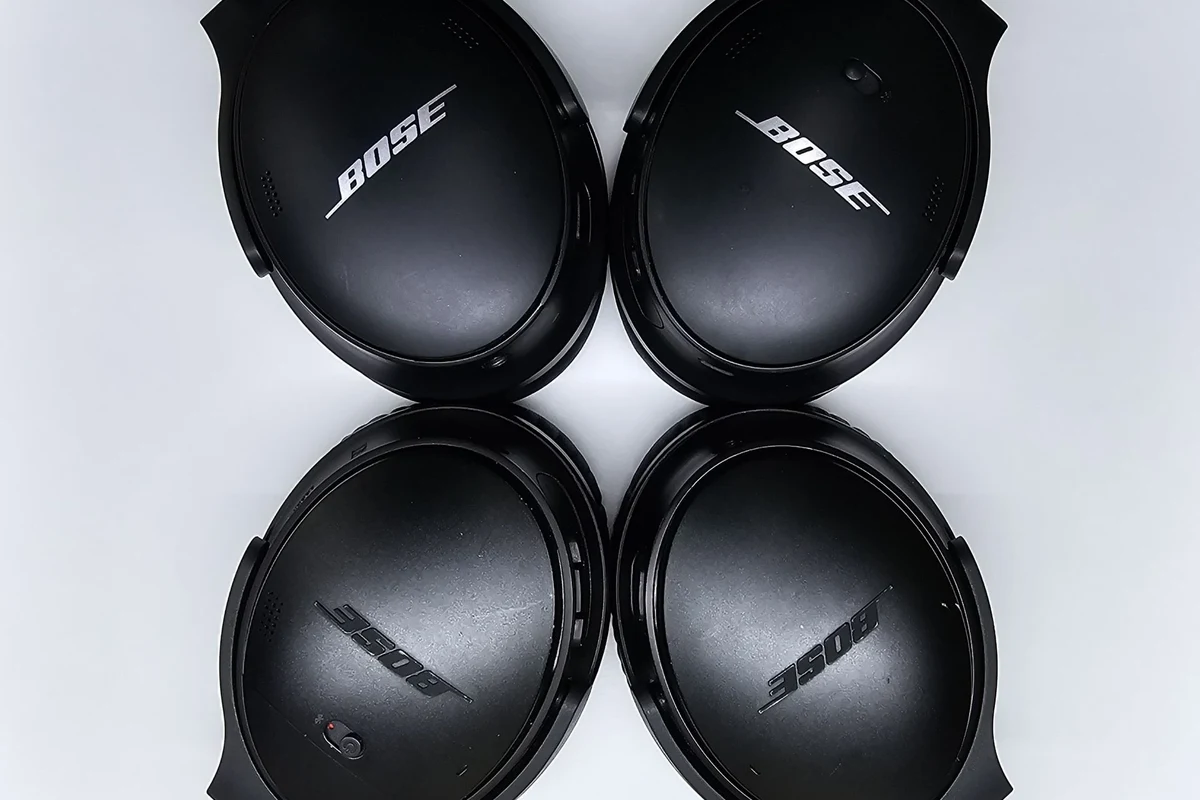
When people search for Bose model identification, they are usually trying to solve a practical problem. Maybe they need replacement ear cushions, a charging cable, a new case, or they are trying to resell the headset and want the listing to be accurate.
Sometimes the confusion comes from Bose using both series names and model-specific labels. A headset may be known as QuietComfort, 700, or Ultra, but the exact version can still matter for fit, controls, app support, and accessories.
Model names and product codes can vary slightly by region, bundle, or special edition, so it helps to check more than one source before you buy parts or list the product for sale.
For wireless models, the Bluetooth name shown on your phone may be helpful, but it is not always the full story. If you are trying to figure out whether a pair is over-ear, on-ear, or in-ear, the physical design often gives the fastest clue.
Quick Ways to Check Your Bose Headphone Model in Under 2 Minutes
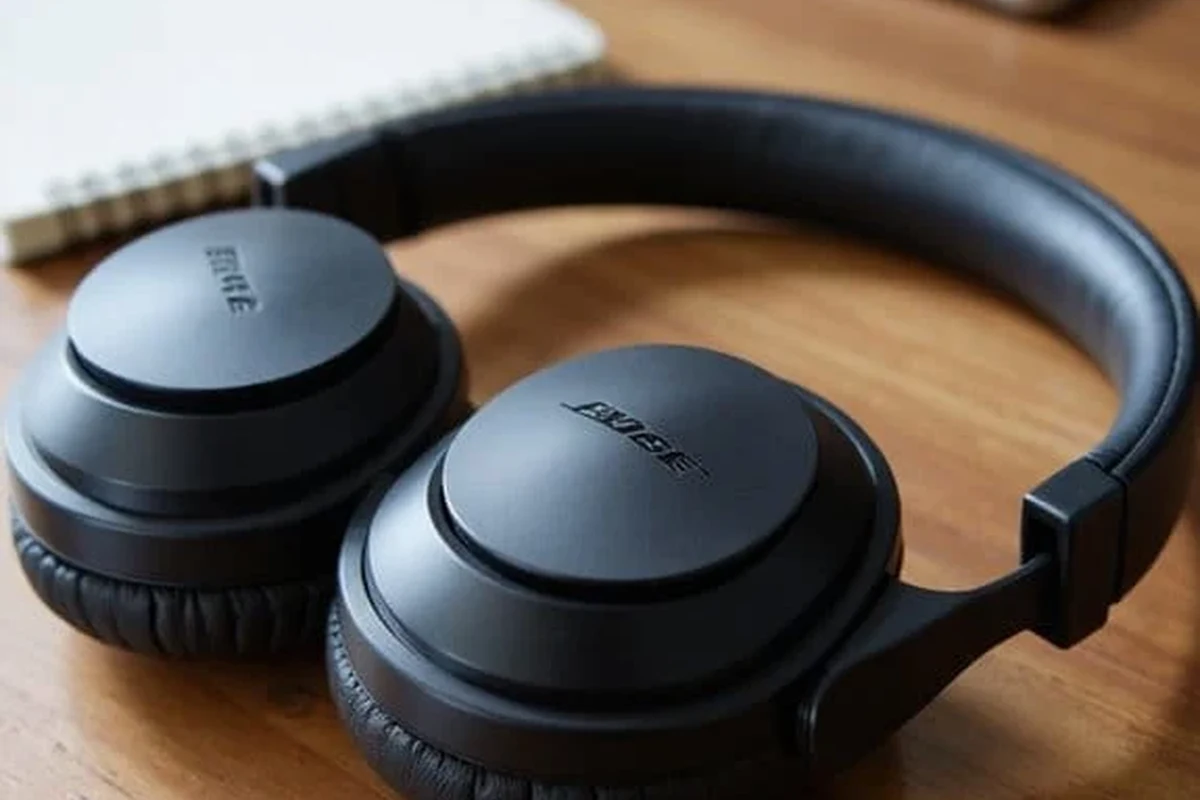
Start with the easiest checks first. In many cases, you can identify the model without removing pads, opening the case, or searching through paperwork.
Look at the model name on the earcup, headband, or inside the padding
Many Bose headphones have the model name printed somewhere on the headset itself. Check the inside of the headband, the underside of an earcup, or the area near the padding where small text may be hidden.
On earbuds, the label is often on the charging case or inside the case lid rather than on the buds themselves. If the text is faded, use a bright light and inspect the edges carefully.
Use your phone’s flashlight and zoom camera to inspect small model text. A quick photo is often easier to read than looking directly at worn lettering.
Use the Bose Connect or Bose Music app to match the device name
If your headphones still pair normally, open the Bose app and check the connected device name. The app may not always show the full model number, but it can help you match the headset to a product family.
This is especially useful if you own more than one Bose device or if the printed label is missing. If the app name is vague, compare it with the headset shape and button layout before assuming it is the exact model.
Check Bluetooth settings, packaging, or purchase records
Your phone’s Bluetooth menu may show a device name that hints at the model, and sometimes the original box lists the full product name. Retail receipts, order history, and confirmation emails can also be surprisingly useful.
If you bought the headset as part of a bundle, the paperwork may list the exact version more clearly than the device itself. That is often the fastest way to confirm the model when labels are worn out.
Where Bose Model Numbers Usually Appear on Different Headphone Types
Bose places model information in different spots depending on the product type. Knowing where to look saves time and reduces the chance of damaging pads, hinges, or charging ports while searching.
Over-ear models: QuietComfort, 700, Ultra, and older SoundLink designs
On over-ear headphones, the model name is commonly found inside the headband, on the inside of the earcup, or near the hinge. Older SoundLink-style designs may place product text in a less obvious spot, so inspect both sides.
If the headset folds, check the inner folding arms and the underside of the cups. These are common areas for small printed text that may be hidden when the headphones are open.
On-ear models: how placement differs from full-size headphones
On-ear headphones are smaller, so Bose often places identifying text in tighter spaces. Look around the headband underside, the earcup rim, and the area near the pivot points.
Because on-ear models have less surface area, the label may be very small. A close photo can help you compare the shape and markings against official product images.
True wireless and sport earbuds: why the label location is different
With true wireless earbuds, the model name is often easier to find on the charging case than on the earbuds themselves. Sport earbuds may also include a printed code inside the case or under the lid.
Since earbuds are tiny, the case is usually the best place to start. If the case is missing, pairing history and serial information become much more important.
Visual Clues to Distinguish Popular Bose Headphone Series
Design details can tell you a lot, especially when the label is missing. Bose tends to keep a recognizable look within each series, but small differences in buttons, hinges, and ports can help separate one model from another.
QuietComfort vs Bose 700 vs Bose Ultra: design differences that matter
QuietComfort models often look more traditional and comfort-focused, while Bose 700-style headphones are usually easier to identify by their more modern, streamlined shape. Ultra-branded models may add updated styling cues that set them apart from older versions.
If you are comparing these series, do not rely on one feature alone. A similar headband shape or cup size can be misleading, especially if the headset has been replaced with new pads or a third-party case.
Color, button layout, hinge shape, and port placement as identifiers
Color can help, but it should never be your only clue. More useful identifiers include the number and position of buttons, whether the headset uses a physical power switch or a multifunction button, and where the charging port sits.
Hinge shape is also a strong clue on over-ear models. If the earcups fold in a specific way or the arms have a distinct angle, compare that with official product photos before deciding on the model.
Two Bose headphones can look almost identical in photos but still use different controls, charging ports, or app support. That is why checking the physical layout matters as much as checking the name.
Battery case and accessory clues that can confirm the exact model
The charging case, cable type, and included accessories can be strong confirmation clues. If the case has a specific shape, charging port, or molded insert, it may match only one Bose product family.
Accessories are especially useful when the headset itself is worn. For example, a case with a unique fit or a specific charging cable can help rule out similar-looking models.
How to Confirm the Exact Bose Model Using Serial Numbers and Product Codes
If visual inspection gets you close but not all the way there, serial numbers and product codes are the safest next step. This is usually the most reliable method when you need an exact match for support or replacement parts.
Finding the serial number on the headset or charging case
Serial numbers are often printed in a small area on the headset frame, inside the earcup, or on the charging case. On some products, the code may be tiny and easy to miss, so check carefully under good lighting.
If the text is too faint to read, take a macro-style photo or use your phone’s zoom. Avoid scraping or cleaning aggressively, since that can remove the remaining print.
Matching the code with Bose support or original product packaging
Once you have the serial number or product code, compare it with Bose support resources or the original packaging. The box, warranty card, and receipt may list a product name that matches the code exactly.
This is the best route when you are buying replacement parts or checking whether a headset is genuine. It also helps if the device was purchased as part of a refurbished or open-box sale.
When a serial number is more reliable than a visual check
A serial number is more dependable when the headset has been repaired, repainted, or fitted with replacement parts. Visual clues can be misleading if the ear cushions, headband, or case are not original.
If you are unsure, the serial number should take priority over appearance. That is especially true for older headphones that may have been through multiple owners.
Listening at high volumes for long periods can cause hearing damage. Keep volume at 60% or below for extended sessions.
Common Mistakes People Make When Identifying Bose Headphones
Even careful buyers make a few repeat mistakes when trying to identify a Bose headset. The most common issue is assuming that a series name tells the whole story.
Confusing a series name with the exact model number
QuietComfort, SoundLink, 700, and Ultra are useful labels, but they do not always tell you the exact version. You still need to confirm the specific product name, especially if you are ordering pads, cables, or a replacement case.
Think of the series as the family and the model as the exact member of that family. That distinction matters more than many shoppers expect.
Mixing up refreshed versions, special editions, and bundle variants
Bose sometimes updates a product without changing the overall look very much. That means a refreshed model, special edition, or bundle variant can look nearly identical to the standard version.
If you are comparing listings, check the box contents, included cable, and product code. Those details often reveal whether you are looking at the same model or a close variant.
Assuming app labels always show the full model name
Bluetooth and app names can be helpful, but they are not always complete. Some devices show a simplified name that leaves out the exact version, which can lead to the wrong assumption.
Use the app as a starting point, not the final answer. Pair it with a visual check or serial number confirmation for the best result.
Expert Advice: What to Do If Your Bose Headphones Have Missing Labels or Wear Damage
Worn labels are common on older Bose headphones, especially if they have been used daily. In that case, you need to combine several small clues instead of relying on a single marking.
How to identify older or heavily used Bose headphones safely
Start with the shape, hinge design, port placement, and case style. Then compare those details with official product images and any remaining markings on the headset or case.
If the pads are removable, inspect the area underneath without forcing anything. Be gentle, because older materials can tear easily.
Warning signs that indicate counterfeit or mismatched parts
If the logo placement, button feel, or case fit seems inconsistent, be cautious. Mismatched ear cushions, off-center printing, or unusually poor build quality can be warning signs of counterfeit or repaired units.
A headphone can also be genuine but altered with aftermarket parts. That is why the serial number and packaging should be checked whenever possible.
When to contact Bose support or a trusted repair shop
Contact Bose support if you have the serial number but still cannot confirm the model. A trusted repair shop may also help if the headset is damaged and you need help identifying which parts are original.
If you are unsure about safety, battery condition, or charging behavior, do not keep using the headset until it has been checked. Battery issues are not worth guessing about.
If you have hearing pain, ringing, or discomfort after using headphones, speak with an audiologist or medical professional. Identification matters, but safe listening habits matter more.
Why Identifying the Right Bose Model Matters for Price, Accessories, and Replacement Parts
Getting the model right is not just about naming accuracy. It affects what accessories fit, what replacement parts you can buy, and how much confidence a buyer or seller has in the product.
Comparing replacement pads, cables, and charging accessories by model
Ear cushions, charging cables, and cases are often model-specific. Even when two Bose products look similar, the fit may be slightly different, which can affect comfort and charging reliability.
If you are shopping for parts, always match the exact model before ordering. That simple step can save time, money, and return shipping.
How model identification affects resale value and repair cost
A correct model listing helps buyers trust the item and makes it easier to price fairly. It also helps you estimate repair costs more accurately, since some models have more available parts than others.
For sellers, a precise listing can reduce disputes and returns. For buyers, it makes it easier to compare features and avoid paying for the wrong version.
Final Recap: The Fastest Method to Identify Any Bose Headphone Model
The fastest way to identify a Bose headphone model is to check the printed label first, then confirm it through the Bose app, Bluetooth name, packaging, or purchase record. If that still does not solve it, use the serial number and product code for the most reliable match.
In practice, the best method is to combine three clues: the physical design, the app or Bluetooth name, and the serial information. That approach works for most Bose over-ear headphones, on-ear models, and true wireless earbuds, even when the labels are worn or missing.
Frequently Asked Questions
Wireless Bose headphones are usually more convenient for commuting and travel. Wired options can still be useful if you want simple plug-in listening and fewer pairing steps.
Noise cancelling can make listening more comfortable by reducing background noise. Sound quality still depends on the specific model, fit, and your personal preference.
Over-ear models usually feel more immersive and comfortable for long sessions. On-ear and in-ear options are more portable, but fit and isolation vary by person.
Check the exact model name, battery life, charging type, and whether the headset supports your device. If you care about sound, also look at comfort, ANC features, and app support.
Look at ear cushion material, clamp force, and weight, since these affect comfort the most. Reviews and return policies help because comfort is personal and can vary a lot.
EQ can improve clarity, bass balance, or vocal presence depending on the model. Small adjustments are usually better than extreme changes, especially if you listen for long periods.