Which Side Is Left and Right on Beats Headphones Guide

The left side on Beats headphones is usually marked L and the right side is marked R. If the labels are hard to see, use the controls, cable layout, or a stereo test to confirm the correct fit.
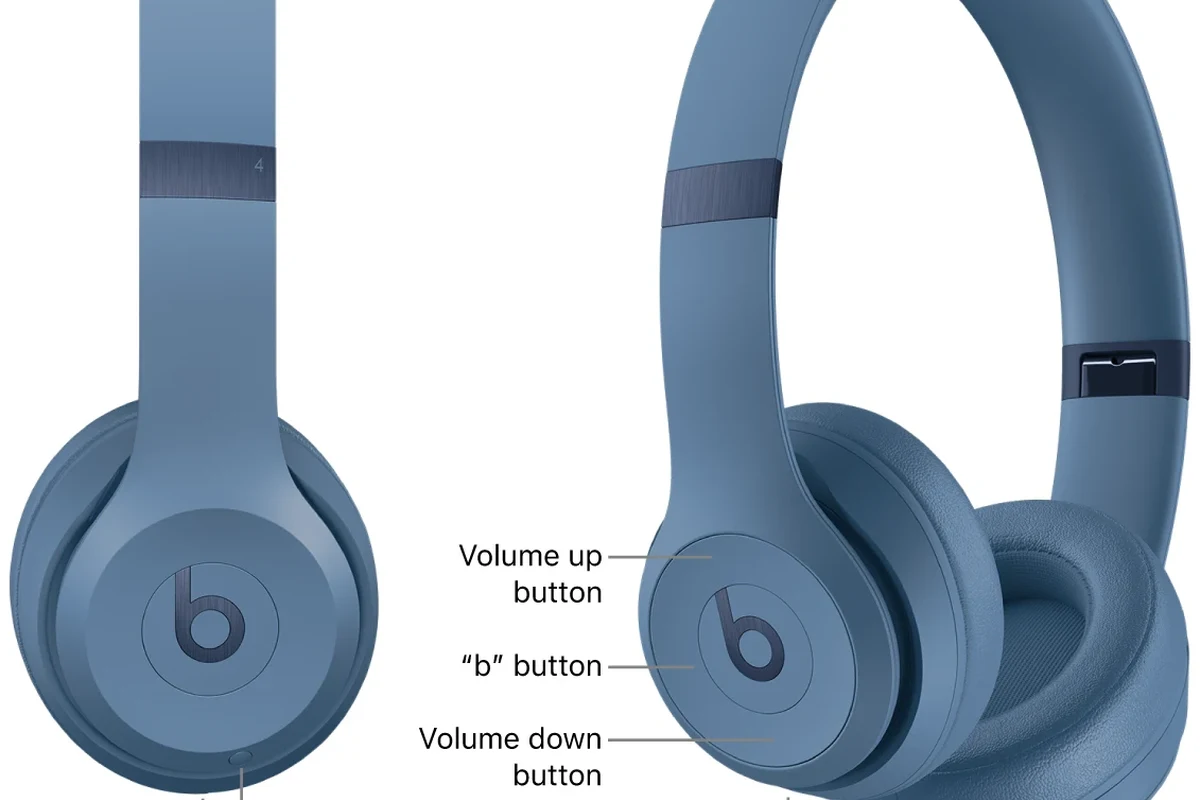

- Look for labels: L and R markings are the fastest way to identify each side.
- Use a sound test: Stereo audio can confirm orientation if labels are faded.
- Fit affects performance: Correct placement helps comfort, seal, and mic clarity.
- Wireless still matters: Bluetooth Beats still have separate left and right channels.
Frequently Asked Questions
Yes. Wireless Beats still use separate left and right audio channels, and the correct fit can affect sound and microphone placement.
If stereo sound feels reversed, the fit feels uneven, or the microphone sits awkwardly, the headphones may be on the wrong side. Check the L and R markings or run a stereo test to confirm.
Yes, correct placement helps stereo imaging feel natural and can improve comfort and seal. The difference is often most noticeable in music, movies, calls, and gaming.
Check the fit, weight, cushion material, battery life, and whether the model is built for over-ear, on-ear, or in-ear use. Comfort and durability can vary by model and personal preference.
That depends on the model and your priorities. Noise cancelling and a secure fit help for commuting, while clear stereo imaging and low lag matter more for gaming and studio-style listening.
Look at fit, driver tuning, noise control, and any EQ options more than marketing claims alone. Bass, clarity, and soundstage can vary by model, source device, and listening preference.