Bluetooth Headphones Ps5

Bluetooth headphones can work with PS5, but direct pairing is often limited and not ideal for gaming. For most players, a wired headset or low-latency wireless gaming headset is the better choice.
If you want to use bluetooth headphones ps5 owners often ask about, the short answer is yes—but direct pairing is limited, and the best experience usually comes from a USB dongle, a Bluetooth transmitter, or a wired fallback. In 2026, the smartest choice is still the one that balances latency, mic support, and comfort for the way you actually play.
This guide focuses on how PS5 audio works in real-world setups, what Bluetooth can and cannot do, and which buying path makes the most sense for different types of players.
- Compatibility: PS5 Bluetooth audio often needs an adapter, transmitter, or wired fallback.
- Performance: Low latency matters most if you play fast games or use voice chat often.
- Best value: Wired headsets and 2.4GHz wireless gaming headsets are usually more reliable.
- Convenience: Bluetooth is best for casual play and multi-device flexibility.
Bluetooth Headphones PS5: What Works, What Doesn’t, and the Best Buying Path in 2026
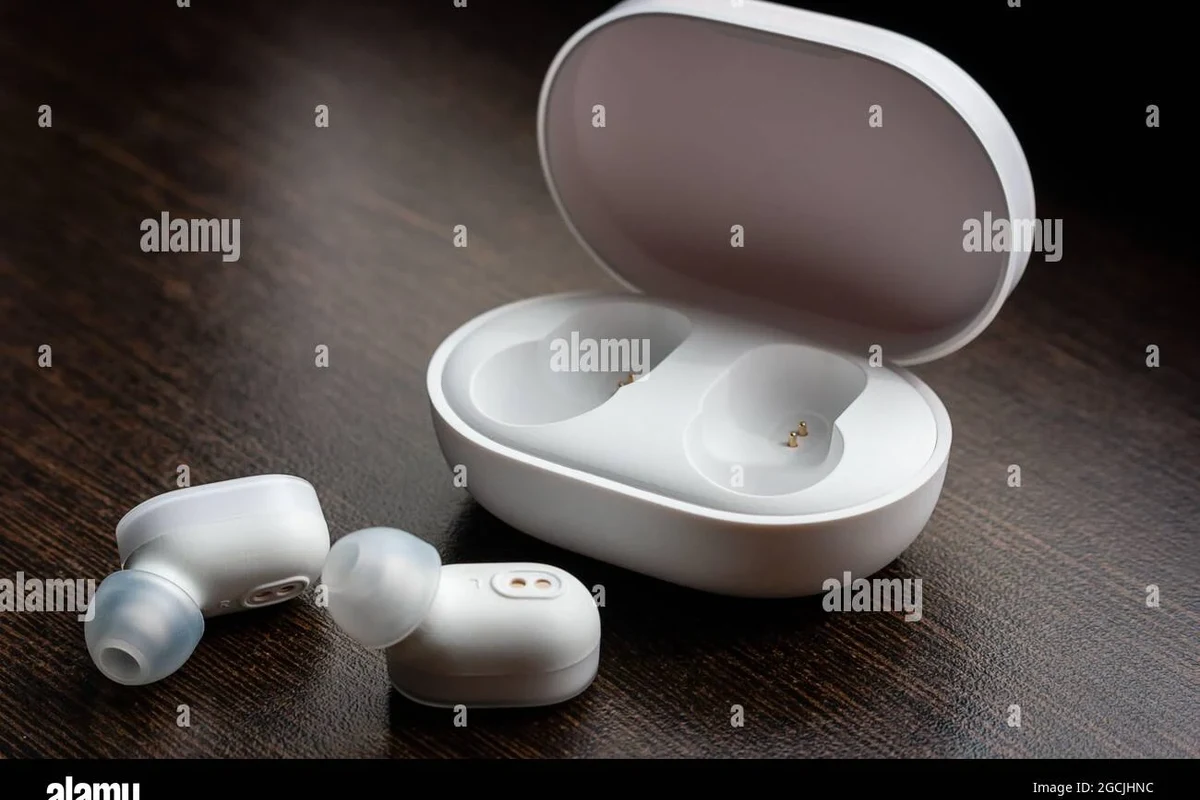
Quick answer: PS5 Bluetooth audio is possible, but not all Bluetooth headphones connect directly or perform well
The PS5 does not behave like a phone or laptop when it comes to Bluetooth audio. Many Bluetooth headphones can work with the console only through an accessory, a TV connection, or a wired backup, and performance depends heavily on latency and microphone support.
Who this guide is for: casual gamers, competitive players, couch co-op, and TV/console setups
This guide is for anyone trying to keep a clean, wireless setup without making gaming feel delayed or awkward. It is especially useful if you play story games, share a living room TV, use party chat often, or want one headset that can move between PS5, TV, and other devices.
How PS5 Bluetooth Audio Actually Works
Why the PS5 limits standard Bluetooth headphone connections
PS5 Bluetooth support is intentionally limited because standard Bluetooth audio can introduce delay, interference, and compatibility issues. That matters in games, where a small lag between on-screen action and sound can make footsteps, gunfire, and dialogue feel out of sync.
Another reason is voice chat. Many Bluetooth headphones are designed for phone calls, not console party chat, so the mic path may be restricted, lower quality, or unavailable depending on the connection method.
Common connection methods: USB dongle, 3.5mm controller jack, TV Bluetooth, and Bluetooth transmitters
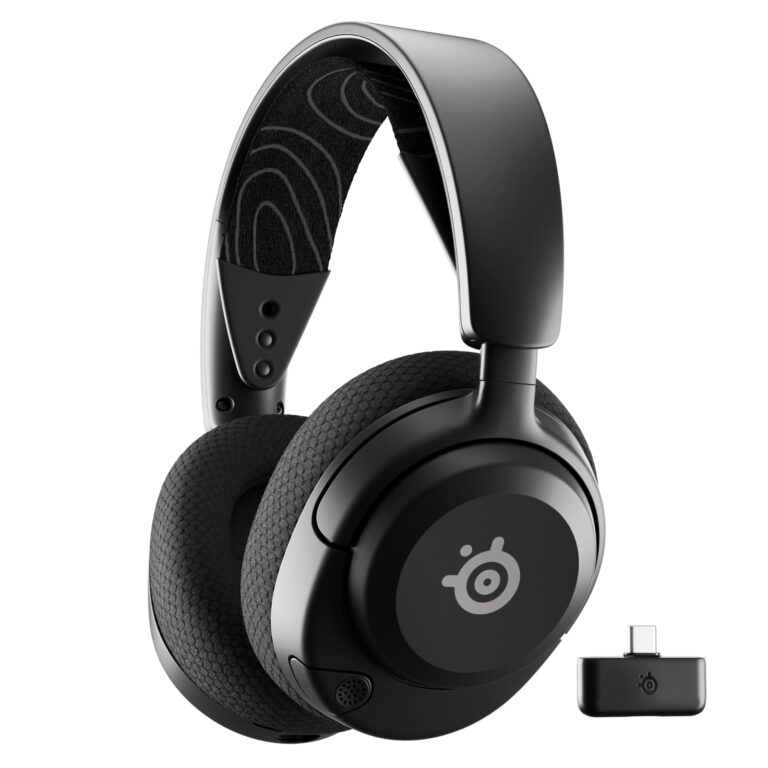
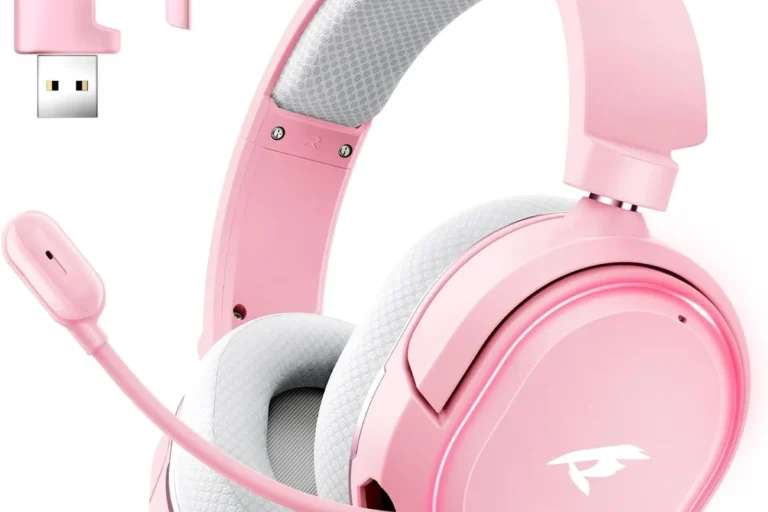
There are four common ways players try to use Bluetooth headphones with PS5. A wireless USB dongle is often the cleanest option because it creates a dedicated wireless link designed for gaming. A 3.5mm connection through the DualSense controller is not Bluetooth, but it is often the simplest fallback for audio and chat when the headset supports a cable.
Some people route sound through their TV’s Bluetooth output, which can be convenient for couch gaming but may add delay. Others use a Bluetooth transmitter connected to the console, controller, TV, or monitor. If you want more setup detail, see our guides on how to connect headphones to PS5 Bluetooth easily and whether PS5 Bluetooth headphones work at all.
If you already own Bluetooth headphones, check whether they include a wired mode or a low-latency USB adapter option before buying another headset. That often saves money and reduces setup frustration.
What each method means for latency, voice chat, and overall convenience
USB dongles usually offer the best balance of low delay and easy pairing, which is why many gaming headsets use them. TV Bluetooth is convenient, but it is the most likely to create sync issues, especially in fast games. A wired controller connection is the most predictable for chat and compatibility, even though it is less “wireless” in practice.
Bluetooth transmitters can help, but not all are equal. The wrong transmitter may support audio only, have noticeable delay, or fail to pass microphone input the way you want.
What to Look For in Bluetooth Headphones for PS5
Latency and sync: why low-delay performance matters for gaming
Latency is the time between the game producing sound and you hearing it. In movies, a little delay can be tolerable; in games, it can be distracting. Look for headphones or adapters that clearly support low-latency behavior rather than relying on generic Bluetooth claims.
Codec matters here, but only to a point. A codec is the method used to compress and send audio wirelessly. Some codecs are better than others for delay, but PS5 compatibility depends on the whole chain: console, transmitter, headphones, and firmware.
Sound quality for games: positional audio, bass balance, and detail retrieval
For gaming, “good sound” is not just about big bass. You want enough detail to hear footsteps, environmental cues, and subtle effects, plus a tuning that does not bury dialogue under heavy low end. Positional audio is the sense of where sounds are coming from, and it becomes more useful when the headset keeps mids and highs clear.
If you like cinematic single-player games, a fuller bass response can be fun. Competitive players usually benefit more from clarity and separation than from heavy bass emphasis.
Microphone quality for party chat and in-game communication
Mic quality is one of the biggest weak spots in Bluetooth gaming setups. Some headphones sound fine for listening but only average for speaking, especially if the built-in mic is optimized for phone calls rather than noisy living rooms.
If voice chat matters, confirm whether the headset supports a usable mic over your intended connection method. If not, you may need to rely on the DualSense mic, a separate USB mic, or a gaming headset with a dedicated wireless dongle.
Comfort, clamp force, and long-session wearability
Comfort can matter more than almost any spec on paper. A headset that feels fine for ten minutes may become tiring after a long raid, a story session, or a weekend of couch co-op.
Pay attention to ear pad material, headband pressure, weight balance, and clamp force. Clamp force is how tightly the headset grips your head; too much can cause fatigue, while too little can make the fit unstable.
Battery life, charging behavior, and wired fallback options
Battery life is important, but charging behavior matters too. A headset with a long battery is still frustrating if it takes forever to charge or cannot be used while plugged in. A wired fallback is especially valuable for PS5 players because it keeps the headset useful even when the battery runs low.
Use the charger and cable recommended by the manufacturer whenever possible, and stop using any cable or headset that overheats, swells, cracks, or behaves erratically.
Build materials, durability, and everyday handling
Plastic builds can be perfectly fine if the hinges, yokes, and joints are well designed. Metal reinforcement may improve durability, but it can also add weight. The key is not “metal versus plastic” alone; it is whether the headset feels stable in daily use and whether replacement parts like ear pads are available.
Also consider how the headset folds, stores, or resists cable strain. That matters if you move between a bedroom setup, a living room TV, and a desk.
Best Use Cases: Which PS5 Players Benefit Most From Bluetooth Headphones
Casual single-player gamers who prioritize convenience
Casual players who mostly enjoy story-driven games, sports titles, or exploration games can be a good fit for Bluetooth headphones on PS5. If you care more about a tidy setup and less about split-second timing, the convenience can outweigh the tradeoffs.
Multiplayer players who need reliable voice chat
If you play ranked shooters, co-op raids, or party chat-heavy games, Bluetooth is less attractive unless the headset and adapter are clearly built for low-latency audio and mic support. Reliable voice chat often pushes buyers toward wired headsets or 2.4GHz wireless gaming models instead.
Late-night players who want a quieter, TV-friendly setup
Bluetooth headphones can make sense for late-night gaming because they let you keep TV volume low while still hearing dialogue and effects clearly. That can be helpful in apartments, shared homes, or any setup where you do not want to disturb others.
Many hearing-health organizations recommend keeping volume moderate and taking listening breaks, especially during long headphone sessions.
Travel, dorm, and shared-space users who need flexible audio options
Students and travelers often want one headset that can work across a PS5, laptop, phone, and TV. In that case, Bluetooth flexibility can be useful, but only if the headset also offers a dependable wired mode or a compatible USB wireless option.
Bluetooth Headphones vs Wired Headsets vs Wireless Gaming Headsets for PS5
Direct Bluetooth tradeoffs: convenience versus latency and mic limitations
Direct Bluetooth is the most convenient on paper because it avoids extra cables and accessories. The downside is that it is also the most likely to introduce delay, pairing headaches, or microphone limitations.
Wired 3.5mm headsets: lowest hassle for chat and compatibility
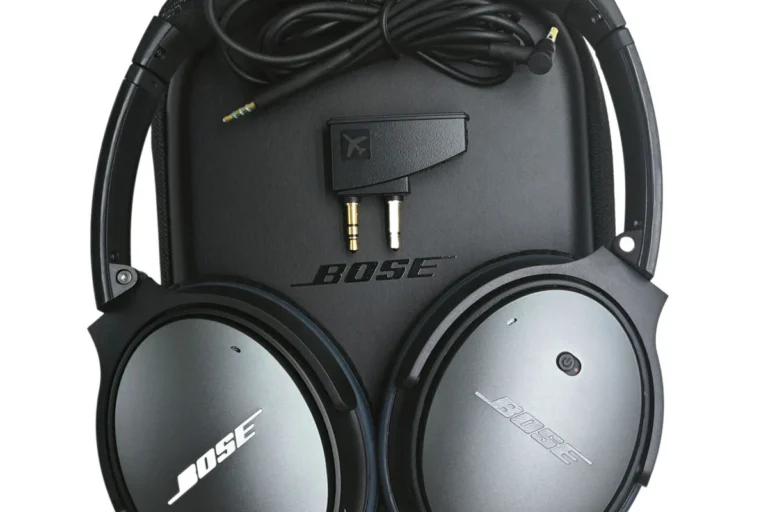
Wired headsets are often the simplest PS5 solution. They usually avoid latency problems, work with the controller jack, and make chat routing more predictable. The tradeoff is obvious: you lose the freedom of a fully wireless setup.
2.4GHz wireless gaming headsets: the strongest all-around option for most PS5 users
For most PS5 players, 2.4GHz wireless gaming headsets are the strongest all-around choice. They are not Bluetooth, but they often deliver lower delay, easier chat support, and more reliable console compatibility than consumer Bluetooth headphones.
If you want a broader decision path, our guide on whether Bluetooth headphones work on PS5 explains the compatibility side in more detail, while why Bluetooth headphones don’t work on PS5 covers the technical reasons behind the limitation.
Budget and value comparison: where each setup makes the most sense
Wired headsets usually offer the best value if you mainly want dependable gaming audio. Bluetooth headphones make more sense if you already own a good pair and only need occasional console use. Dedicated wireless gaming headsets typically cost more, but they are often the most practical for regular PS5 players.
| Option | Best For | Key Consideration |
|---|---|---|
| Bluetooth headphones | Convenience-first users | Check latency and mic support |
| Wired headset | Simple, reliable gaming | Least wireless freedom |
| 2.4GHz wireless gaming headset | Most PS5 players | Usually better for chat and sync |
How to Set Up Bluetooth Headphones on PS5 Safely and Correctly
Step-by-step setup using a Bluetooth transmitter or TV Bluetooth output
Decide whether you are pairing through a TV, a Bluetooth transmitter, or a headset adapter. Pick the path that best matches your need for chat, convenience, and low delay.
Follow the transmitter or TV instructions exactly, then confirm the headset is in pairing mode before connecting.
Make sure game sound is coming through the intended device and that the PS5 or TV is not sending audio to a second output at the same time.
How to pair through a controller cable or auxiliary connection when supported
If your headset supports a wired mode, connect it to the DualSense controller with the proper cable and select the controller/headset output in the PS5 sound settings. This is often the least complicated way to get consistent audio when wireless pairing is unreliable.
Audio settings to check for better balance and fewer sync issues
Review the PS5 output device, volume level, and chat settings before you start a long session. If your TV or transmitter has a lip-sync or audio delay setting, use it cautiously and only as needed, because too much correction can make timing feel unnatural.
How to test voice chat, game audio, and volume levels before long sessions
Do a short test in a menu, a quiet scene, and a louder gameplay segment. Confirm that dialogue is clear, effects are not distorted, and your voice is audible in party chat before settling in for a long session.
- Test game audio and chat separately, not just together.
- Keep a wired backup ready if pairing becomes unstable.
- Update headset firmware only from the manufacturer’s official app or support page.
Common Problems, Mistakes, and Troubleshooting Tips
Audio lag, crackling, dropouts, and interference causes
Lag and crackling are often caused by distance, wireless congestion, weak transmitter quality, or mismatched settings. Keep the transmitter close, reduce competing wireless devices nearby, and avoid assuming the headphones are the problem before checking the whole signal chain.
Mic not working, chat audio not routing, and volume too low
Many “Bluetooth gaming” complaints are really routing problems. The headset may be receiving sound but not sending mic input, or the PS5 may be sending chat to the wrong device. Check whether the headset supports two-way audio on your chosen connection method, because some setups only handle playback.
Buying the wrong codec or transmitter for PS5 compatibility
Codec marketing can be misleading. A transmitter may advertise a fast codec, but if your headphones do not support it—or if the PS5 path does not pass it cleanly—you may still get delay or poor stability. Always verify that the full chain is compatible, not just one part of it.
Assuming all “Bluetooth gaming” claims mean low-latency performance
“Gaming” in a product name does not guarantee good PS5 performance. Some Bluetooth headphones are simply styled for gamers, while others are built for mobile use and only loosely adapted for console play. If a product does not clearly explain latency behavior, mic support, and connection method, treat the claim carefully.
Stop using any charging cable, battery, or unit that is frayed, swollen, cracked, or overheating, and follow the manufacturer’s safety guidance.
Care, Cleaning, and Safe Use for Long-Term Headphone Value
Cleaning ear pads, headbands, and charging ports without damaging materials
Use a soft, dry cloth for routine cleaning and follow the manufacturer’s instructions for ear pads and finishes. Avoid harsh cleaners, excess moisture, and aggressive rubbing, especially on leatherette, foam, or fabric surfaces.
Battery care: charging habits that help preserve lifespan
Good battery care is mostly about avoiding heat, using proper chargers, and not leaving damaged cables in service. If your headset has battery protection features or recommended charging behavior, follow the brand guidance rather than improvising.
Storage, heat exposure, and cable handling best practices
Store the headset in a cool, dry place when not in use. Keep it away from direct sun, hot cars, and tangled cable strain, because heat and stress can shorten the useful life of both the battery and the materials.
- Use the case, stand, or pouch if the brand provides one.
- Unplug and inspect charging gear regularly.
- Let the headset dry fully before charging if it gets damp.
- Using damaged cables or off-spec chargers.
- Leaving the headset in direct heat for long periods.
- Forcing connectors or bending cables sharply.
When to replace ear pads or consider a newer headset
Replace ear pads when they stop sealing comfortably, flake, or lose shape. Consider a newer headset if the battery no longer holds a practical charge, the mic is unreliable, or the connection method no longer fits your PS5 setup.
Final Recommendation: The Best Bluetooth Headphones Approach for PS5 in 2026
Best overall path for most users: prioritize low-latency wireless or wired options over direct Bluetooth
For most PS5 players in 2026, the best experience comes from either a wired headset or a low-latency 2.4GHz wireless gaming headset. These options usually beat standard Bluetooth on sync, chat reliability, and console convenience.
When Bluetooth headphones still make sense for PS5 buyers
Bluetooth headphones still make sense if you already own a comfortable pair, mainly play single-player games, or want one headset that also works with your TV and phone. They are also reasonable for users who value simplicity more than perfect timing or competitive chat performance.
Transparent verdict: convenience-first, but not always the best gaming experience
Bluetooth on PS5 is workable, but it is usually a compromise rather than the ideal setup. If you want the easiest path, look for a headset with a wired fallback or a dedicated gaming wireless adapter; if you want the best all-around PS5 experience, Bluetooth should be the backup plan, not the default.
Common Questions
Sometimes, but not always in a reliable or fully supported way. Many setups work better through an adapter, transmitter, or wired connection.
They can be fine for casual play. Competitive players usually want lower latency and better chat support.
Latency and mic limitations are the most common problems. That can make gameplay and voice chat less smooth.
Only if you understand the compatibility limits and want to keep using your current headphones. A gaming headset may be simpler if you play often.
Check latency, mic support, comfort, and whether it has a wired fallback. Confirm the connection method before buying.
Frequently Asked Questions
Bluetooth is best for casual players who value convenience and already own a comfortable pair of headphones. It is also useful for shared living rooms and multi-device setups.
Look at latency behavior, microphone support, comfort, and whether the headset has a wired option. Also verify the connection method you plan to use.
Bluetooth can add audio delay, especially through TVs or lower-quality transmitters. That delay is more noticeable in games than in music or movies.
Sometimes, but not always cleanly. Many Bluetooth models do not handle mic input as well as gaming headsets built for console chat.
Clean them gently, store them away from heat, and use approved charging gear. Replace worn ear pads or damaged cables when needed.
Use moderate volume, take breaks, and follow manufacturer charging guidance. If your setup is unstable or the battery is damaged, stop using it and inspect it safely.