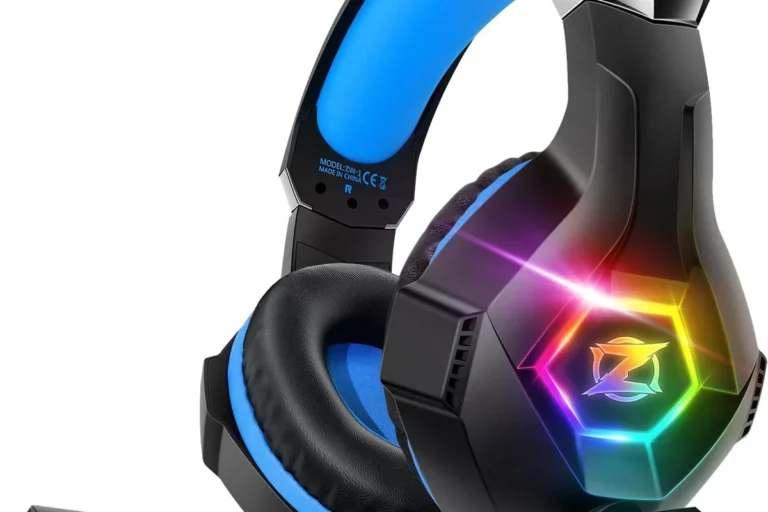
Can You Connect Headphones to TV Easily and Wirelessly

Yes, you can connect headphones to most TVs using a headphone jack, Bluetooth, RF wireless, or an adapter. The best method depends on your TV’s ports, your budget, and whether you care more about convenience or zero-lag audio.
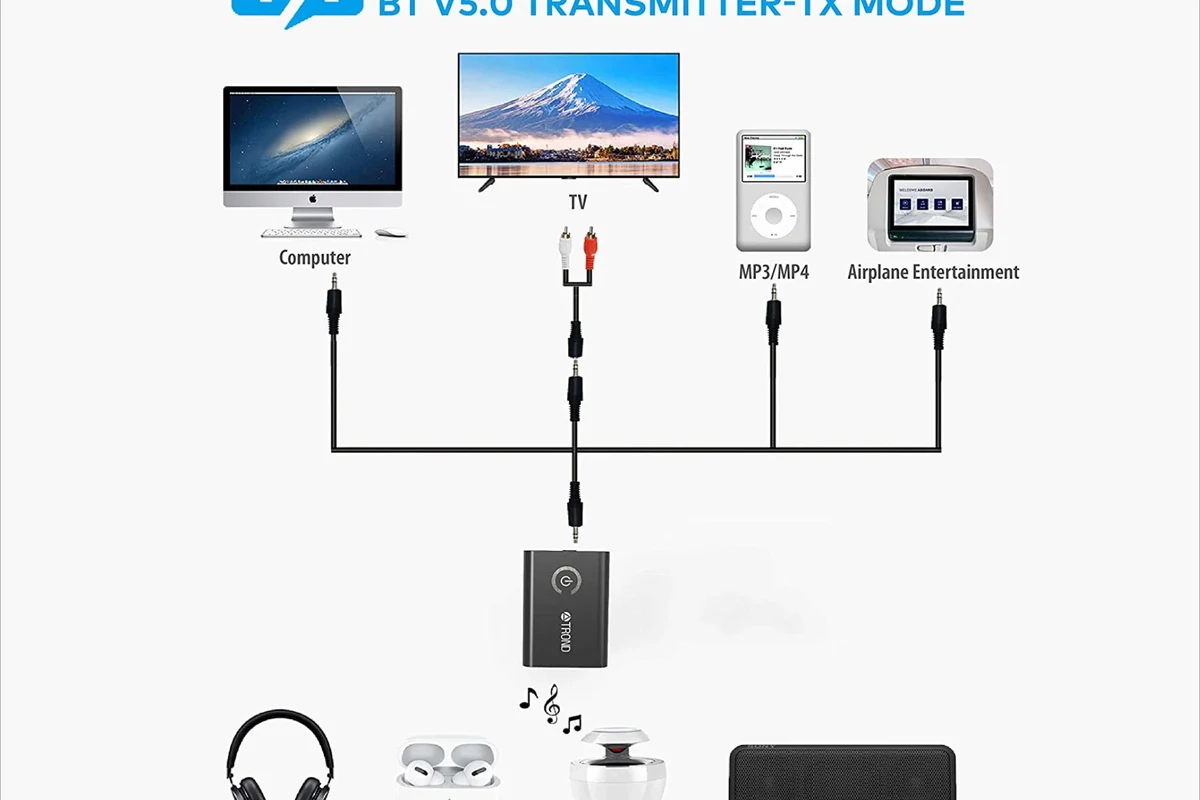
- Fastest setup: Wired headphones are usually the simplest option.
- Most convenient: Bluetooth works well for casual viewing on compatible TVs.
- Best for low lag: RF or low-latency wireless is better for movies and gaming.
- Check first: TV ports and sound settings decide what will work.
- Safety: Keep long listening sessions at moderate volume.
Frequently Asked Questions
Wired headphones are usually more reliable and have no Bluetooth lag. Wireless headphones are more convenient, especially for casual viewing.
Yes, they can reduce background noise and let you listen at lower volumes. Just make sure the fit is comfortable for long sessions.
Closed-back headphones are usually better for TV because they block more outside noise and keep sound from leaking. Open-back models can sound more spacious, but they are less private.
Look at latency, comfort, connectivity, and whether the headphones support the right wireless standard for your TV. Bass, clarity, and soundstage also matter, but they depend on the model and your listening preference.
For gaming and movies, low latency and clear dialogue are most important. For casual TV, comfort and easy pairing often matter more than advanced sound features.
Check weight, ear cushion material, headband padding, and overall build quality. If you watch for long periods, a lighter fit and soft cushions usually feel better.