Can You Use Wireless Headphones on PS5 for Gaming

Yes, you can use wireless headphones on PS5, but USB wireless headsets and PS5-compatible models are usually the most reliable choice. Standard Bluetooth headphones may work with adapters or TV routing, but lag and pairing issues are more common.
If you’re asking can you use wireless headphones on PS5, the short answer is yes, but not every wireless headphone connects the same way. The PS5 works best with USB wireless headsets and Sony-compatible wireless options, while standard Bluetooth headphones often need a workaround.
That difference matters because gaming is more sensitive to audio delay, mic quality, and connection stability than casual music listening. In this guide, the Top Headphone Reviews Editorial Team breaks down what works, what doesn’t, and how to choose the right wireless setup for your PS5.
- Best option: USB wireless headsets are usually the easiest PS5 setup.
- Bluetooth caution: Direct Bluetooth can cause lag or pairing problems.
- Gaming priority: Low latency matters most for shooters and rhythm games.
- Chat quality: A clear microphone is important for party and co-op play.
- Buying tip: Check comfort, battery life, and PS5 compatibility first.
Can You Use Wireless Headphones on PS5? A Clear Answer for 2025 Gamers
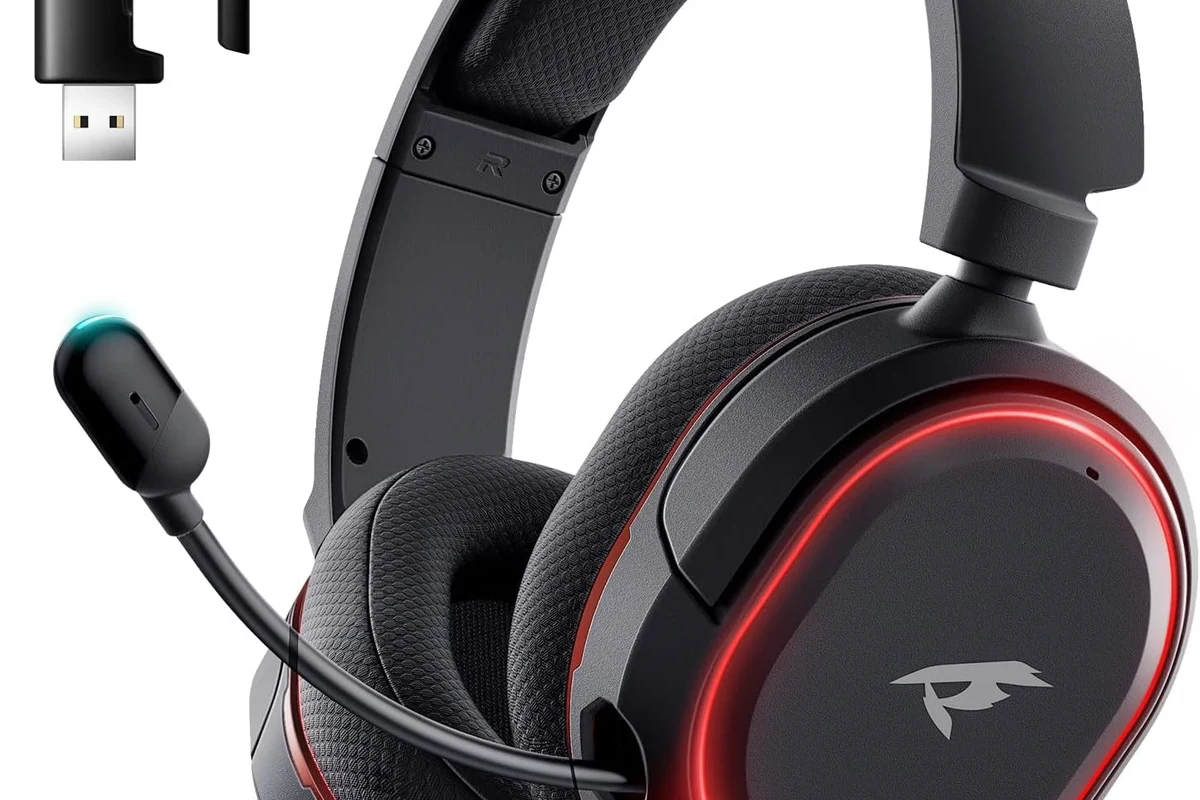
Yes, you can use wireless headphones on PS5, but the console does not support every wireless connection in the same easy way. The most reliable setups are usually USB wireless headsets, official Sony wireless models, or headphones paired through a compatible transmitter.
If your goal is simple plug-and-play gaming, a USB dongle headset is usually the least frustrating route. If you already own Bluetooth headphones, you may still be able to use them, but the experience depends on the adapter, TV, monitor, and your tolerance for delay.
What “wireless” really means on PS5: Bluetooth, USB dongles, and proprietary wireless
On PS5, “wireless” can mean three different things. First, there’s standard Bluetooth, which is common for phones and laptops but not always ideal for console gaming. Second, there are USB dongle headsets that create their own wireless link. Third, some brands use proprietary wireless systems built for low-latency gaming.
Those last two options are usually more dependable for PS5 because they are designed with gaming in mind. They typically reduce lag, improve stability, and make voice chat easier than a generic Bluetooth pairing.
Search intent: what most PS5 players are trying to solve before buying headphones
Most players searching this question want one of three things: to avoid cables, to keep chat audio clear, or to know whether their current headphones will work without extra gear. Some also want to connect to the PS5 and still hear TV sound or use the headset across multiple devices.
That’s why compatibility matters more than just “wireless” on the box. A headset can be wireless and still be a poor PS5 choice if it adds lag, cuts out often, or refuses to pair directly.
How PS5 Wireless Audio Works: What the Console Supports and What It Does Not
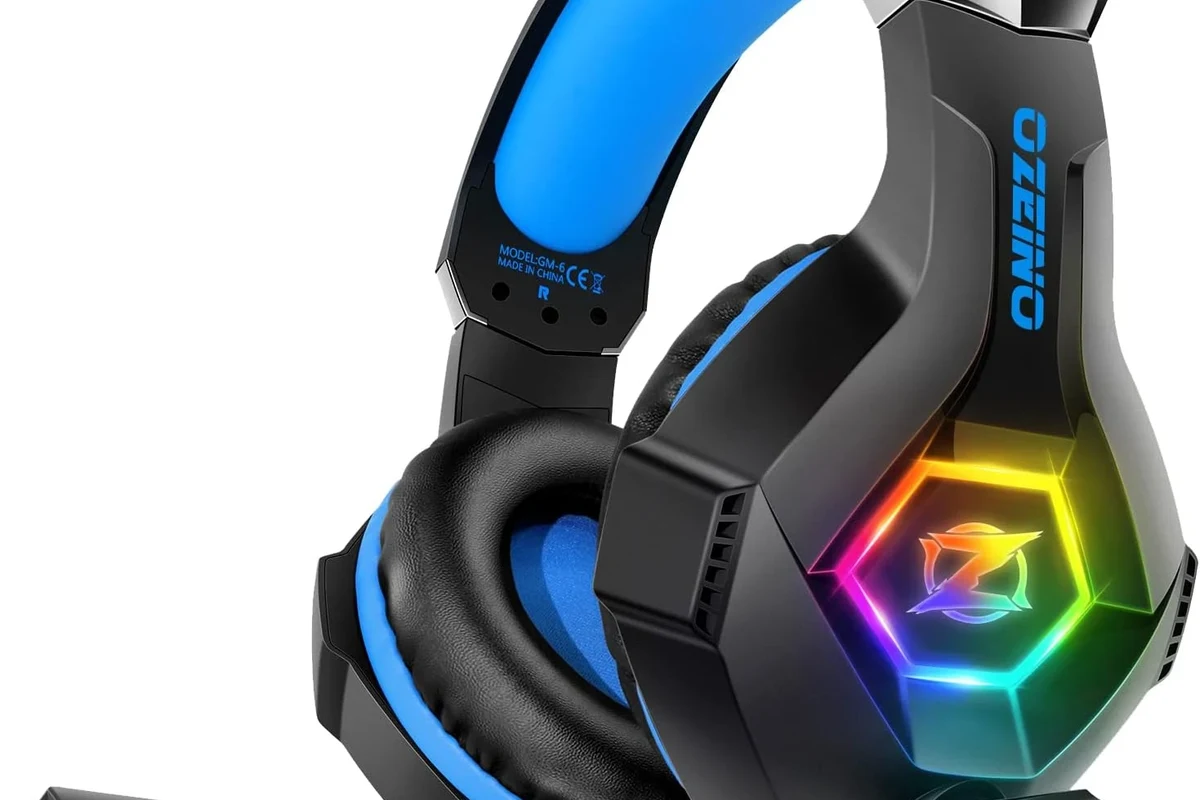
The PS5 can handle wireless audio, but its support is more limited than many buyers expect. In practice, the console is much friendlier to USB wireless headsets and licensed gaming headsets than to random Bluetooth headphones.
If you want a broader headphone buying overview, our wired vs wireless headphones guide is a useful place to compare convenience, latency, and everyday use.
Why standard Bluetooth headphones often struggle with PS5
Standard Bluetooth headphones can be tricky on PS5 because gaming needs low latency. Even a small delay between the action on screen and the sound in your ears can feel distracting in shooters, racing games, and rhythm games.
Bluetooth can also create pairing issues, audio drops, or limited mic support depending on the headphone model. That doesn’t mean Bluetooth never works, but it often works less smoothly than gamers expect.
How USB wireless adapters and headset dongles bypass compatibility issues
USB wireless adapters solve many of the PS5’s Bluetooth limitations by creating a direct wireless link between the headset and the dongle. The PS5 sees the adapter as an audio device, which usually makes setup much simpler.
This is why many gaming headsets include a small USB transmitter. It avoids some of the pairing headaches and often gives you a more stable connection than trying to connect the headphones directly.
What Sony’s official wireless headsets do differently
Sony’s own wireless gaming headsets are designed to work smoothly with the PS5 ecosystem. They are typically built around console-friendly wireless performance, easy setup, and features that fit PS5 use cases.
For many buyers, that means fewer compatibility surprises. You may still want to compare comfort, mic quality, and battery life, but official or PS5-friendly wireless headsets are usually the safest starting point.
Best Ways to Use Wireless Headphones on PS5 in Real Gaming Setups
The best setup depends on how you play. A competitive online player has different needs from someone using the PS5 for story games, streaming, or casual couch gaming.
Using a USB wireless headset for plug-and-play convenience
A USB wireless headset is often the easiest PS5 solution because it keeps the setup simple. Plug in the dongle, power on the headset, and you’re usually ready to go.
This is the best option for players who want fewer settings to manage. It also tends to be the most practical choice if you want game audio and chat audio in one headset without extra adapters.
If you want the least hassle, look for a headset that explicitly mentions PS5 support or includes a USB wireless dongle in the box.
Connecting through the TV or monitor for casual gaming and streaming
Some gamers route audio through the TV or monitor instead of connecting the headset directly to the PS5. This can work well for casual gaming, especially if your display has Bluetooth support or a headphone output.
That said, TV Bluetooth can still introduce delay, and not every TV handles audio cleanly for gaming. If you are sensitive to lag, this setup is better for relaxed play than fast competitive matches.
Using a Bluetooth transmitter with PS5: when it works and when it causes lag
A Bluetooth transmitter can help if you want to use existing wireless headphones with the PS5. It plugs into the console, TV, or monitor and sends audio to your headphones wirelessly.
However, results vary a lot by transmitter quality, codec support, and headphone model. Some setups feel fine for single-player games, while others create noticeable delay that makes timing-based gameplay frustrating.
Practical example: single-player gaming vs competitive online play
For single-player adventures, cinematic games, and slower-paced titles, a little audio delay may be acceptable. Many players care more about comfort and convenience in those situations than ultra-tight sync.
For competitive online play, low latency matters much more. If you play shooters, fighting games, or rhythm titles, a direct USB wireless headset is usually a smarter choice than generic Bluetooth.
Wireless performance can vary by headset model, room interference, TV settings, and how far you sit from the console.
Sound Quality, Latency, and Mic Performance: What Matters Most on PS5
When shopping for PS5 headphones, sound quality is only one part of the equation. Latency, microphone clarity, and comfort often matter just as much for daily gaming.
Audio delay in shooters, racing games, and rhythm titles
Audio delay is the biggest reason some wireless headphones disappoint on PS5. In shooters, delayed footsteps or gunfire can feel off. In racing games, engine sound and action can lose precision. In rhythm games, even a small delay can throw off timing.
That’s why low-latency wireless matters more than just “good sound.” A headset can sound rich and still be a poor gaming match if the delay is too noticeable.
Mic clarity for party chat, Discord-style voice use, and co-op sessions
If you play with friends often, mic performance deserves real attention. Clear voice pickup helps in party chat and co-op sessions, especially when you’re speaking over game sound or background noise.
Some wireless headsets do this better than others, and mic quality can vary widely by price tier. If voice chat is important, check whether the headset has a detachable mic, noise reduction, or sidetone/mic monitoring.
3D Audio considerations for wireless headset buyers
The PS5’s 3D Audio features can work with many headset types, including wireless ones, but the result depends on the headset tuning and your own hearing preference. Some players love the added sense of direction, while others prefer a more natural stereo presentation.
If you care about positional cues, prioritize a headset with clear mids and controlled bass rather than one that just sounds heavy. Too much bass can blur footsteps and subtle environmental detail.
Listening at high volumes for long periods can cause hearing damage. Keep volume at 60% or below for extended sessions.
Common Mistakes Gamers Make When Trying to Use Wireless Headphones on PS5
Most PS5 wireless problems come from buying the wrong type of headphone or skipping compatibility checks. A little research up front can save a lot of frustration later.
Assuming every Bluetooth headset will pair directly
This is the most common mistake. Many people assume any Bluetooth headphone will connect to PS5 the same way it connects to a phone, but that is not always true.
Before buying, check whether the headset supports PS5 directly, needs a USB dongle, or requires a transmitter. If the product page is vague, that is usually a warning sign.
Overlooking dongle compatibility with the PS5 and TV audio settings
Even when you use a dongle, setup can still go wrong if the PS5 audio output or TV settings are not configured properly. Some users also forget to switch the console’s output device after plugging in the adapter.
If you run into problems, it helps to confirm the PS5 is sending audio to the headset and not still routing sound to the TV speakers. Small setting changes often solve what looks like a hardware issue.
Some wireless gaming headsets are designed to prioritize low latency over maximum Bluetooth range, which is a smart tradeoff for console gaming.
Ignoring battery life, charging habits, and connection dropouts
Wireless headphones are only convenient if they stay charged. Short battery life can interrupt long gaming sessions, and inconsistent charging habits often lead to dead headsets right when you want to play.
Connection dropouts can also be more annoying than people expect. If you game in a room with lots of wireless interference, a headset with a stronger dongle-based connection may be worth it.
Buying for style instead of latency and comfort
Looks matter, but PS5 gaming is about more than design. A stylish headset that feels heavy, gets hot, or lags behind the action may become annoying very quickly.
Comfort, clamp force, ear pad material, and weight often decide whether a headset is enjoyable after two hours or eight. For long sessions, those details can matter more than flashy lighting or a trendy shape.
Expert Advice: How to Choose the Right Wireless Headphones for PS5 Gaming
The best PS5 headphone choice is usually the one that matches your gaming style first and your budget second. Think about how often you use voice chat, how sensitive you are to lag, and whether you need one headset for multiple devices.
If you have persistent hearing discomfort, ringing after gaming, or trouble understanding game audio even at safe volume, consider speaking with an audiologist or hearing professional.
What the Top Headphone Reviews editorial team recommends checking first
Start with compatibility. Make sure the headset works with PS5 through USB wireless, a dongle, or a supported Bluetooth/transmitter setup.
Then check latency, mic quality, comfort, and battery life. Those four factors usually matter more than marketing claims or extra features you may never use.
- PS5 compatibility listed clearly by the brand
- Low-latency wireless connection
- Comfort for long sessions
- Mic quality for chat and co-op
- Battery life and charging method
Features to prioritize in 2025: low latency, long battery life, multipoint, and mic monitoring
Low latency should be near the top of the list for any gaming headset. Long battery life is also helpful if you play often or forget to charge between sessions.
Multipoint can be useful if you want to switch between PS5 and another device, while mic monitoring helps you hear your own voice more naturally during chat. Availability varies by brand and model.
When premium models are worth the price and when budget options make more sense
Premium models can be worth it if you want better build quality, stronger wireless performance, and more refined comfort. They may also offer better mics and more useful extras.
Budget options make more sense if you mostly play casually or only need a headset for occasional chat. Just be careful not to trade away too much comfort or stability in the name of saving money.
Price Comparison and Value: Budget vs Mid-Range vs Premium Wireless Headphones for PS5
Wireless PS5 headphone pricing varies a lot by brand, features, and whether the headset includes a dongle or multi-platform support. Instead of chasing a specific number, it helps to think in value tiers.
What you typically get under $100, $100-$200, and $200+ in 2025
Under $100, you often see basic wireless gaming headsets with simpler build quality and fewer premium features. They can still be useful for casual play if the latency and comfort are acceptable.
In the mid-range, you usually get better sound tuning, more reliable wireless performance, and stronger battery life. At the premium level, you may see more refined materials, better microphones, and more polished software support.
Best value scenarios for casual players, streamers, and competitive gamers
Casual players usually get the best value from a dependable mid-range wireless headset. Streamers and frequent chat users may benefit from a better mic and more comfortable long-session design.
Competitive gamers should focus more on low latency and stable connection than on flashy extras. In that case, paying more for a headset that stays consistent can be worth it.
Hidden costs: adapters, transmitters, replacement pads, and charging accessories
Don’t forget the extras. A Bluetooth transmitter, spare ear pads, or a longer charging cable can change the real cost of ownership.
These small add-ons matter because a headset that looks inexpensive can become more expensive once you include the accessories needed to make it work well on PS5.
Final Recap: The Best Answer for PS5 Players in 2025
So, can you use wireless headphones on PS5? Yes, absolutely—but the most reliable experience usually comes from USB wireless headsets or Sony-compatible wireless models, not generic Bluetooth alone. If you already own Bluetooth headphones, a transmitter may help, but results can vary.
For most players, the best choice depends on how they game. Casual users can prioritize comfort and convenience, while competitive players should put low latency, mic clarity, and connection stability first.
- USB wireless headsets are usually the easiest PS5 option.
- Standard Bluetooth may work, but lag and pairing issues are common.
- Competitive gaming needs low latency more than flashy features.
- Comfort, mic quality, and battery life matter for long sessions.
If you want a broader audio buying perspective, our guides on wireless headphone basics and connection troubleshooting can help you compare setups before you buy. Choosing the right headset now can save you from lag, dropouts, and return headaches later.
Frequently Asked Questions
Not always. Wireless headphones are more convenient, but wired models can still offer simpler setup and zero wireless lag.
They can be, especially for blocking background noise during long sessions. Just make sure the headset still sounds clear for footsteps, dialogue, and chat.
Closed-back headphones are usually better for gaming because they isolate sound and keep audio from leaking. Open-back models can sound wider, but they are less private and often less practical for shared rooms.
Over-ear headphones are usually the most comfortable for long PS5 sessions and often provide better passive isolation. On-ear and in-ear options can work, but comfort and fit vary more by person.
Focus on low latency, clear mids, comfortable tuning, and a reliable wireless connection before chasing driver size or frequency range. EQ can help fine-tune bass and clarity, but it cannot fix a poor headset match.
Look for clear PS5 compatibility, decent battery life, a stable dongle connection, and comfortable ear pads. Budget models can be a smart buy if they meet your gaming needs without adding lag or dropouts.