Can You Connect Wireless Headphones to PS4 Easily

Yes, you can connect wireless headphones to PS4, but most standard Bluetooth headphones do not work directly. The easiest option is a PS4-compatible wireless headset with a USB dongle or base station.
If you’re asking can you connect wireless headphones to PS4, the short answer is yes, but not always in the way people expect. The PS4 does not play nicely with most standard Bluetooth headphones directly, so the easiest setup usually involves a USB wireless dongle, a headset base station, or a PS4-compatible gaming headset.
That means “wireless” on PS4 can mean a few different things depending on the headset. In this guide, the Top Headphone Reviews Editorial Team breaks down what works, what doesn’t, and the simplest way to get stable audio for gaming, party chat, and TV listening in 2025.
- Best method: Use a PS4-compatible headset with a USB dongle.
- Bluetooth limits: Most standard Bluetooth headphones are not fully supported.
- Chat matters: Always check microphone support if you play multiplayer.
- Stability counts: Lower-lag wireless systems are better for gaming.
- Budget tip: Cheap adapters can be hit-or-miss, so verify compatibility first.
Can You Connect Wireless Headphones to PS4? Quick Answer for 2025
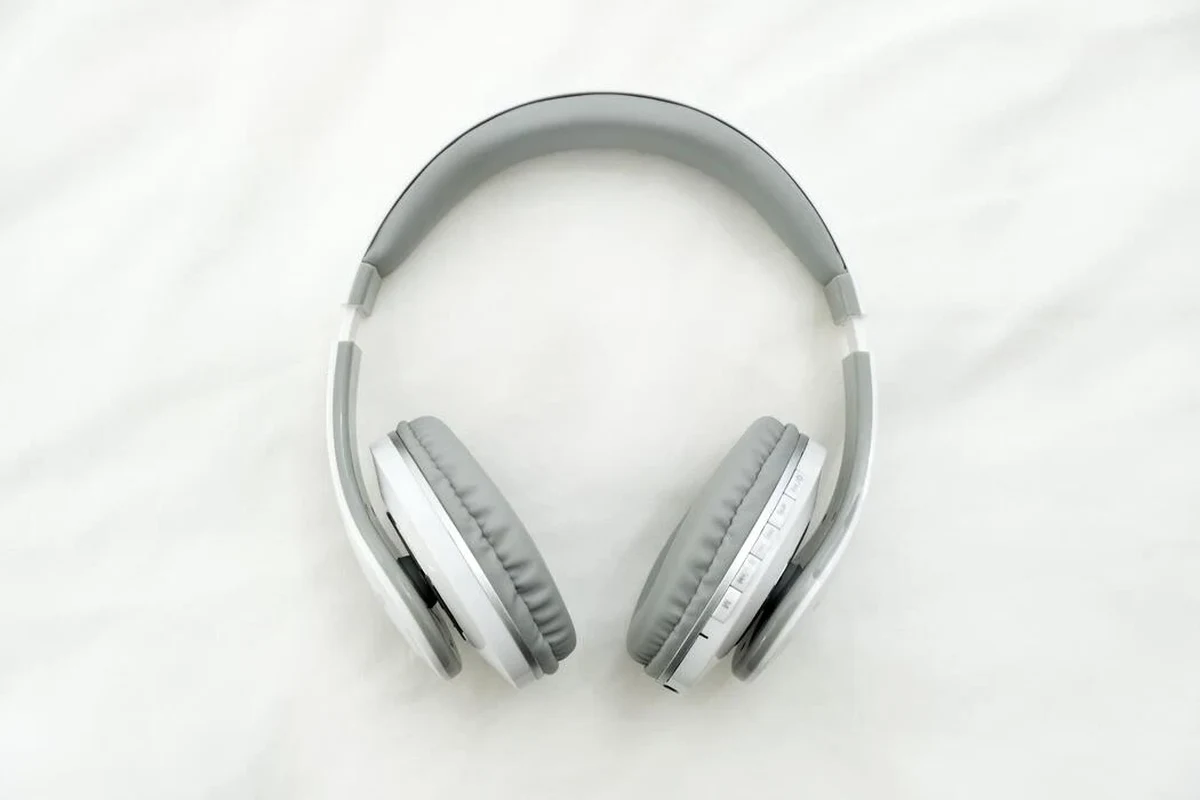
Yes, you can connect wireless headphones to a PS4, but compatibility depends on the type of wireless connection. Most generic Bluetooth headphones will not pair directly with the console, while PS4-compatible wireless headsets and USB dongle-based models usually work much better.
If you want the least frustrating route, look for a headset that explicitly says PS4 compatible. That usually means it connects through a USB transmitter, a base station, or a headset designed for the console’s audio system rather than standard Bluetooth pairing.
What “Wireless” Means on PS4: Bluetooth, USB Dongles, and Official Support
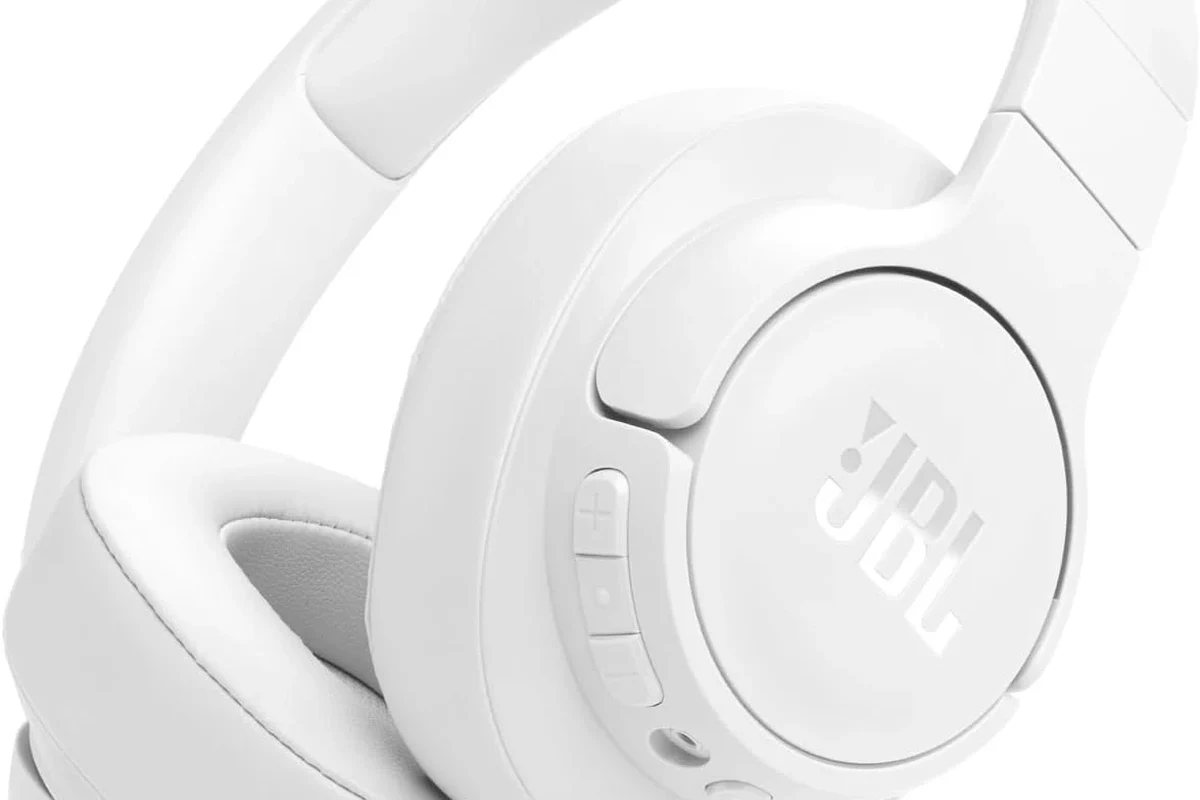
On paper, wireless sounds simple. In practice, PS4 audio support is split between Bluetooth-style connections and accessory-specific wireless systems, and that difference matters a lot for gaming performance.
Some headsets use Bluetooth, but many gaming headsets use a proprietary 2.4GHz wireless connection through a USB dongle. That second type is often the better choice for PS4 because it tends to offer lower lag and more reliable voice chat support.
Wireless compatibility can vary by headset model, firmware version, and how the manufacturer designed the transmitter. Always check the product page for PS4 support before buying.
Why most Bluetooth headphones do not work directly with PS4
The PS4 has limited support for standard Bluetooth audio devices. Even when a headset seems like it should pair, the console may block it, connect only partially, or fail to support full game audio and microphone use.
This is why many users get stuck after pairing attempts. The issue is not necessarily the headphones themselves; it is usually the PS4’s Bluetooth profile support and how the headset communicates with the console.
If you want a broader explanation of wireless audio behavior across devices, our guide on wired vs wireless headphones is a helpful starting point.
Which wireless headphone types are actually compatible
The most reliable options are PS4-compatible gaming headsets, USB wireless headphones with a dongle, and some headset systems that include a base station. These usually bypass the PS4’s weak Bluetooth limitations and provide a cleaner connection.
Some wireless earbuds may also work if they connect through a supported USB transmitter or adapter, but that depends heavily on the brand and the specific model. In general, full-size gaming headsets are the safer bet for PS4 players who want both audio and mic support.
Many “wireless” gaming headsets are not Bluetooth-only. They use a dedicated USB receiver to reduce lag and improve voice chat stability.
How to Connect Wireless Headphones to PS4 Step by Step
The exact process depends on your headset type. The goal is usually the same: get the headset recognized by the PS4, confirm audio output, and then test microphone input if you need chat.
Using a USB wireless adapter or dongle
This is usually the simplest method. Plug the USB dongle into the PS4, turn on the headset, and wait for the two devices to sync automatically.
Connect the dongle to an open USB port on the PS4. Some headsets work best when the transmitter is directly connected rather than through a hub.
Turn on the headphones and wait for pairing confirmation. On many models, a light will change color or stop blinking when the connection is ready.
Go to the PS4 sound settings and choose the headset for output. If the headset includes a mic, also confirm the input device.
After setup, test game audio and chat audio separately. If the sound is too quiet or the mic is not active, the issue is often in the console’s device settings rather than the headset itself.
Pairing through a headset base station or transmitter
Some premium wireless headsets come with a dock or base station. These systems often provide stronger stability than generic Bluetooth and can be especially useful for long gaming sessions.
The process is usually straightforward: connect the base station to the PS4, place the headset into pairing mode, and let the dock handle the link. This can be a good option if you want fewer dropouts and a more console-friendly setup.
If your headset has both Bluetooth and 2.4GHz wireless, use the 2.4GHz mode for PS4 gaming. It usually performs better for latency and voice chat.
Using the PS4 controller audio jack with a wireless workaround
If your headset supports a wired backup cable, you can sometimes connect the headset to the PS4 controller’s 3.5mm audio jack and still use wireless features separately. This is not a fully wireless PS4 solution, but it can help when the wireless link is unstable.
Some users also combine a Bluetooth transmitter with the controller or TV setup, but results vary a lot. These workarounds may solve one problem while creating another, so they are best considered backup options rather than the first choice.
Cheap third-party adapters can be unreliable, introduce lag, or cause audio dropouts. If you need stable gaming and chat audio, prioritize a headset or transmitter that clearly lists PS4 support.
Best Use Cases: Gaming, Party Chat, and TV Audio on PS4
Wireless headphones can be a great fit for PS4, but the best use case depends on what you care about most. Solo gaming, multiplayer chat, and watching TV-style content all place slightly different demands on the headset.
When wireless headphones are great for solo play
If you mostly play single-player games, wireless headphones are often a comfortable upgrade. You can sit farther from the console, avoid cable tugging, and enjoy a cleaner setup around your couch or desk.
They are also useful for immersive games where sound design matters, such as action titles or story-driven adventures. If you want to understand how headset features affect immersion, our guide to noise cancelling headphones can help you compare listening styles.
When microphone support matters for multiplayer
For party chat, online co-op, and competitive games, microphone support becomes just as important as sound quality. A headset may play audio perfectly but still fail to send your voice correctly to the PS4.
That is why gamers should check both output and input compatibility before buying. If you plan to talk often, choose a headset that explicitly supports PS4 chat rather than assuming any wireless model will do the job.
Do wireless headphones always support PS4 voice chat?
No. Some models only send audio and do not support the microphone properly, so always check for explicit PS4 chat compatibility.
Common Problems and Mistakes That Stop PS4 Wireless Headphones from Working
Most PS4 wireless issues are not random. They usually come down to compatibility, settings, or the wrong type of wireless connection.
Audio works but the mic does not
This is one of the most common complaints. The headset may play game sound through the USB receiver, but the microphone may not be recognized by the PS4 or may need a separate input setting.
Check the console audio devices menu and make sure the headset is selected for both input and output. If the mic still fails, the headset may not support PS4 voice chat even if the audio works.
- Is the mic selected as the input device?
- Does the headset support PS4 chat?
- Is the transmitter fully seated in the USB port?
Latency, dropouts, and connection range issues
Wireless lag can make games feel less responsive, especially in shooters or rhythm-based titles. Dropouts can also happen if the headset is too far from the transmitter or if other wireless devices are causing interference.
For smoother performance, keep the transmitter close to the console, avoid blocking it with metal objects, and update the headset firmware if the brand offers it. If lag is your biggest problem, our Bluetooth headphone lag fix guide explains common causes in simple terms.
Listening at high volumes for long periods can cause hearing damage. Keep volume at 60% or below for extended sessions.
Confusing PS4 Bluetooth limitations with headset compatibility
Many users assume the PS4 “doesn’t support wireless headphones,” but that is only partly true. The real issue is that the console is picky about Bluetooth profiles and works much better with gaming-grade wireless systems.
So if one Bluetooth headset fails, that does not mean every wireless headset will fail. It just means you likely need a different wireless method, such as a USB dongle or a PS4-certified headset.
Expert Advice: What to Check Before Buying a Wireless Headset for PS4
Buying for PS4 is easier when you focus on compatibility first and sound features second. A headset can have great specs on paper, but if it does not connect cleanly, it will be frustrating to use.
PS4-compatible labels, USB dongles, and codec support
Look for packaging or product pages that clearly say PS4 compatible. If the headset uses a USB dongle, that is often a strong sign it is built for gaming rather than generic phone-style Bluetooth use.
Codec support may matter on some devices, but for most PS4 buyers the bigger question is whether the headset uses a supported wireless path. Clear compatibility labeling is more useful than vague “works with everything” claims.
Battery life, comfort, and mic quality for long sessions
Battery life matters if you play for hours, but comfort may matter even more. Lightweight designs, breathable ear pads, and a headband that does not clamp too hard can make a bigger difference than a few extra battery hours.
Mic quality is also worth checking if you play multiplayer often. Some wireless headsets sound fine for listening but can make your voice thin, noisy, or distant in chat.
If you have hearing sensitivity, tinnitus, or discomfort with long listening sessions, consider speaking with an audiologist. They can help you choose safer listening habits and a more comfortable headset style.
Warning about cheap adapters and unstable third-party solutions
Very low-cost adapters can look like a bargain, but they often create more problems than they solve. Unstable pairing, weak microphone support, and random disconnects are common complaints with no-name wireless solutions.
If you want a cleaner experience, it is usually better to spend a little more on a headset or transmitter with clear PS4 support. That often saves time, frustration, and replacement costs later.
Price Comparison: Budget vs Mid-Range vs Premium Wireless Options for PS4
Wireless PS4 audio covers a wide range of budgets. The right price tier depends on whether you mainly want basic game sound, better voice chat, or a more polished all-around headset.
What you get under $50
In the budget range, you may find simpler wireless headsets or adapters that handle basic audio well. The tradeoff is usually weaker mic quality, less durable materials, and less reliable wireless performance.
This price tier can work for casual use, but it is important to read compatibility details carefully. Budget products are the most likely to make PS4 setup confusing.
What improves in the $50–$150 range
Mid-range headsets often offer a better balance of comfort, battery life, and wireless stability. You are also more likely to get a proper USB dongle, clearer chat support, and more dependable build quality.
For many PS4 players, this is the sweet spot. It usually gives a noticeable upgrade without pushing into premium pricing.
When premium headsets are worth the extra cost
Premium wireless headsets can be worth it if you play often, need strong mic performance, or want the most seamless setup. They may also offer better comfort for long sessions and more refined controls.
That said, premium does not automatically mean perfect. The smartest choice is still the headset that matches your PS4 setup, your comfort needs, and your budget.
| Model | Best For | Price Range |
|---|---|---|
| USB dongle gaming headset | Low-lag PS4 play and chat | Varies by brand |
| Base station headset | Stable home setup | Varies by brand |
| Bluetooth-only headset | Limited use, if supported | Varies by brand |
Final Verdict: The Easiest Way to Use Wireless Headphones on PS4 in 2025
The easiest way to use wireless headphones on PS4 is to choose a headset that includes a USB dongle or clearly lists PS4 support. That approach avoids most Bluetooth headaches and gives you the best chance of getting both game audio and microphone input working properly.
If you already own Bluetooth headphones, they may still work through a workaround, but that is rarely the smoothest route. For most players, a PS4-compatible wireless gaming headset remains the most practical, stable, and beginner-friendly choice.
- PS4 works best with wireless headsets that use a USB dongle or base station.
- Most standard Bluetooth headphones do not connect cleanly to PS4.
- Check mic support, latency, and comfort before buying.
- PS4-compatible labeling matters more than generic wireless claims.
Frequently Asked Questions
Wireless headphones are more convenient, but wired headsets can be simpler and more reliable. If you want less setup trouble, a wired connection may still be the easiest option.
They can be helpful if you want to block room noise and focus on the game. Just remember that noise cancelling quality, comfort, and mic support vary by model.
Closed-back headphones are usually better for gaming because they isolate sound and reduce leakage. Open-back models can sound wider, but they let in more outside noise.
Focus on comfort, latency, mic support, and how the headset handles bass and clarity. Frequency response numbers can help, but real-world tuning matters more than a spec sheet alone.
Look for clear PS4 compatibility, a USB dongle, and decent battery life before chasing extra features. Budget models can work well, but build quality and mic performance may be more limited.
Check ear cushion material, headband padding, weight, and clamp force if possible. For long sessions, comfort is often more important than small sound differences.