Can I Use Bluetooth Headphones for PS4 Easily Explained

Yes, you can use Bluetooth headphones for PS4, but direct pairing is limited and often unreliable. The easiest setup is usually a Bluetooth adapter, a TV connection, or a wired backup if you want stable audio.
If you’re asking can i use bluetooth headphones for ps4, the short answer is yes, but not always directly. The PS4 supports some Bluetooth audio devices, but many standard Bluetooth headphones and earbuds will not pair the way you expect.
- Compatibility matters: Not every Bluetooth headset will pair properly with PS4.
- Latency is the trade-off: Wireless convenience can add audio delay.
- Mic support varies: Some setups play sound but do not handle chat well.
- Adapters help: A USB Bluetooth dongle can improve usability.
Can I Use Bluetooth Headphones for PS4? Quick Answer for 2025
In 2025, the easiest answer is this: Bluetooth headphones can work with PS4, but the console is picky about which devices it accepts. Many gamers end up needing a USB adapter, a TV connection, or a wired backup to get stable audio.
If your goal is simple wireless listening for single-player games or TV sound, Bluetooth can be a practical option. If you care about low latency, party chat, or competitive play, a PS4-compatible wireless headset is usually the smoother choice.
How PS4 Bluetooth Audio Actually Works
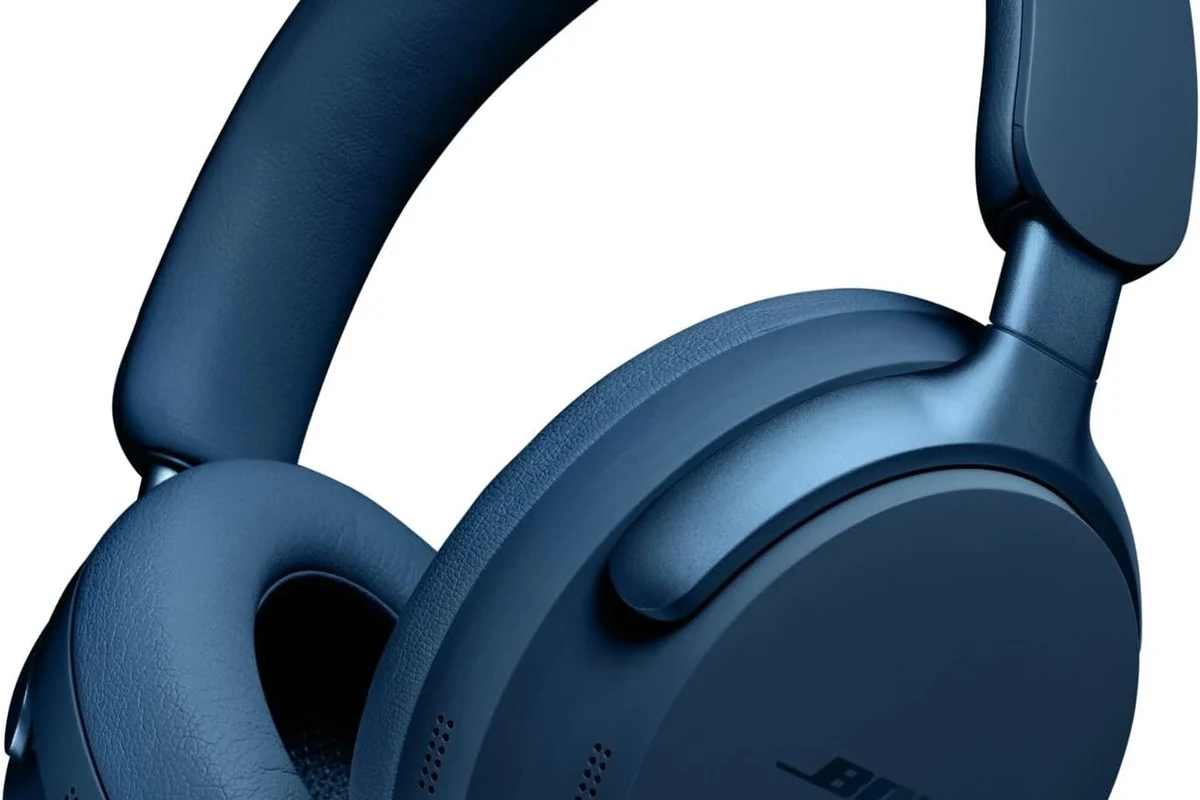
The PS4 does not treat all Bluetooth headphones the same way. Some devices connect for specific audio functions, while others are blocked because of compatibility and performance limits.
That means the issue is not just “Bluetooth on or off.” It is more about how the console handles audio profiles, voice chat, and wireless stability.
Why the PS4 Supports Some Devices but Blocks Most Headphones
PlayStation 4 can recognize certain Bluetooth accessories, but many regular headphones are not supported for full audio output. This is why a headset may pair with your phone but fail on the console.
Sony’s design favors accessories that deliver stable game audio and microphone support. For broader wireless use, the system often relies on approved headsets or external adapters instead of open Bluetooth pairing.
What “Compatible” Really Means on PlayStation 4
When a headset is described as compatible, it usually means it can pass audio reliably and, in some cases, support chat features too. It does not always mean every function will work perfectly.
Some devices may play sound but not allow the microphone to work properly. Others may connect only through a dongle or with limited features, depending on the headset brand and PS4 system behavior.
Compatibility can vary by headset model, firmware version, and whether you are trying to use game audio only or both game audio and chat.
Best Ways to Connect Bluetooth Headphones to a PS4
If direct pairing is unreliable, there are still several workable setup options. The best one depends on whether you want convenience, chat support, or the lowest possible delay.
Using a Bluetooth USB Adapter or Dongle
A Bluetooth USB adapter is one of the most common fixes for PS4 audio. It adds wireless support through a small dongle that plugs into the console’s USB port.
This method is often easier than trying to force a direct connection. Still, results vary, and some adapters work better for audio playback than for microphone use.
How to connect Bluetooth headphones usually follows the same basic idea across devices: pair the headset, confirm the output device, and test audio before gaming. On PS4, that process can be a little more finicky than on phones or laptops.
Connecting Through the TV or Monitor Instead of the Console
Another option is to connect your headphones to the TV or monitor instead of the PS4 itself. This works best if your display has Bluetooth audio built in or supports a wireless transmitter.
This setup can be convenient for couch gaming, especially if you mainly want game sound and do not rely heavily on chat. The downside is that audio delay can still happen, and not every TV handles Bluetooth equally well.
Bluetooth delay is often more noticeable in fast games, rhythm titles, and competitive shooters because sound must travel wirelessly before you hear it.
Using a Wired Controller or Audio Cable as a Backup
If wireless setup becomes frustrating, a wired connection is still the most dependable backup. You can connect headphones through the DualShock 4 controller’s audio jack for straightforward game sound.
This is not as convenient as full wireless listening, but it often gives the most stable result. For many players, a wired backup is the fastest way to avoid pairing issues and lag.
If you mainly play for long sessions, test comfort and cable length before assuming wireless is the better option. A simple wired setup can sometimes be more practical than a weak Bluetooth link.
What Happens When You Try Direct Pairing?
Direct pairing sounds easy, but on PS4 it often leads to limited success. Some headphones connect partially, while others fail completely or work without full chat support.
Common Error Messages and Pairing Failures
Many users see connection failures, unsupported device messages, or headphones that appear to pair but produce no sound. That does not always mean the headset is broken.
It usually means the PS4 does not like the headset’s Bluetooth profile or expects a different connection method. In other words, the problem is often compatibility rather than hardware damage.
Audio Lag, Voice Chat Issues, and Mic Limitations
Even when the sound works, Bluetooth can introduce delay. That delay may be small, but it can still be distracting in games where timing matters.
Voice chat is another common weak point. Some setups allow listening but not speaking, while others struggle with microphone quality or dropouts during longer sessions.
If your headset keeps disconnecting or cutting out, the issue may be the adapter, Bluetooth interference, or incompatible headset firmware rather than the PS4 itself.
Best Headphone Options for PS4 Gaming in 2025
For most PS4 players, the best choice is not “any Bluetooth headphones.” It is the right type of headset for your gaming habits, budget, and tolerance for setup hassle.
Bluetooth Headphones vs PS4-Compatible Wireless Headsets
Bluetooth headphones are great for general listening, but PS4-compatible wireless headsets are usually better for gaming. They are often designed to reduce latency and support game audio more reliably.
If you want a smoother all-around experience, a dedicated gaming headset can save time and frustration. Bluetooth is fine for casual use, but a PS4-friendly wireless headset is usually the more dependable choice for multiplayer play.
Budget vs Premium Setup: What You Actually Pay for Convenience
Budget setups may look appealing because they cost less upfront, but they can come with trade-offs like lag, weaker microphones, or unstable pairing. Premium setups usually charge more for better convenience and smoother performance.
That does not mean you must spend a lot to enjoy PS4 audio. It just means the cheaper route may require extra accessories or more troubleshooting, depending on the headset and adapter.
Common Mistakes Gamers Make With PS4 Bluetooth Audio
Most Bluetooth headaches on PS4 come from simple assumptions. A little planning can save you from buying the wrong headset or expecting the wrong result.
Assuming Any Bluetooth Headset Will Work
This is the most common mistake. A headset may work with a phone, tablet, or laptop and still fail on PS4.
Before buying, check whether the headset is known to work with PlayStation 4 specifically, not just with Bluetooth in general. That small detail can make a big difference.
Ignoring Latency and Microphone Support
Audio delay is easy to ignore on paper, but it becomes obvious once you start playing. If you hear footsteps, gunfire, or dialogue late, the experience feels less responsive.
Microphone support matters too if you use party chat. A headset that only handles playback may not be enough if you want full gaming communication.
- Does it support PS4 audio specifically?
- Will the microphone work for chat?
- Is latency acceptable for your games?
Buying the Wrong Adapter for Game and Chat Use
Not every adapter is built for both audio and voice. Some are better for listening only, while others handle chat more effectively.
Before you buy, make sure the adapter is designed for the kind of use you need. A cheap dongle may connect, but that does not always mean it will deliver a clean gaming experience.
Expert Advice: When Bluetooth Is Worth It and When It Is Not
Bluetooth can be worth it when you value convenience more than precision. It is less ideal when every millisecond and every chat feature matters.
Best Use Cases for Single-Player Gaming and TV Audio
Bluetooth headphones make the most sense for casual single-player games, story-driven titles, and general TV audio. In those situations, a little delay is usually easier to forgive.
They are also useful if you want fewer cables around the couch. For relaxed gaming, that convenience can be worth the trade-off.
When Low Latency Matters More Than Wireless Convenience
If you play competitive shooters, fighting games, or rhythm games, low latency should matter more than wireless convenience. Even small delays can make timing feel off.
In those cases, a wired connection or a dedicated wireless gaming headset is often the better pick. You get a more responsive experience and fewer surprises during play.
If you notice discomfort, ringing in the ears, or trouble hearing after long sessions, lower the volume and consider speaking with an audiologist or hearing professional.
Important Warning About Cheap Adapters and Unstable Connections
Cheap adapters can be tempting, but unstable Bluetooth performance may end up costing more in frustration than money saved. Random dropouts, weak range, and poor mic support are common complaints with low-quality accessories.
It is usually smarter to choose a reputable adapter or a PS4-compatible headset than to gamble on the least expensive option. Reliable audio matters more than saving a few dollars on the first purchase.
Listening at high volumes for long periods can cause hearing damage. Keep volume at 60% or below for extended sessions.
Final Verdict: Should You Use Bluetooth Headphones for PS4?
Yes, you can use Bluetooth headphones for PS4, but the experience is often better with an adapter, TV connection, or a headset designed for PlayStation gaming. Direct pairing is possible in some cases, but it is not the easiest or most reliable route.
Best Practical Setup Based on Budget, Performance, and Ease of Use
If you want the simplest setup, wired headphones through the controller are the most dependable. If you want wireless convenience, a PS4-compatible wireless headset usually gives the best balance of performance and ease.
If you already own Bluetooth headphones, try them first if you are mainly playing solo or watching TV content. For multiplayer and competitive gaming, it is often worth choosing a better-supported solution.
Final Recap for Players Wanting Simple Wireless Audio
The PS4 can work with Bluetooth headphones, but not every headset will connect smoothly. The more you care about chat, low delay, and stable sound, the more important compatibility becomes.
For most players, the best answer is not “Bluetooth or nothing.” It is choosing the setup that matches your games, your budget, and how much convenience you want from wireless audio.
Frequently Asked Questions
Wired headphones usually offer lower latency and fewer connection issues on PS4. Bluetooth is more convenient, but it can add delay and may not support chat as well.
Noise cancelling headphones can be helpful if you want to block room noise during gaming. Just make sure the model is comfortable for long sessions and works well with your PS4 setup.
Closed-back headphones are usually better for PS4 because they isolate sound and reduce outside noise. Open-back models can sound wider, but they leak sound and offer less privacy.
Look at latency, microphone support, comfort, and connection method first. Driver type and frequency response can affect sound character, but real-world compatibility matters more for PS4 use.
Budget-friendly options can work well for casual play, while higher-priced models may offer better comfort, stability, and chat support. The right budget depends on whether you want simple listening or a full gaming setup.
Check weight, ear cushion material, headband padding, and build quality. For long sessions, comfort matters as much as sound, especially if you play for hours at a time.