Why Do My Bose Headphones Crackle and How to Fix It

Bose headphones usually crackle because of Bluetooth interference, loose connections, firmware glitches, or a problem with the audio source. Start by testing another device, re-pairing Bluetooth, and checking wired playback to isolate the cause.
If your Bose headphones crackle, the cause is usually pretty practical: a weak Bluetooth connection, a dirty port, a loose cable, a software glitch, or a problem with the audio source itself. The good news is that most crackling issues can be narrowed down quickly with a few simple checks and fixes.
- Most common cause: Wireless interference or a weak Bluetooth signal.
- Best first fix: Power-cycle, re-pair, and update firmware.
- Source check: Test another app, file, or device before blaming the headphones.
- Wired clue: Crackling in both wired and wireless modes may indicate hardware damage.
Why Do My Bose Headphones Crackle? Understanding the Most Common Causes
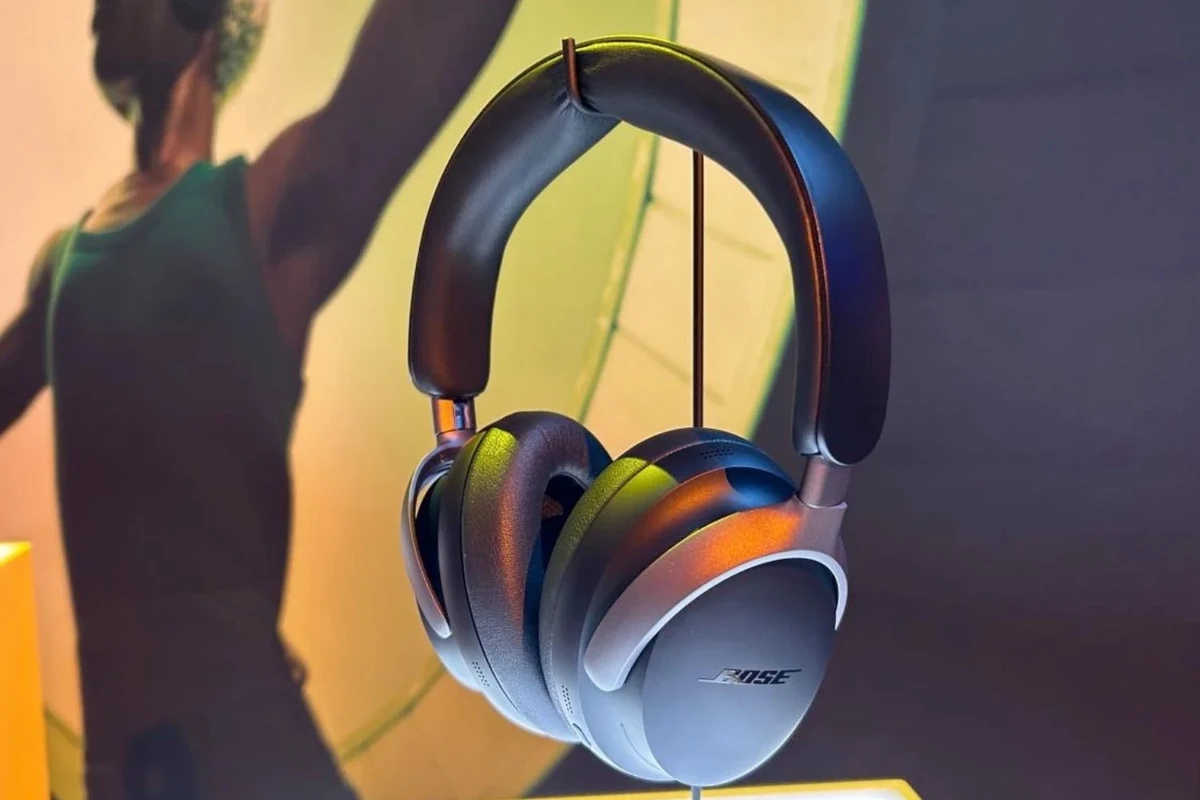
Crackling is often a sign that the audio signal is being interrupted somewhere along the chain. That chain can include your phone or laptop, the Bluetooth connection, the headphone hardware, or even the music file you are playing.
For Bose wireless models, the issue is often not a “bad headphone” problem at all. It may come from interference, an outdated firmware version, or a device setting that does not play nicely with the headphones. If you are trying to narrow down a wireless issue, it can help to understand the basics of Bluetooth headphones explained simply before you start troubleshooting.
Bluetooth interference, weak signal, and crowded wireless environments
Wireless crackling is commonly caused by interference. If you are in a busy apartment building, office, airport, or train station, your Bose headphones may be competing with a lot of other wireless signals.
Walls, distance, and even your body can weaken the connection. That can lead to brief dropouts, pops, or a crackly sound, especially when you move your phone into a pocket or walk away from the source device.
Dirty ports, damaged cables, and loose physical connections
If you use Bose headphones in wired mode, the problem may be much simpler. A dirty 3.5 mm jack, a damaged cable, or a loose plug can create crackling that sounds like a headphone driver issue.
Charging contacts can also matter on wireless models. If the battery is not charging properly because of dirt or a bad cable, unstable power can sometimes contribute to odd audio behavior.
Audio source issues, codec mismatches, and app/software glitches
Sometimes the headphones are fine, but the source device is sending unstable audio. A phone OS bug, laptop sound driver issue, streaming app glitch, or codec mismatch can all cause crackle-like symptoms.
This is especially common when switching between devices or using different playback apps. If your Bose model supports app-based settings, a software problem may be involved rather than a hardware fault.
How to Diagnose the Crackling: Quick Checks for Bose Headphones
Before you assume the headphones need repair, isolate the problem. A few fast comparisons can tell you whether the issue is the headphones, the device, or the audio file.
Keep the test simple: one headphone, one device, one app, and one track at a time. That makes it much easier to spot patterns.
Test with a different device, app, and audio file
Start by playing the same song or podcast on a different phone, tablet, or laptop. If the crackling disappears, the original device is likely the source of the issue.
Then try a different app and a different audio file. A damaged download or buggy streaming app can create artifacts that sound a lot like hardware crackle.
Compare wired vs. wireless playback to isolate the problem
If your Bose headphones support both wired and wireless listening, compare the two modes. Crackling only over Bluetooth usually points to interference, pairing issues, or codec problems.
If the crackling happens in both wired and wireless use, the issue is more likely to be physical damage, a dirty connection, or an internal hardware fault.
Check battery level, firmware version, and Bose app settings
Low battery can sometimes make wireless performance less stable, so check the charge level first. Then open the Bose app, if your model uses one, and look for firmware updates or unusual settings.
A recent update or app change can occasionally affect behavior. If you recently changed EQ, noise cancellation, or device preferences, it is worth checking whether the crackling started after that change.
Step-by-Step Fixes That Usually Solve Bose Headphone Crackling
Most crackling problems improve with basic reset and cleanup steps. Work through the fixes in order, since the simplest one is often the one that works.
Reset and power-cycle the headphones correctly
Turn the headphones off completely, wait a few seconds, and power them back on. If the issue remains, perform a proper reset using the steps recommended for your specific Bose model.
A full power cycle can clear temporary glitches in the headset’s wireless or audio processing system. If you are not sure about the exact reset process, follow the model-specific instructions rather than forcing repeated resets.
If crackling starts only after long listening sessions, let the headphones rest for a few minutes and retest at a lower volume.
Clean the earcups, ports, and charging contacts safely
Use a soft, dry cloth to clean the earcups and outer surfaces. For ports and charging contacts, be gentle and avoid anything wet unless the manufacturer specifically allows it.
Dust, lint, and skin oil can build up over time and interfere with connections. If you use your headphones daily, a light cleaning routine can prevent a lot of avoidable audio problems.
Do not use sharp tools, compressed air too close to the driver area, or liquid cleaners that can seep into the headphone housing.
Update firmware and reinstall the Bose app if needed
If Bose offers a firmware update for your model, install it. Firmware updates can fix bugs, improve Bluetooth stability, and resolve compatibility issues with newer phones or laptops.
If the Bose app is behaving oddly, reinstalling it can help. This is especially useful if settings are not syncing correctly or the app seems stuck after an update.
Re-pair Bluetooth and clear old device connections
Delete the headphones from your device’s Bluetooth list, then pair them again from scratch. If possible, remove the headphones from old devices you no longer use.
Too many saved pairings can sometimes create confusion, especially if the headphones keep trying to reconnect to another nearby device. A fresh pairing often improves stability right away.
When the Problem Is the Audio Source, Not the Headphones
It is easy to blame the headphones when crackling appears, but the audio source is often the real cause. This is especially true if the issue only happens with one app, one device, or one type of content.
If you are troubleshooting a Windows setup, it may also help to review how to select headphones in Windows 11 so the system is actually routing audio to the right output device.
Low-quality streaming, damaged downloads, and overcompressed music
Low-bitrate streams, corrupted files, and overly compressed tracks can sound harsh or distorted, which some listeners describe as crackling. That does not always mean the headphones are failing.
Try a high-quality track from a different source to compare. If the crackling disappears, the issue is probably the recording or stream rather than the Bose headphones themselves.
Phone, laptop, or console audio settings that can trigger crackle
Device settings can create problems too. Aggressive EQ boosts, spatial audio features, broken drivers, or sample-rate conflicts may make the sound unstable.
On laptops and consoles, the wrong output selection or outdated audio driver can also cause popping or crackling. If you use a PC, a guide on selecting headphones in Windows 11 can help you double-check the basics.
Practical examples: gaming, calls, podcasts, and noisy commutes
During gaming, crackling may show up when the system is under load or when voice chat and game audio are fighting for bandwidth. On calls, it can happen when the microphone and playback settings are not matched well.
For podcasts and commuting, background noise can make brief audio glitches easier to notice. If you use Bose noise cancelling headphones, it may also help to understand how noise cancelling headphones work so you can separate ANC behavior from true audio crackle.
Common Mistakes That Make Crackling Worse
Some troubleshooting habits can make the problem harder to fix. A few small mistakes can also create new issues that were not there before.
Ignoring battery health and charging with faulty accessories
Using worn-out charging cables, weak adapters, or dirty charging ports can lead to inconsistent charging. That may not directly cause crackling every time, but it can make wireless performance less reliable.
If the battery is aging or not holding charge well, the headphones may behave unpredictably. Always rule out charging problems before assuming the audio driver is damaged.
Using the headphones near routers, microwaves, or dense Bluetooth traffic
Bluetooth can be sensitive in crowded wireless spaces. Routers, smart home devices, microwaves, and other nearby Bluetooth accessories can all contribute to interference.
If the crackling gets worse in specific rooms or locations, that is a strong clue. Try moving closer to the source device or testing in a quieter wireless environment.
Skipping firmware updates or repeatedly force-resetting too soon
Skipping updates can leave known bugs unresolved. On the other hand, force-resetting the headphones over and over without testing in between can make it harder to tell what actually worked.
Give each fix a fair test. Change one thing at a time, then listen long enough to see whether the crackling returns.
Listening at high volumes for long periods can cause hearing damage. Keep volume at 60% or below for extended sessions.
Expert Advice: When to Stop Troubleshooting and Seek Repair
If basic fixes do not help, the issue may be inside the headphones. At that point, it is smarter to stop pushing resets and start looking for signs of physical damage or service needs.
Warning signs of driver damage, water exposure, or internal hardware failure
Crackling that happens in one ear only, gets worse when you move the earcup, or continues after every reset can point to a damaged driver or loose internal connection. Water exposure is another major red flag.
If the headphones were dropped, exposed to sweat for a long time, or used in rain, internal components may have been affected. In those cases, software fixes are less likely to solve the problem.
If crackling is paired with sudden volume drops, distortion at low volume, or pain when listening, stop using the headphones and consider professional repair or an audiologist if your hearing also feels affected.
Warranty, Bose support, and repair-vs-replace decision points in 2026
If your headphones are still under warranty, Bose support is usually the first stop. If the warranty has expired, compare the repair cost with the price of a replacement model that fits your needs.
In 2026, the repair-vs-replace decision often depends on age, battery health, and the overall condition of the headset. A newer pair with a simple Bluetooth issue is usually worth troubleshooting; an older pair with water damage may not be.
Expected cost range for out-of-warranty fixes or replacement options
Costs can vary a lot by model, region, and the type of damage. Simple service issues may be cheaper than full hardware repairs, while battery or driver replacement can move closer to the cost of a new headset.
Important
Repair and replacement pricing can vary by brand, model, and local service availability. Always compare the quote with the value of the headphones before deciding.
Final Recap: The Fastest Way to Fix Bose Headphone Crackling
If you are asking, “why do my bose headphones crackle,” the most likely answers are Bluetooth interference, a bad connection, a software glitch, or an issue with the audio source. Start with a different device, a fresh Bluetooth pairing, and a quick check of wired versus wireless playback.
Most likely causes and the best first steps to try
The fastest path is usually: power-cycle the headphones, test another audio file, re-pair Bluetooth, and update firmware. If the crackling only happens in one app or on one device, the headphones may be fine.
How to prevent crackling from returning over time
Keep firmware updated, clean the ports and contacts gently, store the headphones safely, and avoid crowded wireless environments when possible. If you use them daily, regular maintenance and sensible volume levels can help keep crackling from coming back.
Frequently Asked Questions
That usually points to interference, pairing issues, or a codec/software problem rather than a damaged driver. Try re-pairing the headphones and testing in a less crowded wireless area.
Noise cancelling can sometimes create a slight hiss or pressure effect, but true crackling is usually a separate issue. If the sound changes when ANC is on or off, test both modes to help isolate the cause.
Wired headphones avoid Bluetooth interference, so they can be more stable in some situations. But a damaged cable, dirty jack, or loose port can still cause crackling.
Comfort depends on fit, weight, clamp force, and ear cushion material more than type alone. Over-ear models are often preferred for longer sessions, but the best choice varies by head shape and personal comfort.
For gaming, check latency, microphone quality, and comfort. For commuting, look at battery life, noise cancellation, portability, and how well the headphones stay stable over Bluetooth.
Start by updating firmware, re-pairing Bluetooth, cleaning the ports, and testing different devices or audio files. If the problem only happens with one source, the headphones may not need replacement.